Installing NixOS on a UTM VM on macOS
Setup: a MacBook Pro running macOS Tahoe 26.6.2.
Downloaded UTM from the official site: https://mac.getutm.app
Downloaded the NixOS aarch64 image: https://channels.nixos.org/nixos-26.05/latest-nixos-minimal-aarch64-linux.iso
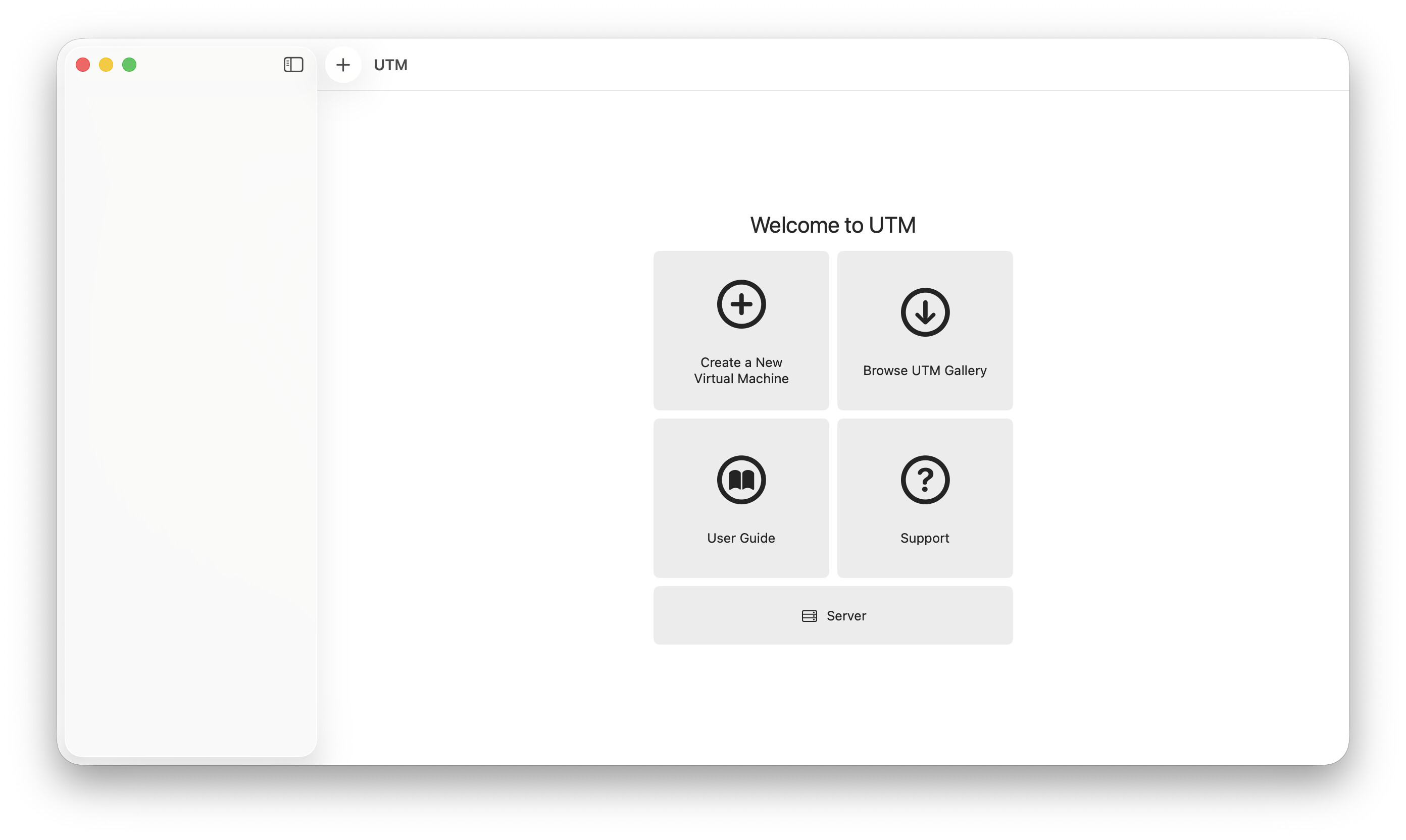
Installed and launched UTM. Create a New Virtual Machine.
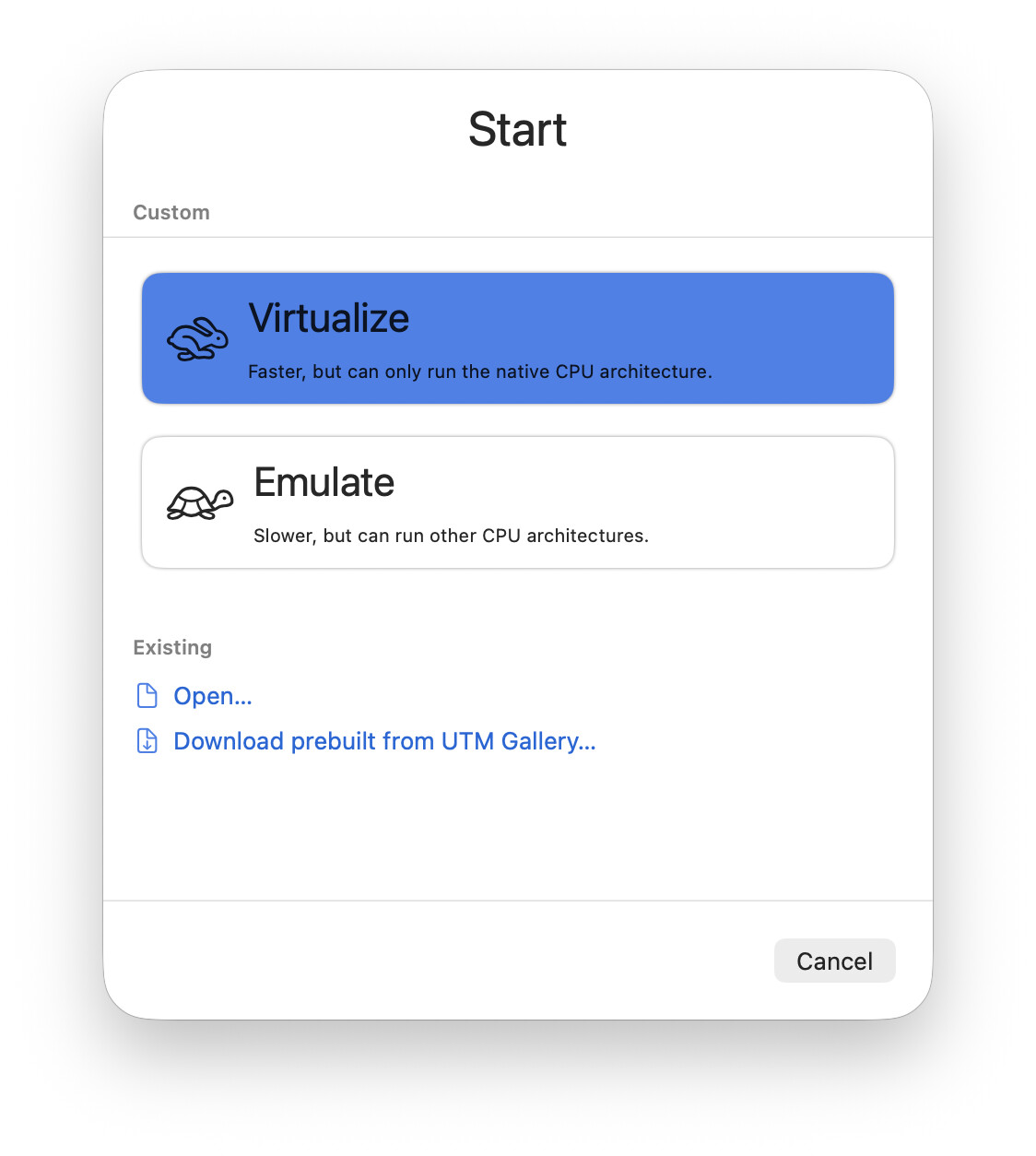
Virtualize.
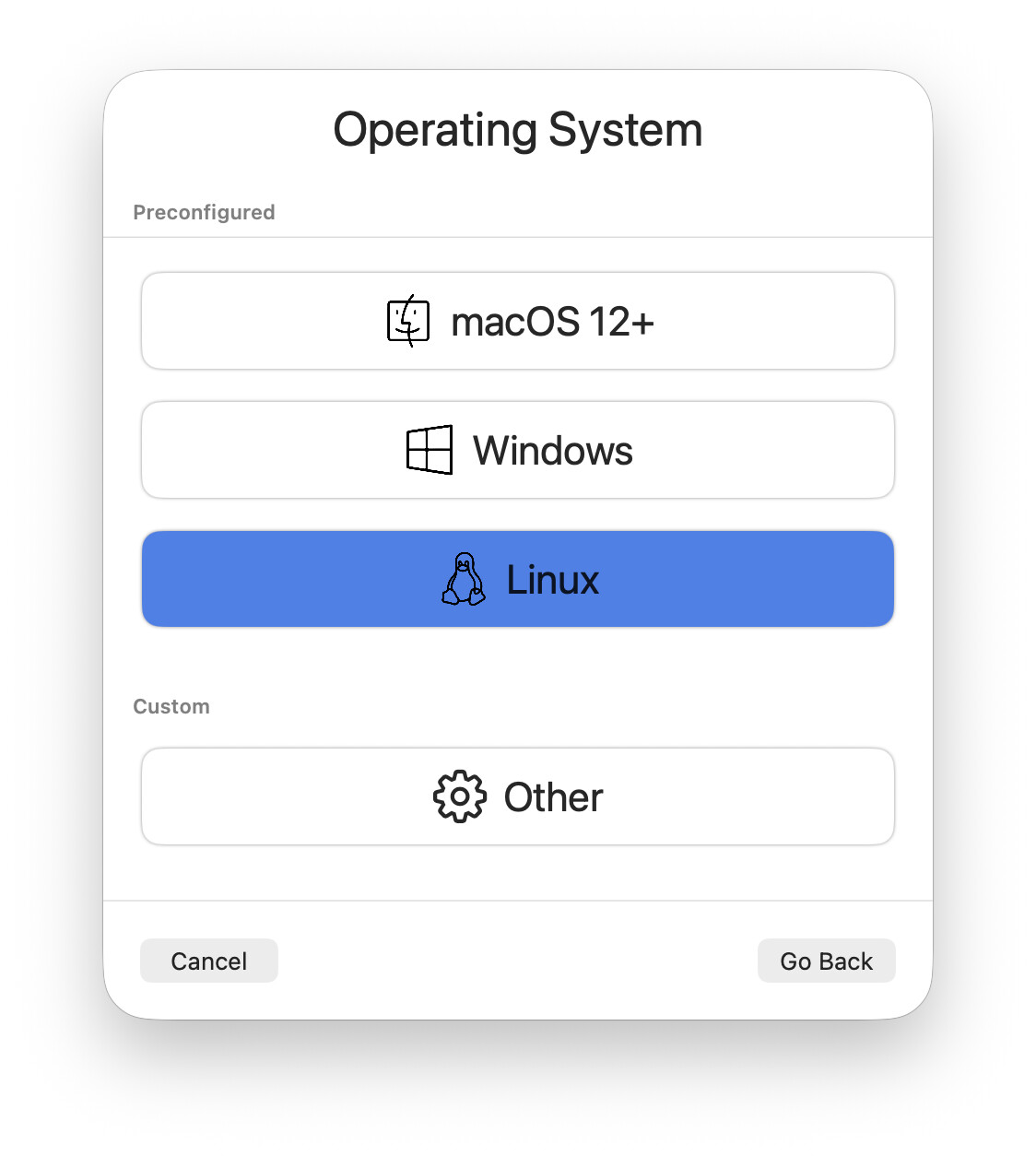
Linux.
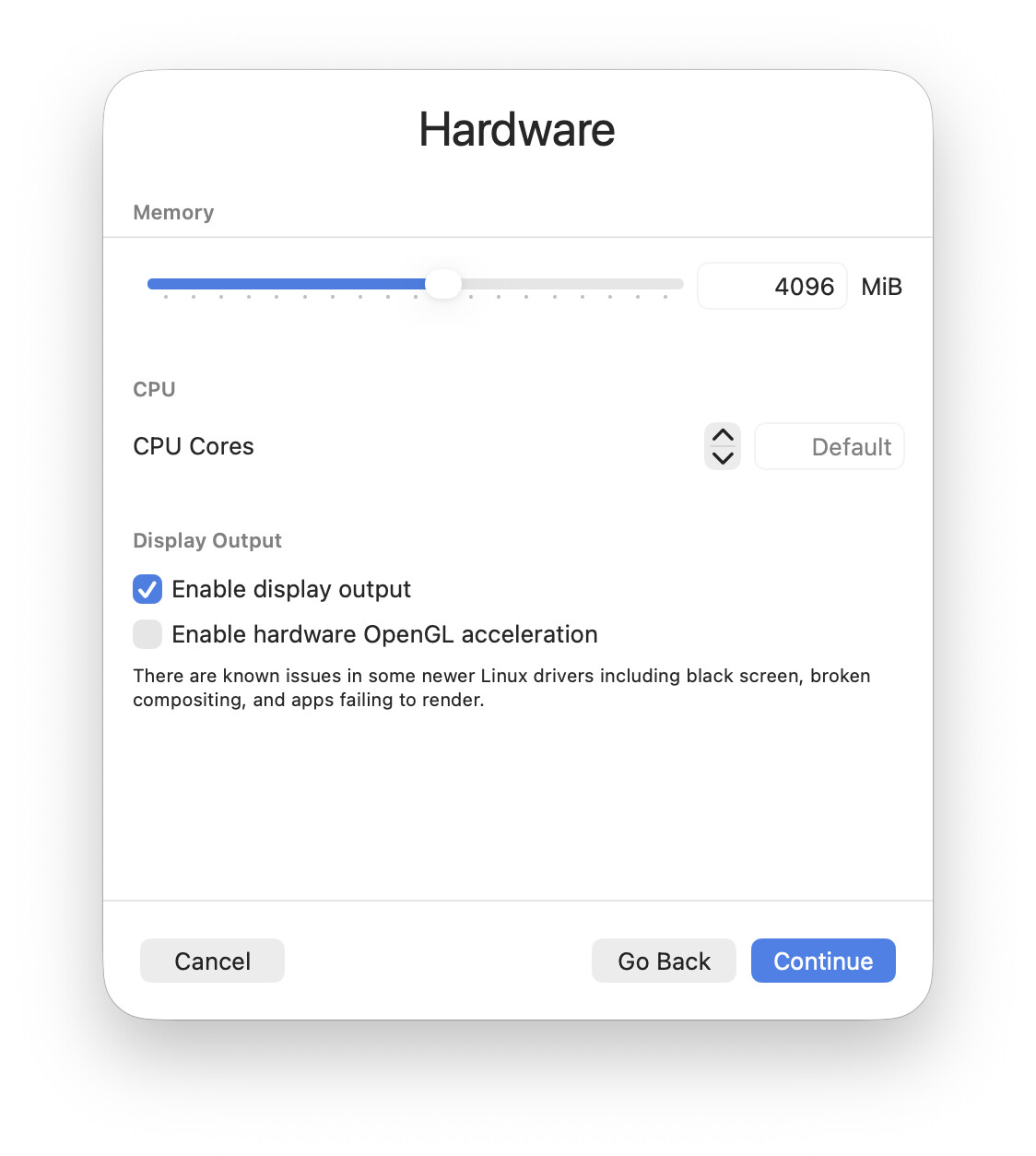
Default settings.
Pointed it at the ISO image and left the rest of the settings alone (I'll try QEMU for now, not Apple VZ. People say QEMU does better with graphics acceleration and glitches less on Linux guests):
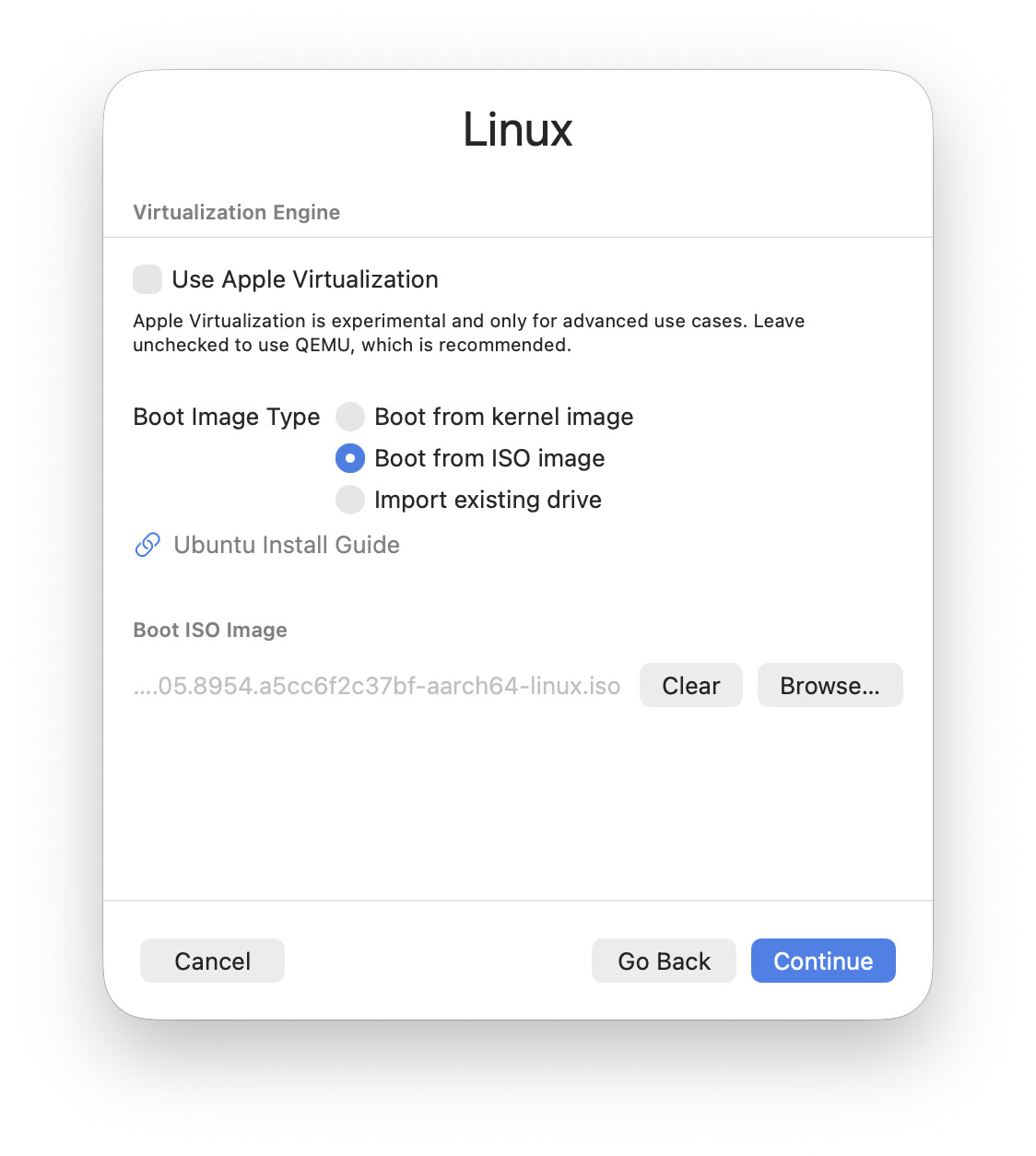
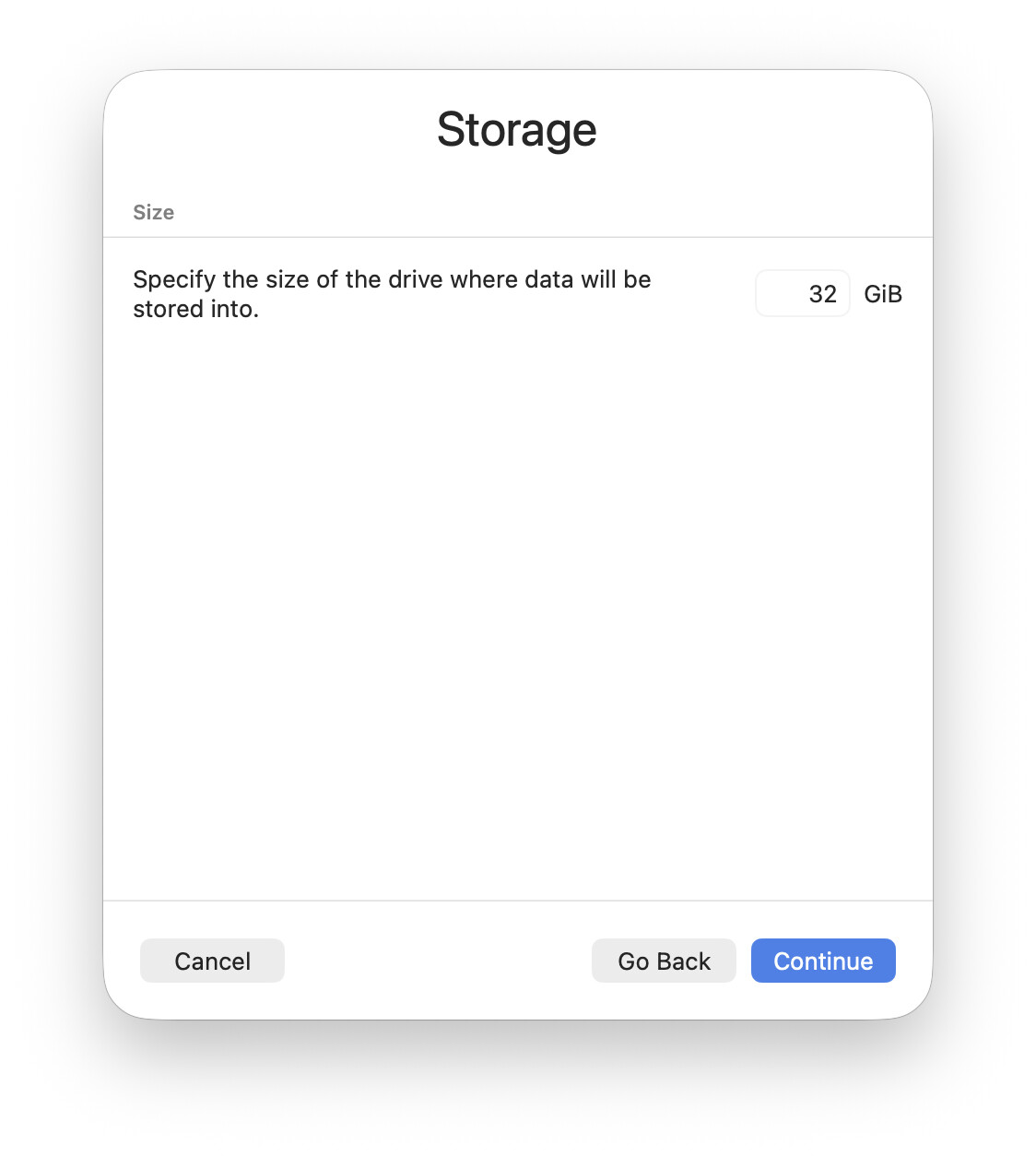
32 GB of disk is plenty for a test NixOS guest. For a real one (if the tests go well) I'll go with 64:
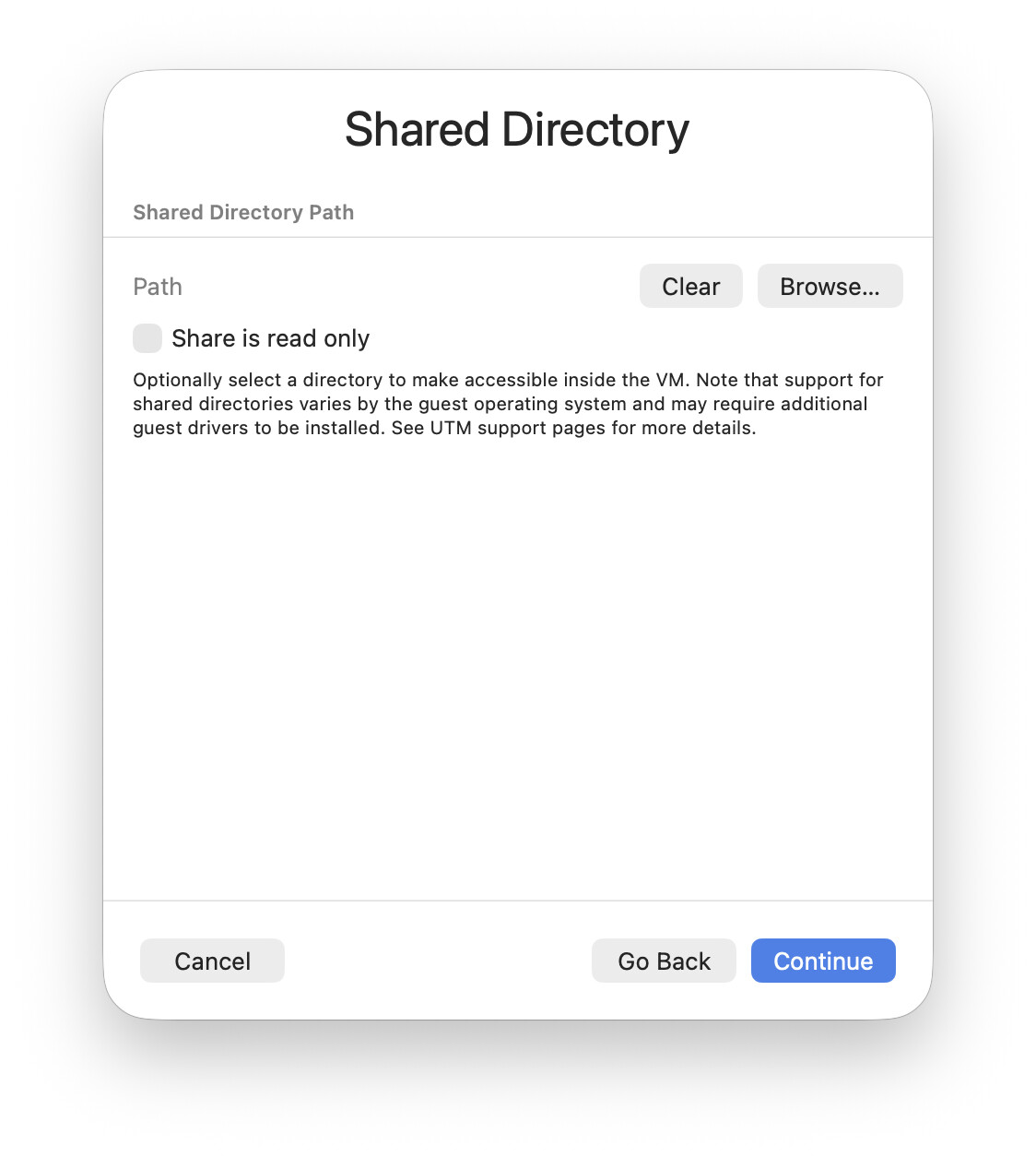
I don't need sharing on a test VM. If I have to move something over I'll just do it over ssh.
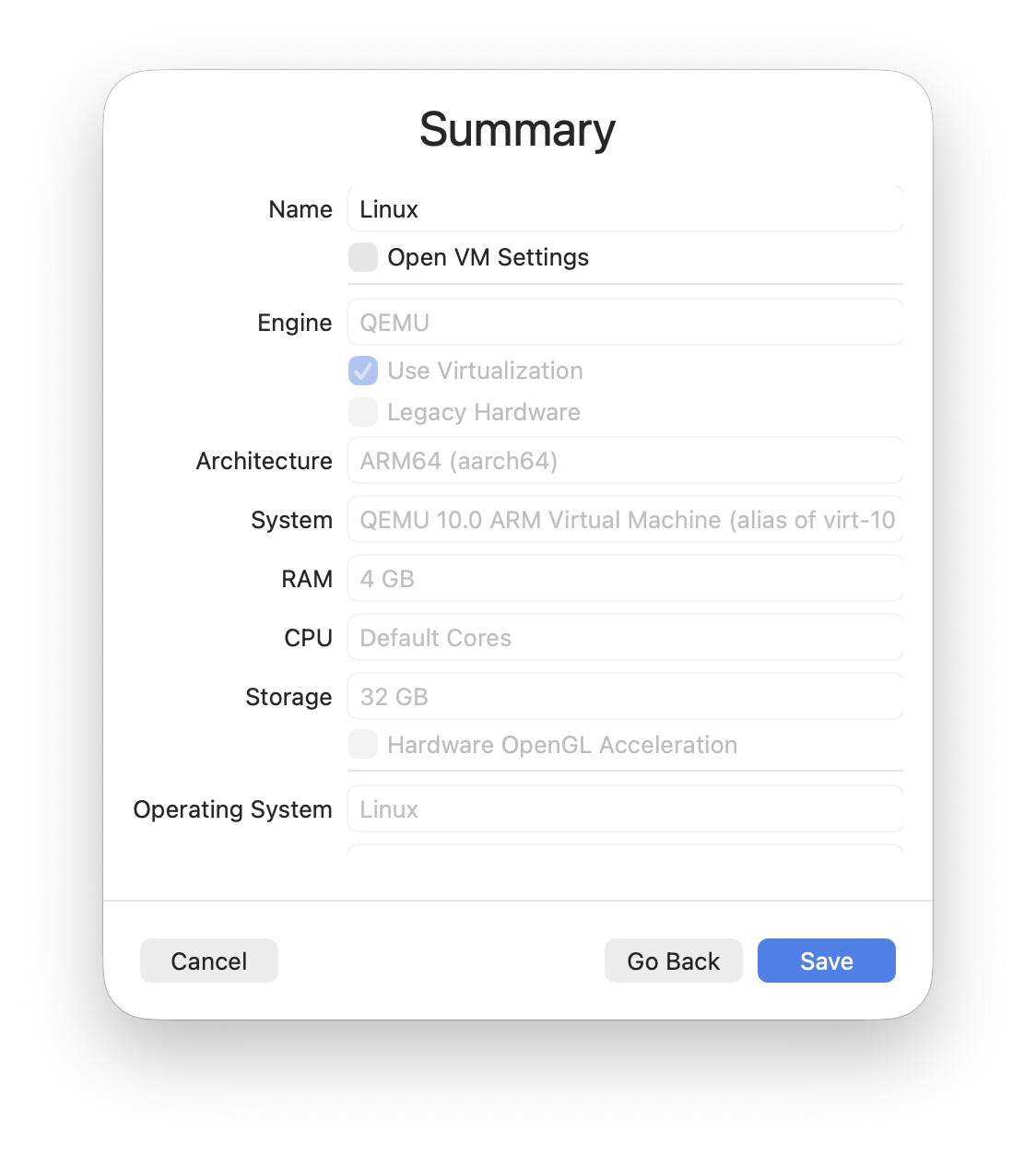
Review and confirm:
Start it:
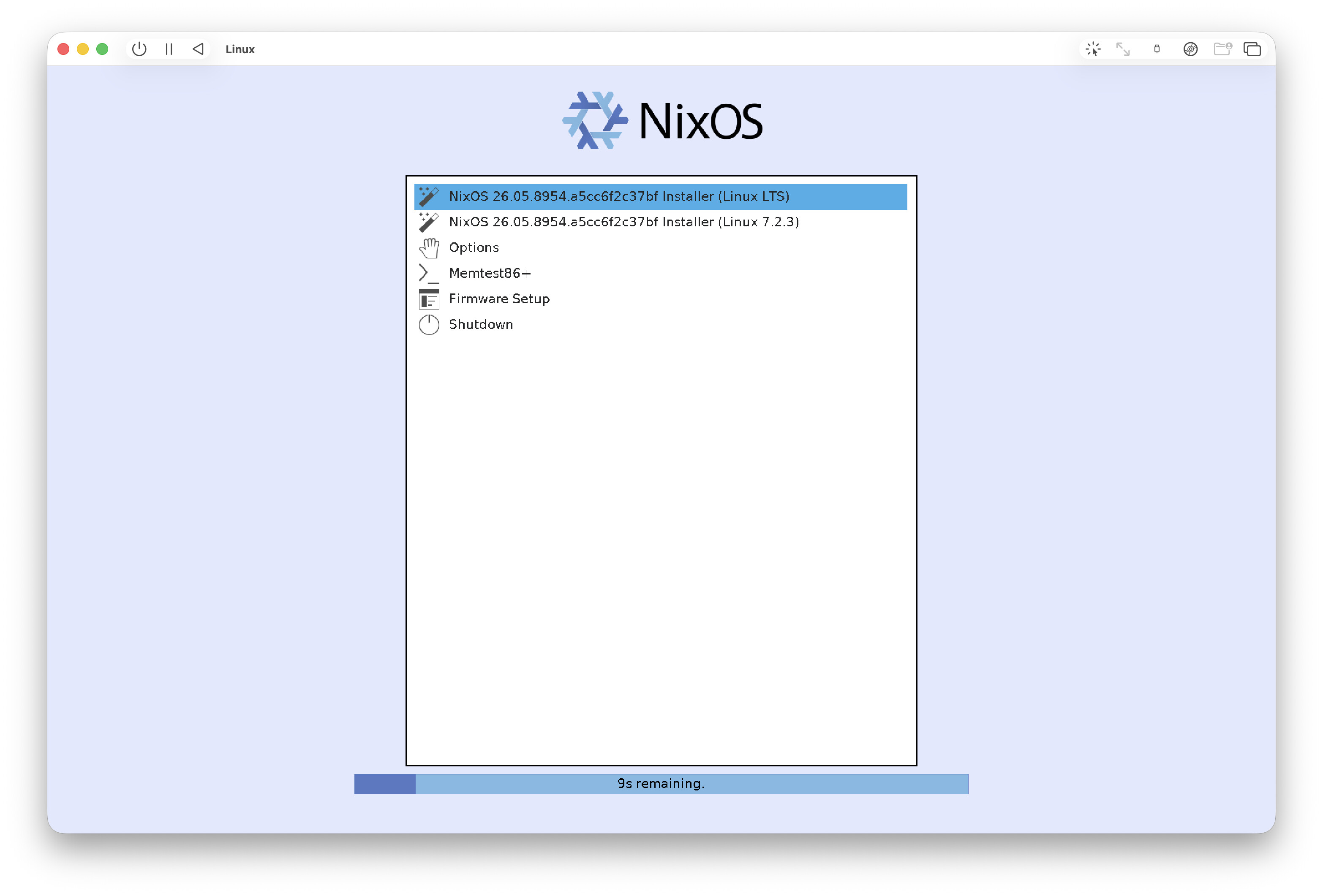
Pick the default option and you get a bare terminal:
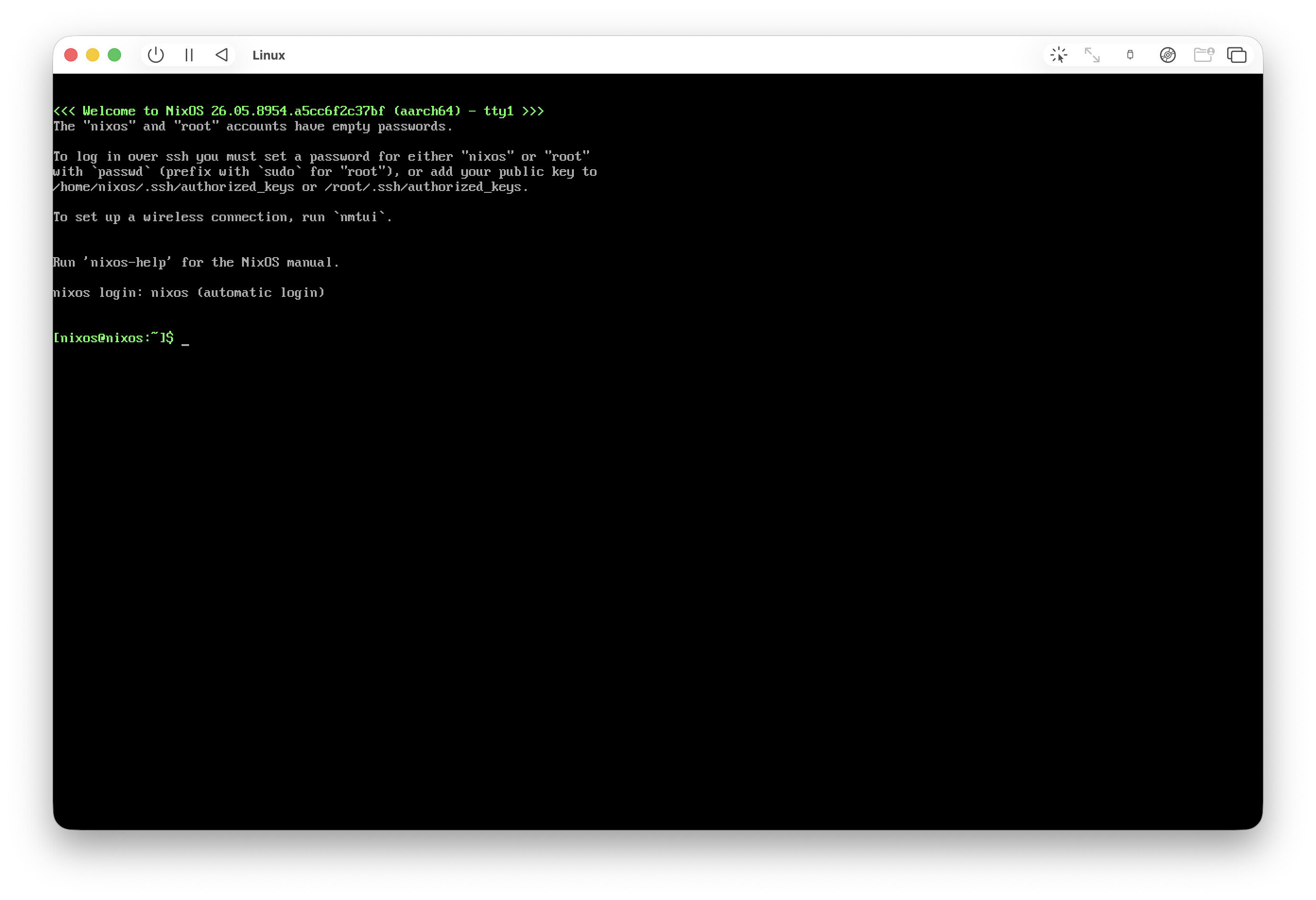
The most useful thing is to check the IP and ssh into the VM from the host:
ip ad sh
passwd
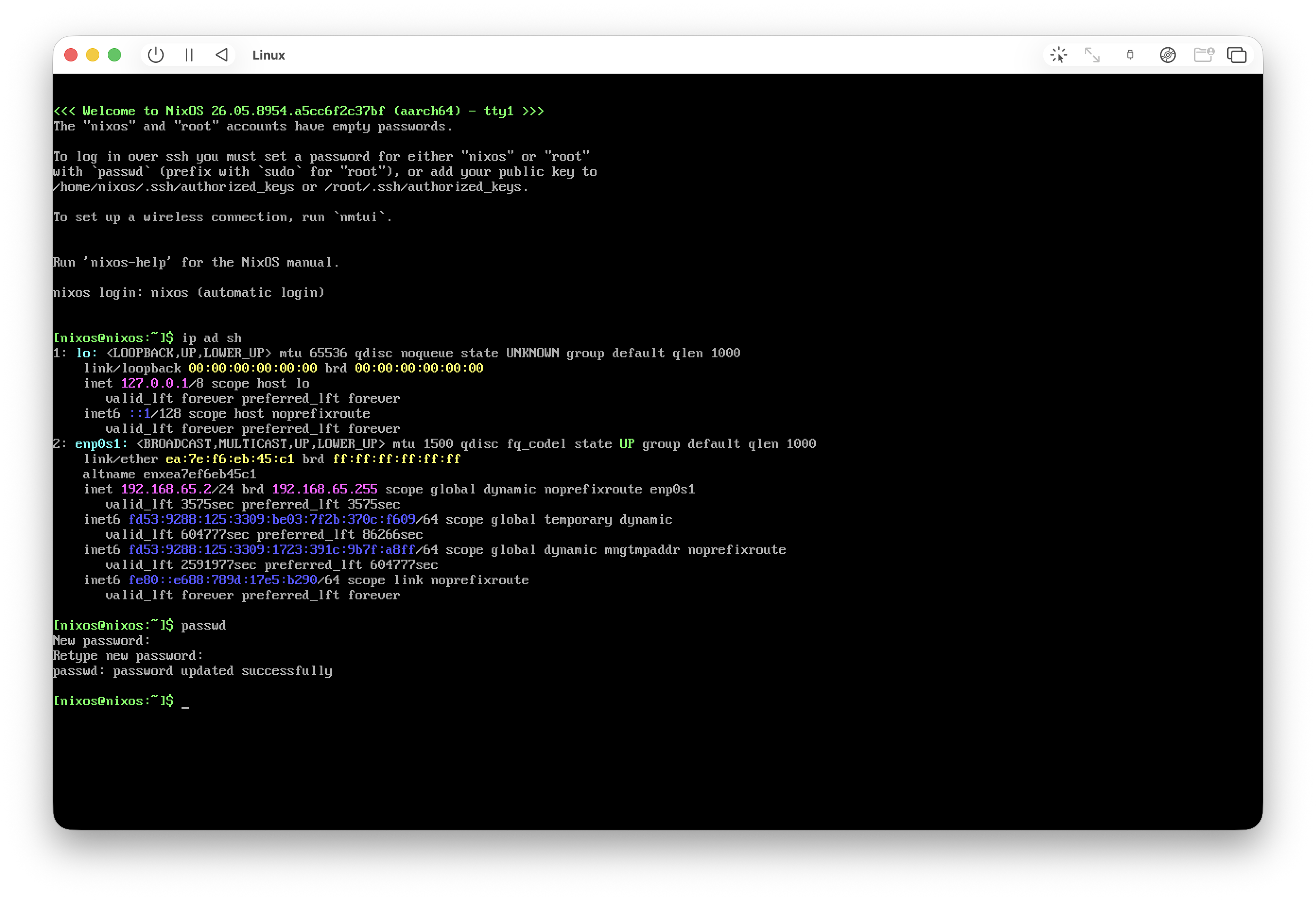
Ping from inside the VM won't work because of Apple's network restrictions, so don't let that scare you (at first I thought something had installed wrong).
Once you're in over ssh you can activate a ready-made nixos setup from a repo. I don't have one yet (only nix-darwin), so I'm doing it by hand:
Create the simplest possible disko config, nothing fancy:
cat > /tmp/disko.nix <<'EOF'
{
  disko.devices.disk.main = {
    type = "disk";
    device = "/dev/vda";
    content = {
      type = "gpt";
      partitions = {
        ESP = {
          type = "EF00";
          size = "512M";
          content = {
            type = "filesystem";
            format = "vfat";
            mountpoint = "/boot";
            mountOptions = [ "umask=0077" ];
          };
        };
        root = {
          size = "100%";
          content = {
            type = "filesystem";
            format = "ext4";
            mountpoint = "/";
          };
        };
      };
    };
  };
}
EOF
Partition the disk. This command downloads disko and formats the disks, but we're in a freshly created VM, so no fear. Confirm (yes):
sudo nix --experimental-features "nix-command flakes" \
  run github:nix-community/disko/latest -- \
  --mode destroy,format,mount /tmp/disko.nix
Generate the configs:
sudo nixos-generate-config --root /mnt
Prepare your own config (you'll want to tweak it to your needs):
STATE_VERSION="$(nixos-version | cut -d. -f1,2)"
sudo tee /mnt/etc/nixos/configuration.nix >/dev/null <<'EOF'
{ config, pkgs, ... }:
{
  imports = [ ./hardware-configuration.nix ];

  # UEFI bootloader
  boot.loader.systemd-boot.enable = true;
  boot.loader.efi.canTouchEfiVariables = true;

  networking.hostName = "nixos";
  networking.networkmanager.enable = true;

  time.timeZone = "Europe/Moscow";
  i18n.defaultLocale = "en_US.UTF-8";

  # Hyprland (Wayland compositor)
  programs.hyprland.enable = true;

  # Minimal login manager that launches Hyprland
  services.greetd = {
    enable = true;
    settings.default_session = {
      command = "${pkgs.greetd.tuigreet}/bin/tuigreet --time --cmd Hyprland";
      user = "greeter";
    };
  };

  # VM rendering fixes
  environment.sessionVariables = {
    WLR_NO_HARDWARE_CURSORS = "1";        # otherwise the cursor is invisible in a VM
    WLR_RENDERER_ALLOW_SOFTWARE = "1";    # allow software GL fallback
    # Uncomment ONLY if you still get a black screen (CPU rendering, slow):
    # LIBGL_ALWAYS_SOFTWARE = "1";
  };

  # SSH so you can keep logging in from your Mac
  services.openssh.enable = true;

  users.users.user = {
    isNormalUser = true;
    extraGroups = [ "wheel" "networkmanager" "video" ];
    initialPassword = "nixos";            # change after first login
  };

  # Apps the DEFAULT Hyprland keybinds expect:
  #   SUPER+Q -> kitty terminal, SUPER+R -> wofi launcher, SUPER+M -> exit
  environment.systemPackages = with pkgs; [
    kitty
    wofi
    firefox
    vim
    git
  ];

  fonts.packages = with pkgs; [ pkgs.jetbrains-mono pkgs.dejavu_fonts ];

  system.stateVersion = "@STATE@";
}
EOF
sudo sed -i "s/@STATE@/$STATE_VERSION/" /mnt/etc/nixos/configuration.nix
Check the version:
grep stateVersion /mnt/etc/nixos/configuration.nix
Install NixOS:
sudo nixos-install
Reboot:
sudo reboot
Something booted up:
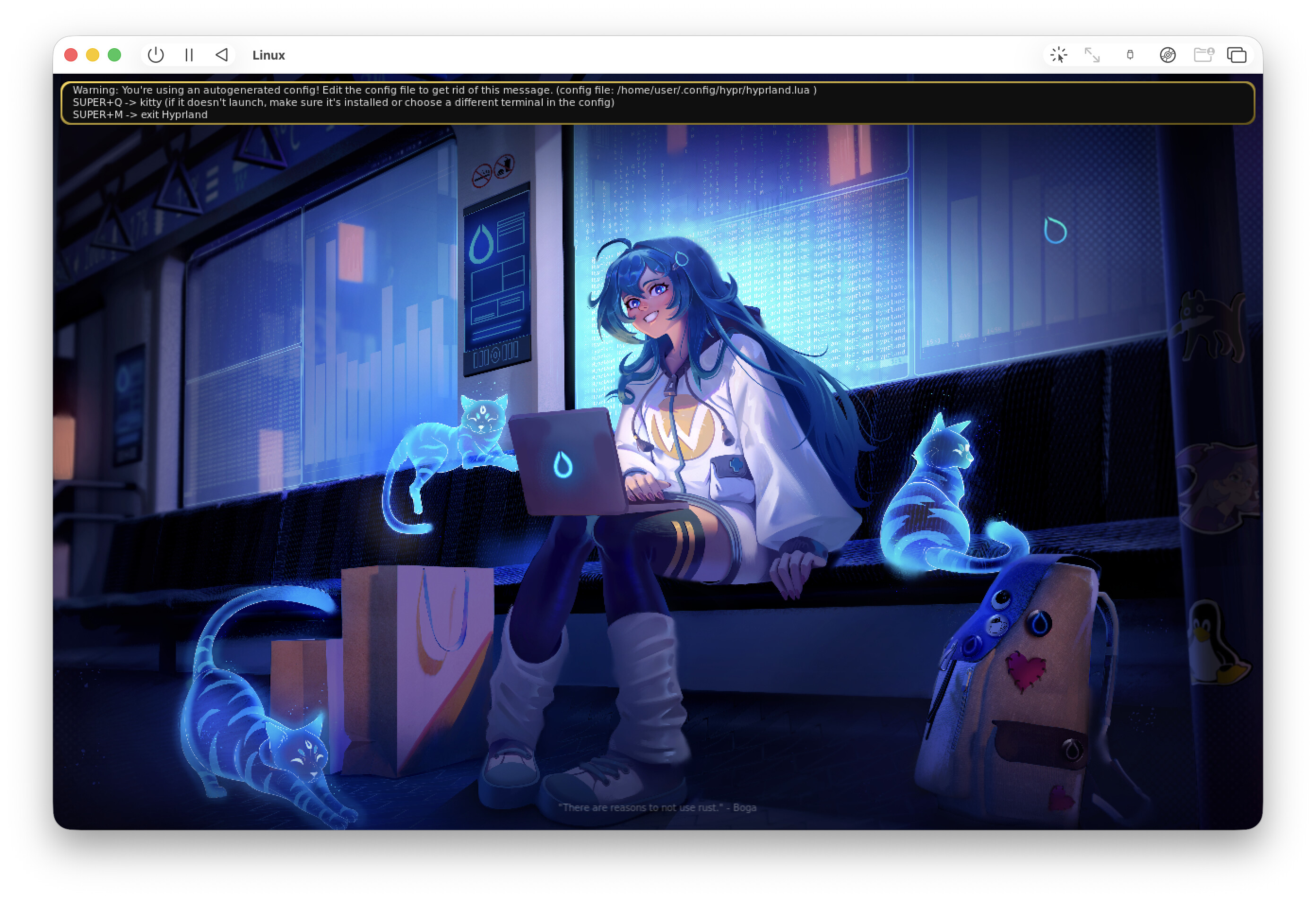
But honestly, the graphics look close to unusable compared to a macOS guest. Maybe there's still something to tweak, but for now probably not.
I'm leaning toward sticking with macOS guests (though maybe switching to UTM from VirtualBuddy).
P.S.: a graphical installer might have been easier to start with, but I wanted to feel out the whole process, plus be able to set up from ready-made repos down the line.