September 10, 2026
-
I'm trying out Zulip as a replacement for Discourse for work notes and talking to agents.
I figure my main flow is writing notes, short and not so short, and then sending them to agents to work through. They'll comment on them, save things to the wiki, publish some as blog posts (I'll drive that part myself by posting to different channels, the way I already do in Discourse).
I haven't dug in much yet, but overall I like the chat dynamic, where you can quickly fire off a message.
At the same time you keep the forum advantages, at least for longer messages: the input box is big and Enter works the way it should.
There's agent support out of the box, and they're really easy to create, easier than in Buzz.
On the problem side, there are no backlinks, but it seems like you don't really need them anyway. I can live without them. Everything gets reposted to the site and the wiki anyway, and it'll all be easy to browse there.
Anyway, I'll run it for a couple of days, and I think I'll migrate fully.
September 9, 2026
-
In https://andysmith.ai/2026/Sep/9/long-lived-agents-vs-ephemeral-agents/ I laid out the problems with long-lived agents.
With Zeno I tried to solve them by pulling the orchestrator out into its own layer. The orchestrator handles talking to the communication layer and the processing logic. The agents themselves can spawn either in their own environments or right next to the orchestrator (depending on the scale of the project). And the agents have access to the orchestrator's methods.
In Zeno every process in a company is described in Lisp. There's no limit on how big a process can be. So you can run one Zeno instance for a team, a department, the whole company, or even a group of companies. How you architect it depends on how autonomous the unit is and how complex its processes are.
The idea is that the process itself is deterministic, but some parts of it can be stochastic (not known ahead of time). In those spots, where there's no deterministic practice worked out yet, you need an LLM or an agent.
An agent can be called at any point in the process. And the code itself (deterministically, or with an agent's help) can decide which agent it needs (and with which environment and which permissions), create it, call it, and accept its work.
The agent gets limited access to the process data (the orchestrator decides how limited). Each agent gets its own MCP, which is how it reaches outside. A simple agent on a cheap model might only get basic read access to errors or GitHub checks, while a more complex one can open a pull request, or ask for more permissions.
The MCP is Lisp CodeAct that runs in the SCI of the main process. That makes it easy to describe interfaces and to limit an agent's access to the whole process's data. So calls from inside an agent are just calls to lisp functions. For example, (ask-user "question") asks the user a question, and it doesn't matter what the company's accepted way of communicating is, buzz, github issues, or email. The agent gets interrupted and comes back to work once the answer arrives. This lets you separate communication from the actual work as cleanly as possible.
I'm testing this setup in my auto-researcher, and I'll publish the zeno sources soon, once I figure out what's core and what's application-specific.
-
Ephemeral agents (https://andysmith.ai/2026/Sep/6/ephemeral-agents/) are handy for running by hand. When I want to get something done (and I don't want to give the agent full access to my machine), I can describe a sandbox, create a session, do the work (and rebuild the sandbox mid-way if I need to add something), then delete it all once the session ends. So an ephemeral agent only carries state between sessions in external artifacts. It holds no state of its own.
The opposite of that is a long-lived agent.
These start once, restart fairly rarely, and run the whole agent loop themselves (either on their own or with some wrapper code).
buzz-agents are an example. The agent itself has the tools it needs to long-poll for external events, call the harness, handle errors, and return the result to the communication layer.
So in practice, each harness call is an ephemeral agent, but with a few limits:
- Every agent needs its own polling. With a lot of agents, the polling eats a lot of resources.
- Every agent call has all of the container's access, including talking to the communication layer. In theory that access could be compromised through prompt injection.
- The agent's environment and config are hard to change while it's running. And since communication and work live in one image, updating the config for a single session means fully restarting the agent, which cuts off any parallel sessions already running.
-
An interest profile as a product.
Social networks collect a ton of information about us. They know us better than we know ourselves.
I'd like access to that profile, so my agents could know me better.
How would you get this profile out of the social networks? What formats are there for storing it? What data structures and algorithms do they use for it?
How much would people actually want an open source product like this?
September 6, 2026
-
My thinking about the automod agent problem (https://andysmith.ai/2026/Sep/5/the-pain-of-auto-mode-agents-in-omp/) came down to a few hypotheses I want to test.
The main idea is that an agent with physical access to secrets will get at them sooner or later. So least privilege is the first thing you have to build here.
That means every agent should run in a sandbox prepared specifically for it.
At any moment, an agent's state is the state of its sandbox plus the state of the agent itself.
The sandbox has to be reproducible and unchangeable for the duration of the agent's tick. So the sandbox description is either a Docker image or (better) a nix-container config.
The agent's state is the state of its mutable directories (workdir, ~/.claude, and so on).
Ephemerality should come from two things:
- The agent exists within a single session
- The agent only lives while it's actually working (its tick)
So I'm dropping the whole notion of a session as it exists in the agents we know today.
Instead, there are two operations:
- Create a new agent with sandbox sandbox_description_id (either a reference to a Docker image at a specific version, or a reference to a nix-flake describing the environment) and send it a message message
- Revive agent agent_id with environment sandbox_description_id and send it a message message
Creating a new session means creating a new agent with a new sandbox, a full copy of all the tooling, completely independent of the other agents (which kills any possible races with parallel edits).
After each tick, the agent's state is backed up as a diff from the initial state it had at launch. That lets you revive an agent to any state (and roll back if you need to, though it's usually a bad idea, since the state of the world may have changed if there were tool calls later on).
Each agent has exactly one working directory with its directories and tools already set up. All the tools and the repos needed for the work are unpacked from the flake or the image.
The agent can also have an MCP tool for requesting changes to its sandbox, to give it more rights or add a new tool. Thanks to
In this setup you need an external orchestrator to create the agent-sessions and pass messages into them from the communication platform.
Until there's an orchestrator like that, you can run the agents yourself, setting the notion of ticks aside but sticking to the rules of describing the sandbox and backing up every state.
That way you can start by describing the environments for the first agents, and then reuse them in fully autonomous mode through an automatic orchestrator.
-
The idea of an auto-researcher built on my notes has been kicking around in my head for a very long time.
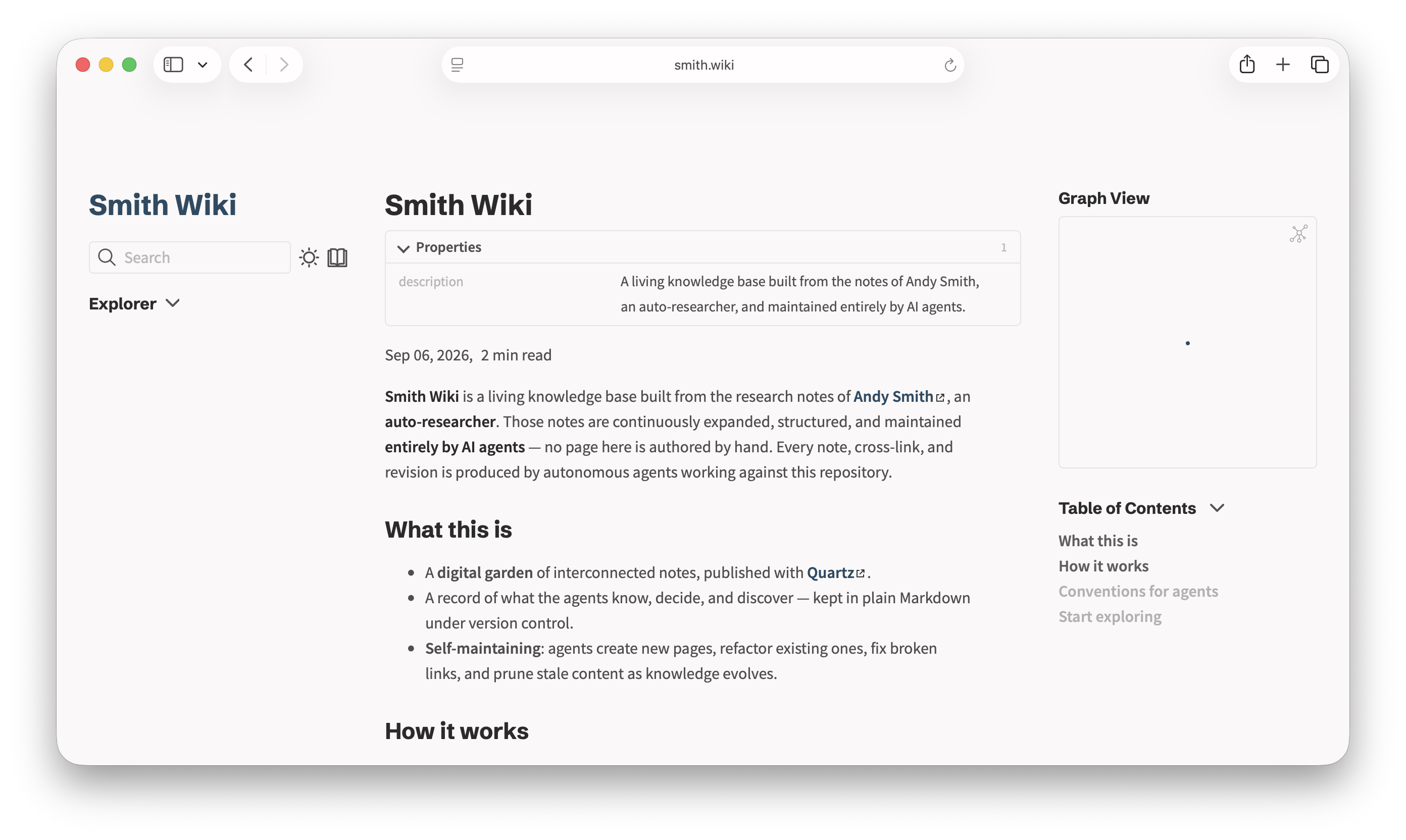
Today I stumbled on the domain smith.wiki completely by chance, and it felt like a perfect fit for what I want. I bought it for two years (it came to a bit over 100 bucks, which I think is a steal for something that nice), and I want to put the output of the researcher agent there.
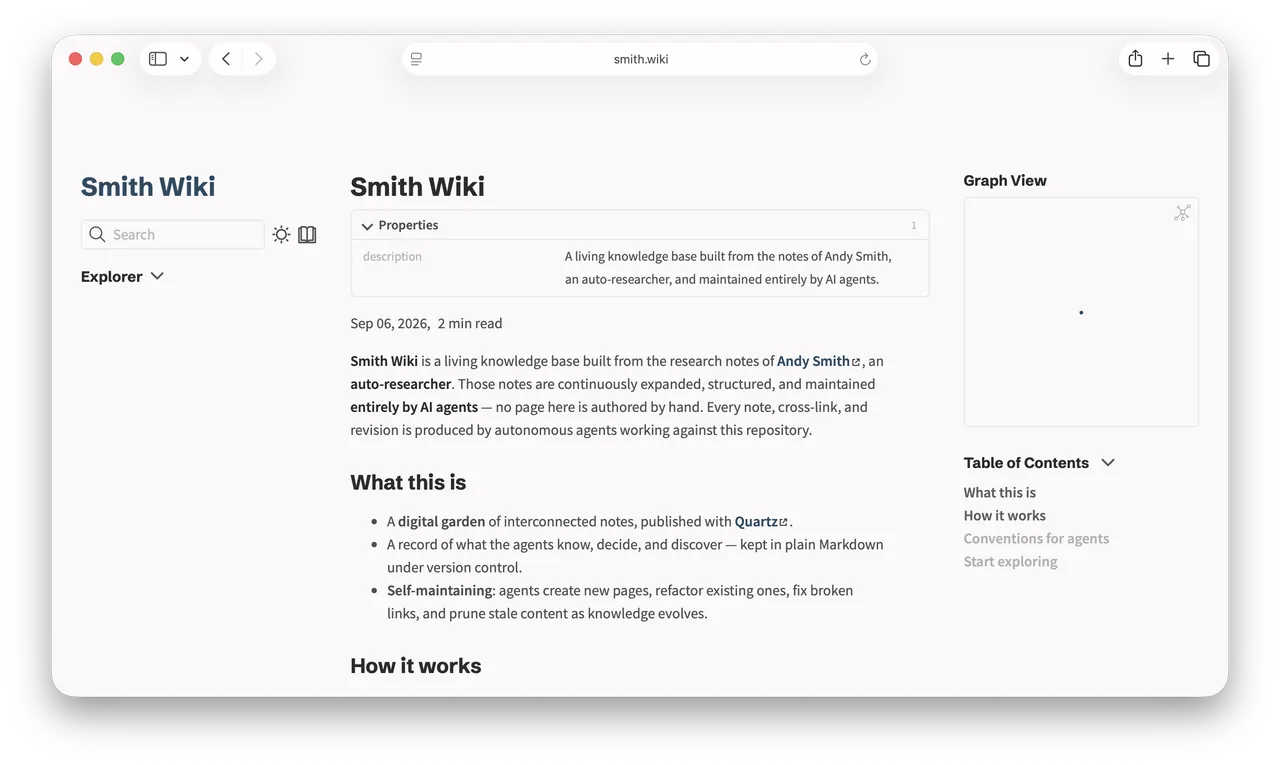
When I first thought this idea through, I didn't have any public notes, only private ones. So I couldn't work out how to split things for privacy, so that nothing private would leak into the public wiki and only the general ideas would go up.
Now I get that this is pretty much impossible. The agent will let something private slip through one way or another. So I just write public notes (and at this stage I filter for myself what's okay to publish and what isn't), and the agent builds its research on my public texts, with no access to the private stuff.
September 5, 2026
-
Agents do things, and we don't always understand what exactly.
Human teams can't keep up anymore. There's too much to understand and approve every change by hand.
So how do you guarantee quality under these conditions?
The answer is clear. Move the checking up to the higher levels of the system, and trust the LLM with the lower ones.
A human makes the architectural decisions. A human manually approves the ADRs and the architecture tests the LLM writes. Those tests run on every commit, and they can't be changed without a human explicitly involved.
Better yet, generate prose from those tests and approve the prose. Literally a few sentences for the whole system.
That way the human stays irreplaceable for the core architectural decisions, while the routine ones can be made and built by agents. And any agent decision along the lines of "I decided to do it all differently" gets rejected automatically, no appeal.
-
A few months ago, using an agent meant I read and approved every single action by hand.
Then the agents got smarter and the rejection rate dropped, so I ended up hitting Enter on autopilot, with rare exceptions.
Then I switched to auto-mode, where Claude Code used a classifier model to decide whether a given external operation was legit, and only pulled me into the session when the automatic check blocked something.
But later I moved to omp.sh and ran into problems.
For example, the agent might try to read secrets that are available from the same environment it runs in, or run a destructive command on a server it can reach over SSH.
OMP has no built-in LLM classifier, just an advisor. It doesn't block a request. It can only cut it off after the fact, once it's already run, when the secrets have already leaked.
The obvious fix, running it in a sandbox, only works in a limited set of cases. The problem is you don't always know up front what the agent will need, so you can't grant all the right sandbox permissions ahead of time. Sometimes it really does need access to the secrets, and sometimes it needs to log into the server and do something too. And there's no way to figure out the full range of legit operations in advance.
So that leaves copying Claude Code's approach in OMP. I couldn't find anything ready-made, so I'm writing an OMP extension that does LLM classification of external calls (like Claude Code does), and trying it on my own tasks. If it works better, I'll share it.
September 4, 2026
-
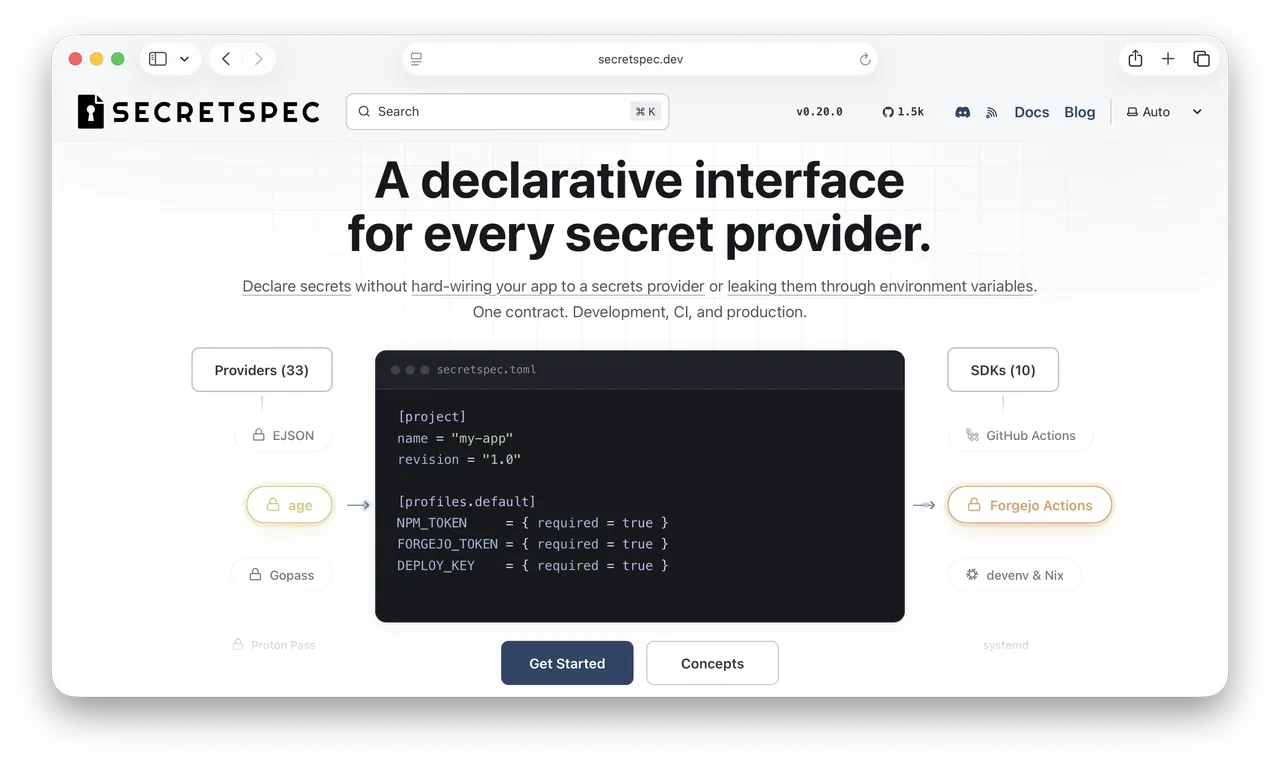
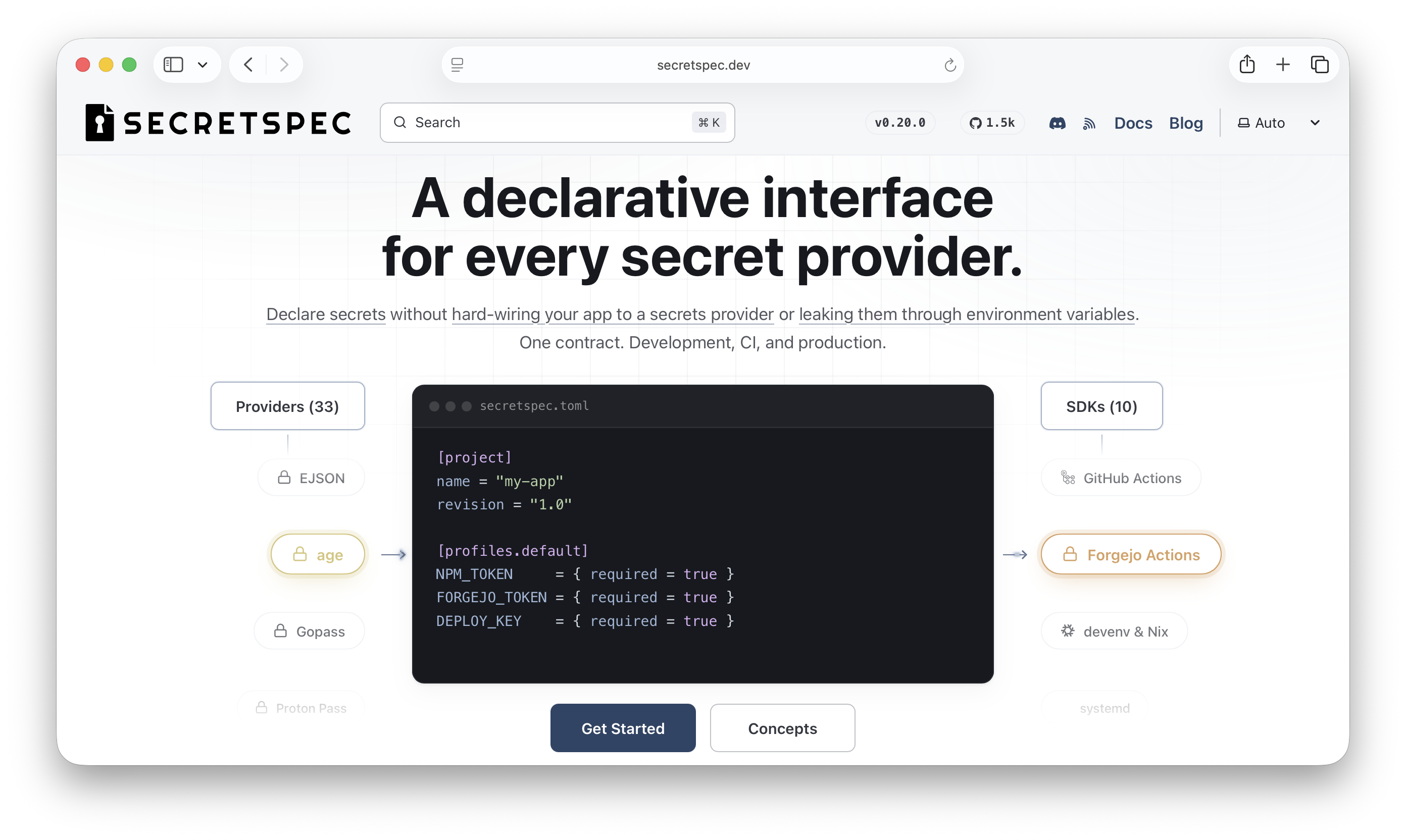
A tool from cachix that I'm slowly moving all my projects over to.
It lets you declare your secrets without keeping them in the repo.
So it's kind of a replacement for .env.example and .env at the same time.
You can describe pretty flexibly which environment secrets an app needs (including overlap, like one of two options: DATABASE_URI, or the values passed separately).
And you can store the actual values wherever you want. It supports 30+ providers for that. Locally that might be 1Password or the system keychain, and in production HashiCorp Vault or Google Secrets.
It's integrated into devenv.
I was hoping it was integrated into NixOS too, so I could use it for deployment instead of sops-nix, but that's not possible yet. I'm sure they'll get there in time and you'll be able to describe secrets for servers the same way you do for apps.
-
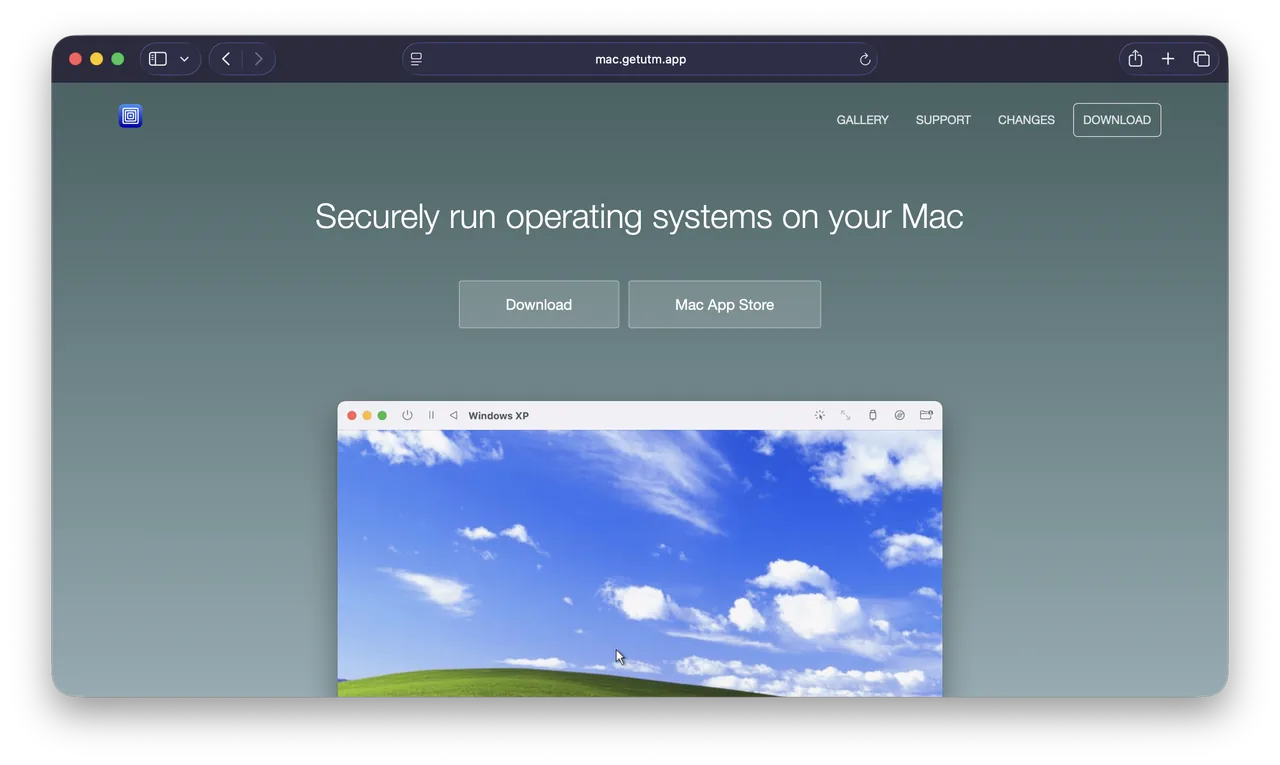
I'm still messing around with virtualization.
VirtualBuddy is great, but it only really works with macOS guests. I couldn't get Linux going: there's no way to install from an ISO, the one Debian image is down, and I don't want to download Ubuntu.
So I'm grabbing UTM to try running NixOS and Hyprland on it.
-
Setup: a MacBook Pro running macOS Tahoe 26.6.2.
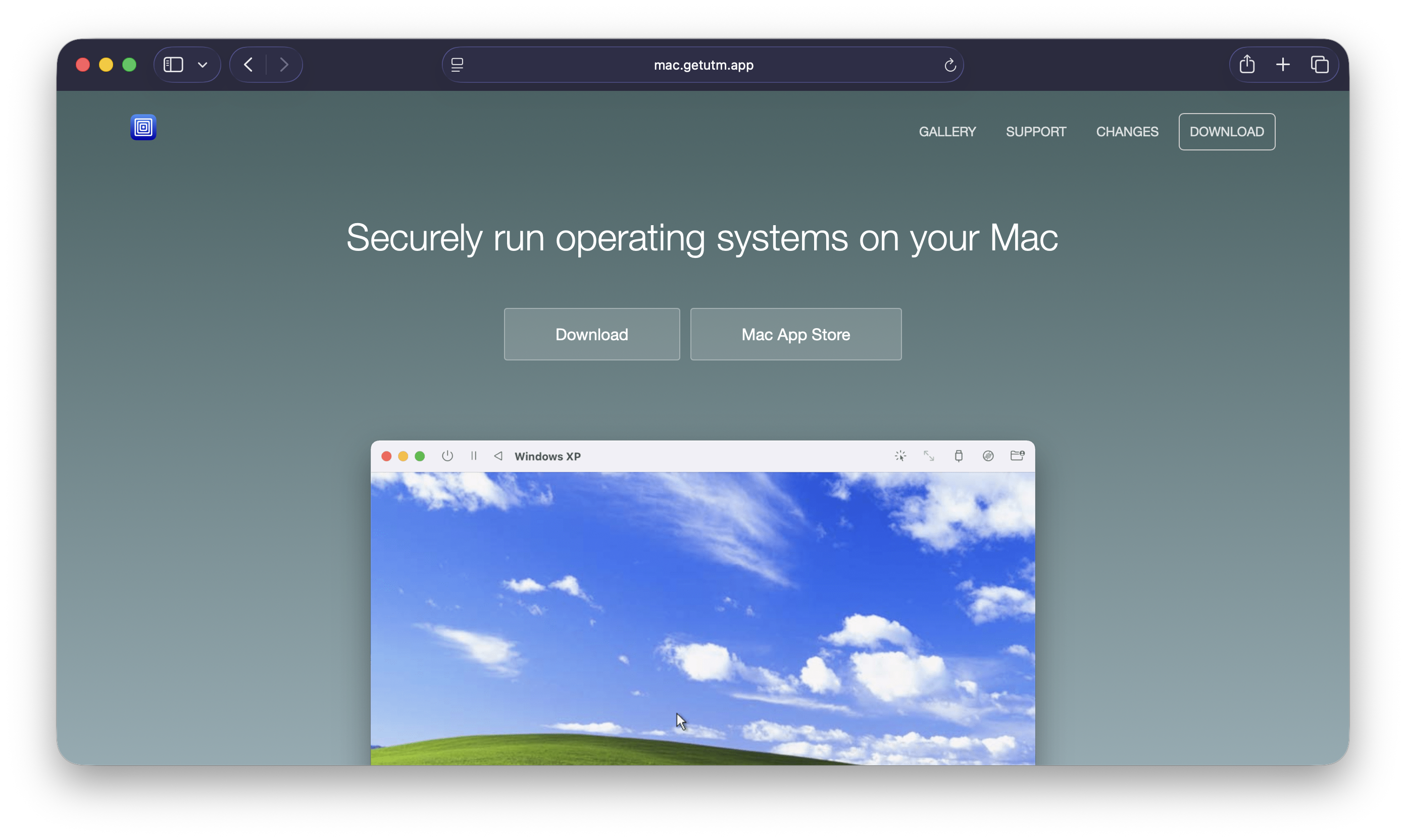
Downloaded UTM from the official site: https://mac.getutm.app
Downloaded the NixOS aarch64 image: https://channels.nixos.org/nixos-26.05/latest-nixos-minimal-aarch64-linux.iso
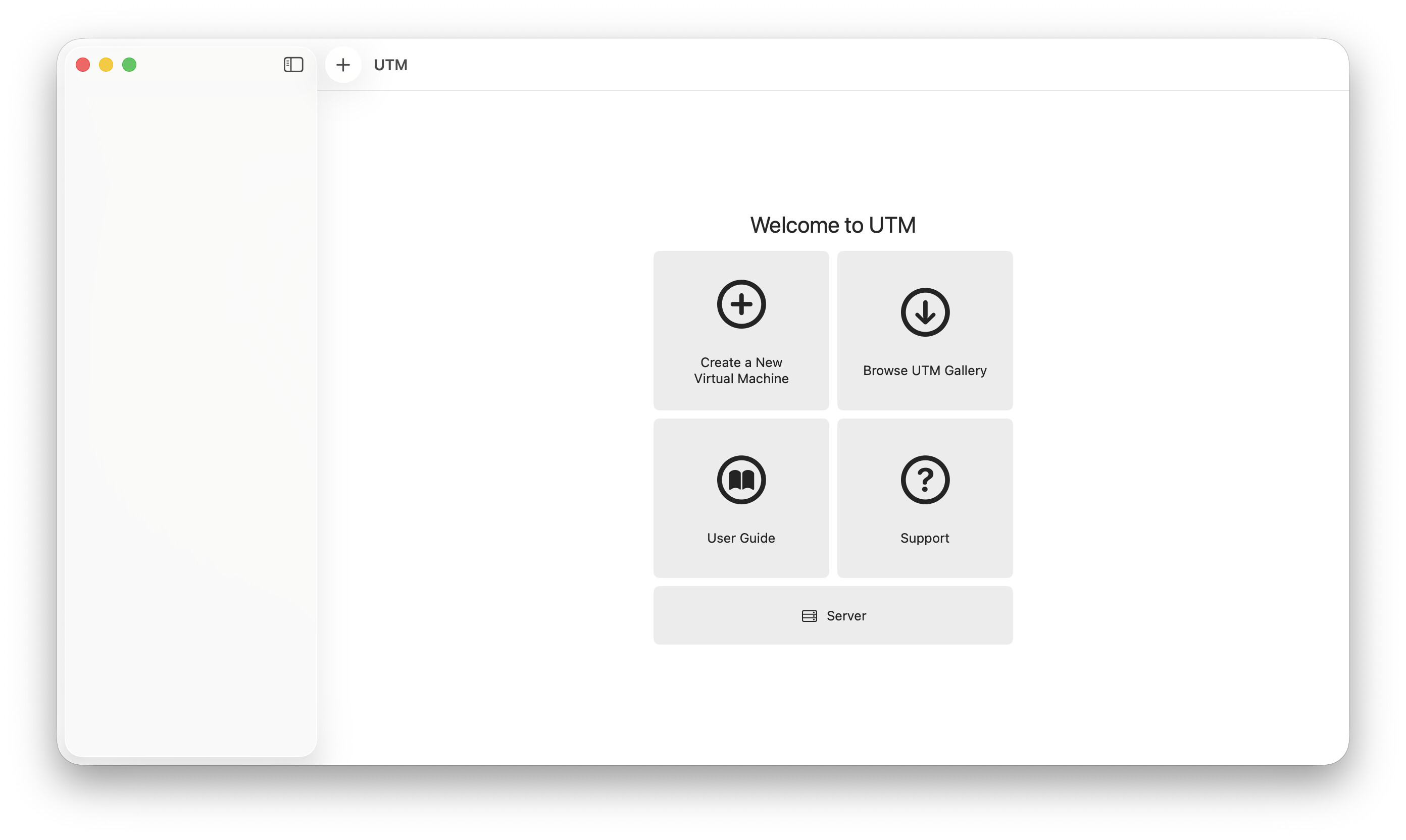
Installed and launched UTM. Create a New Virtual Machine.
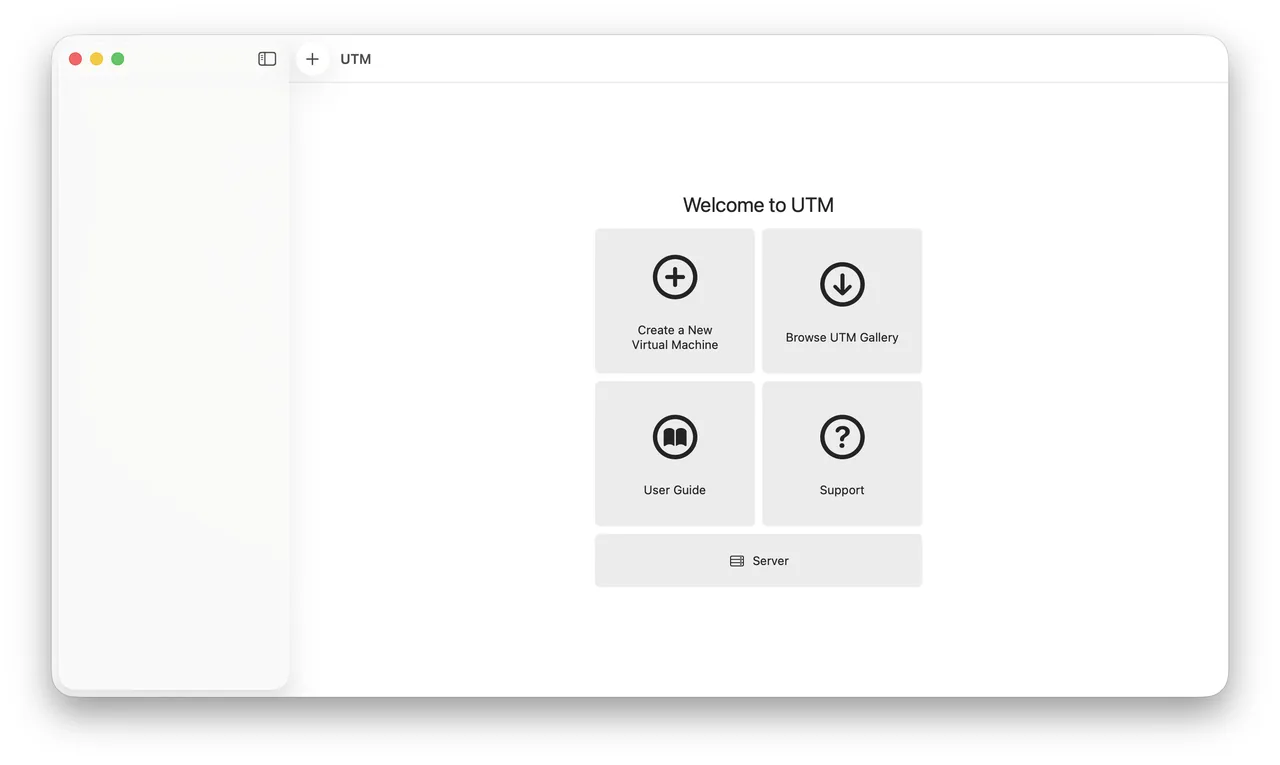
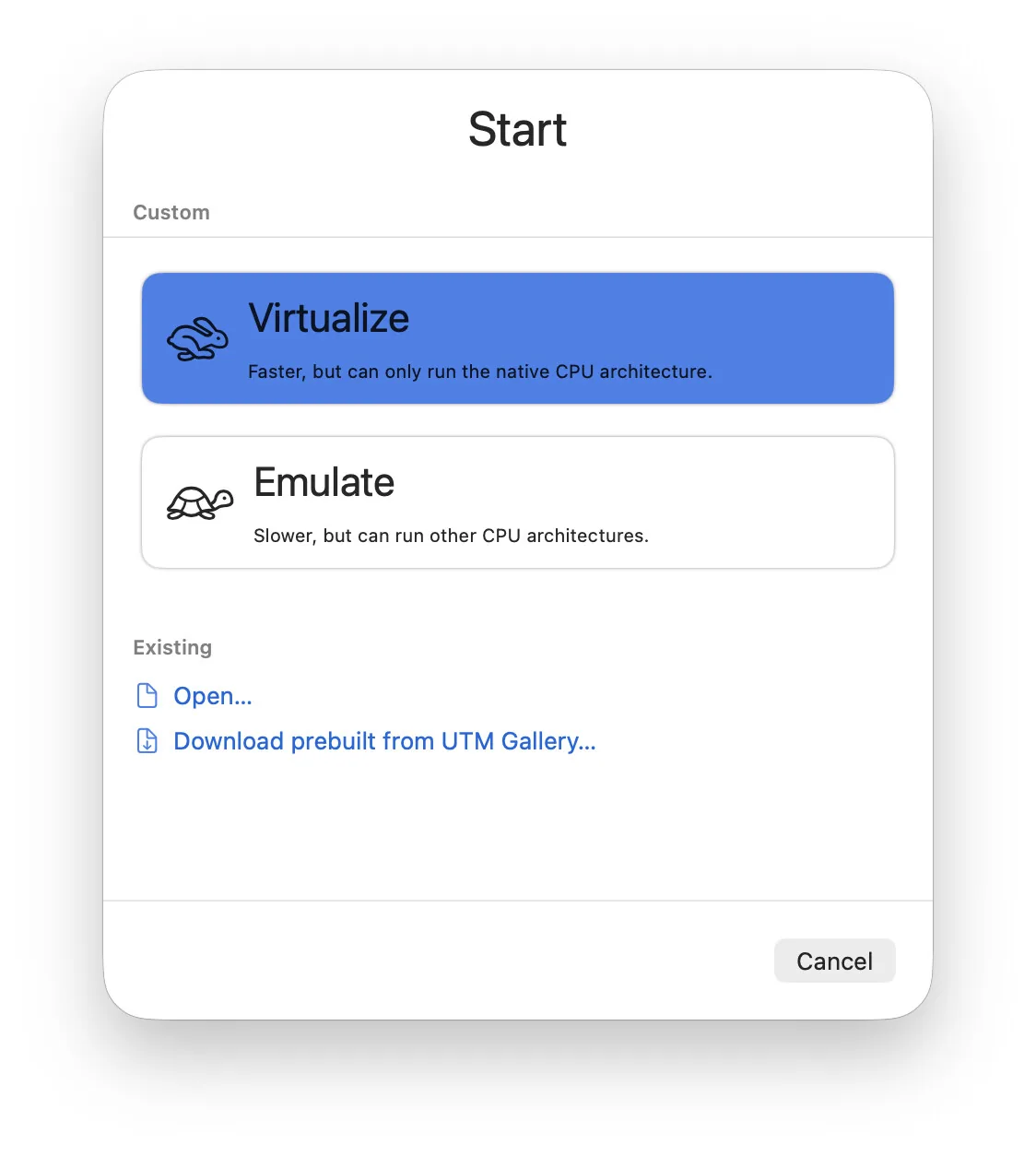
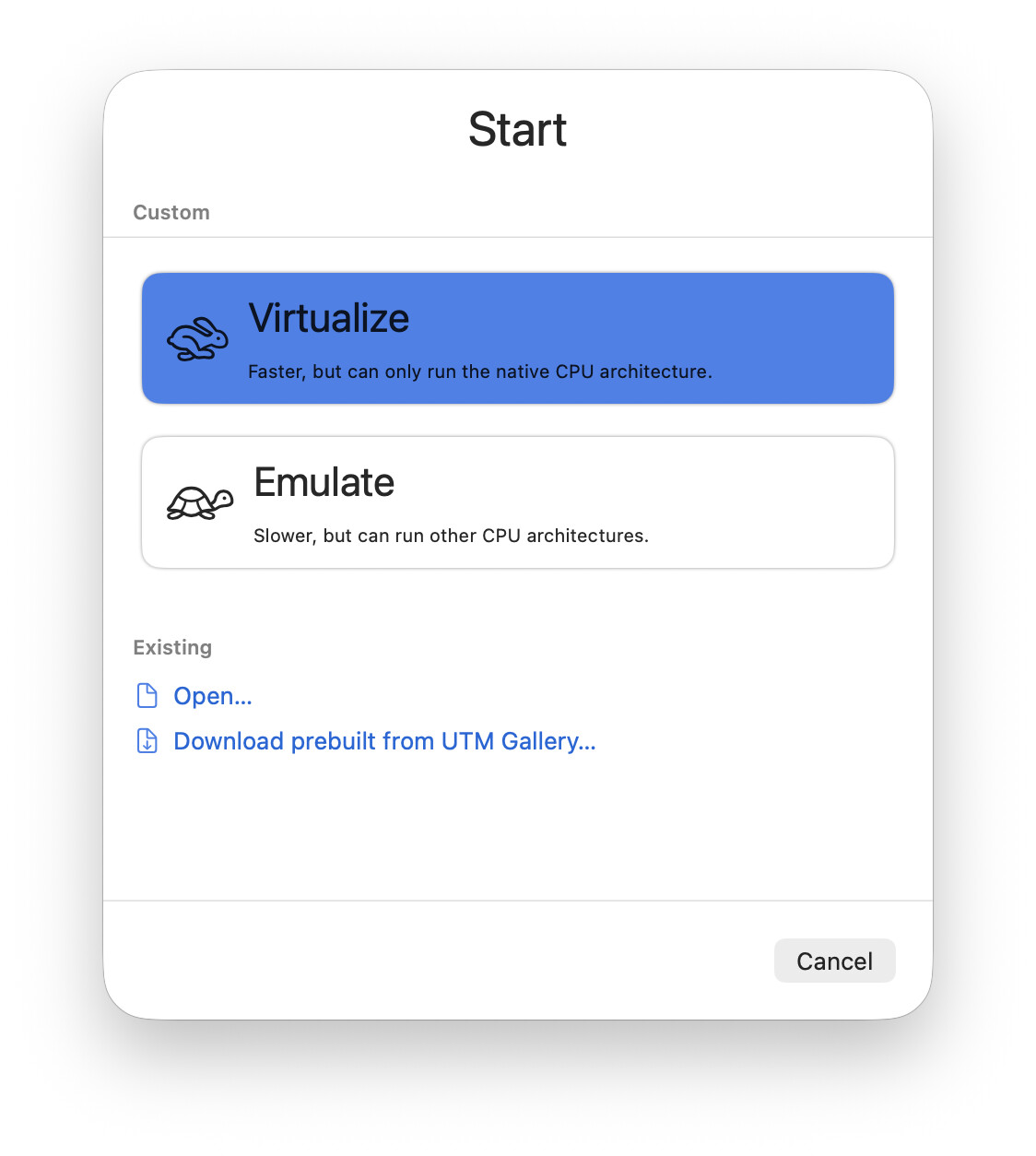
Virtualize.
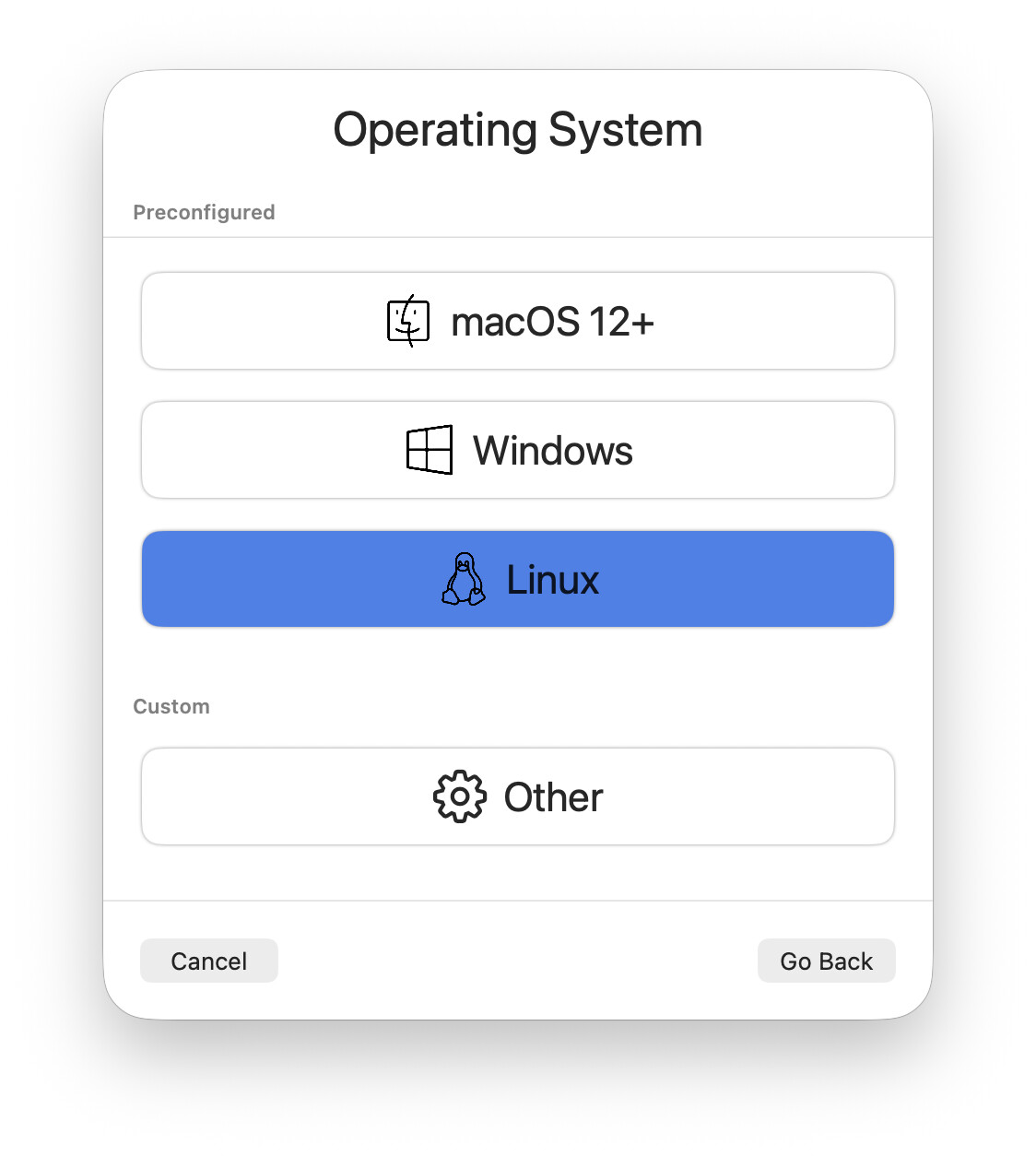
Linux.
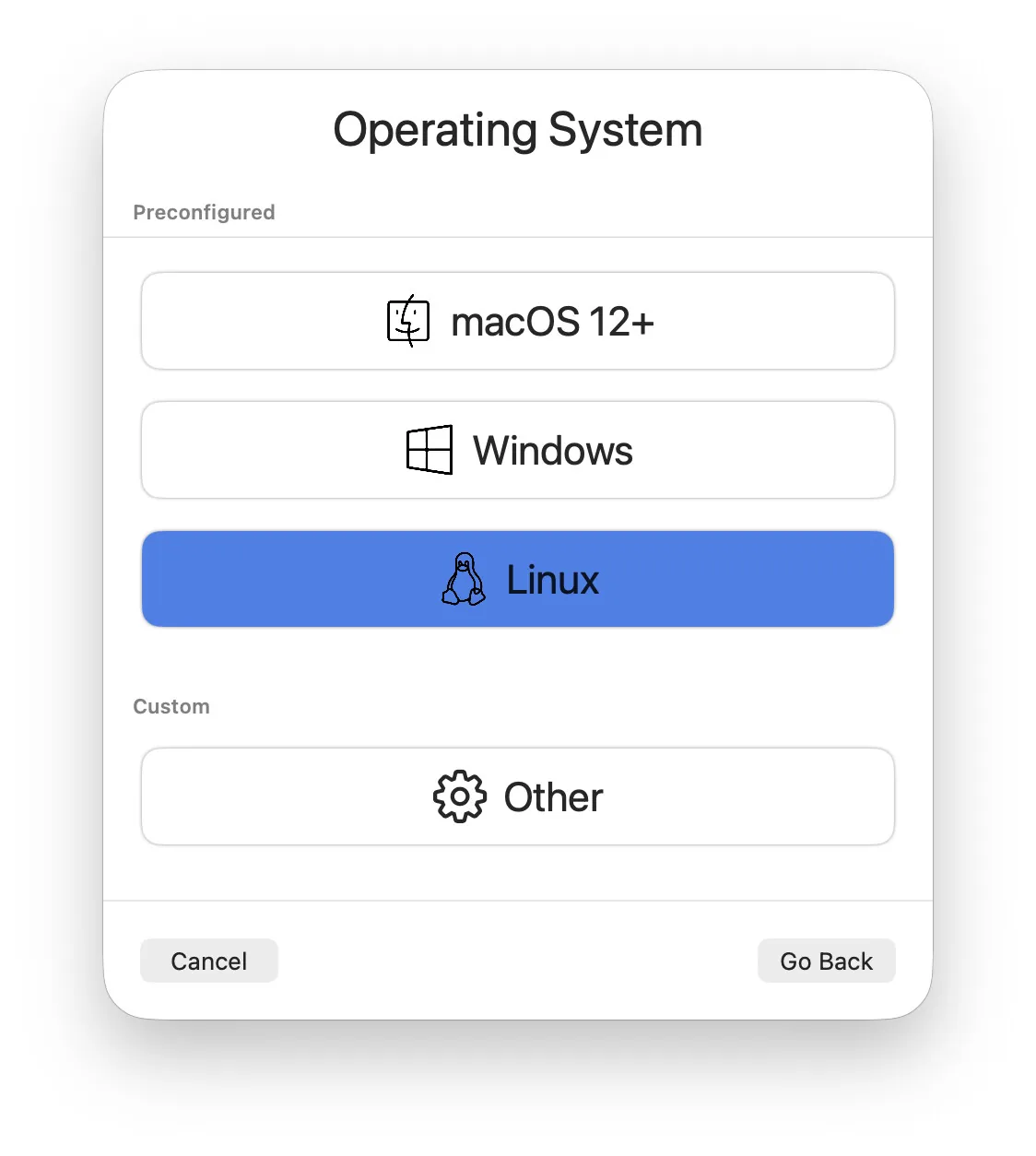
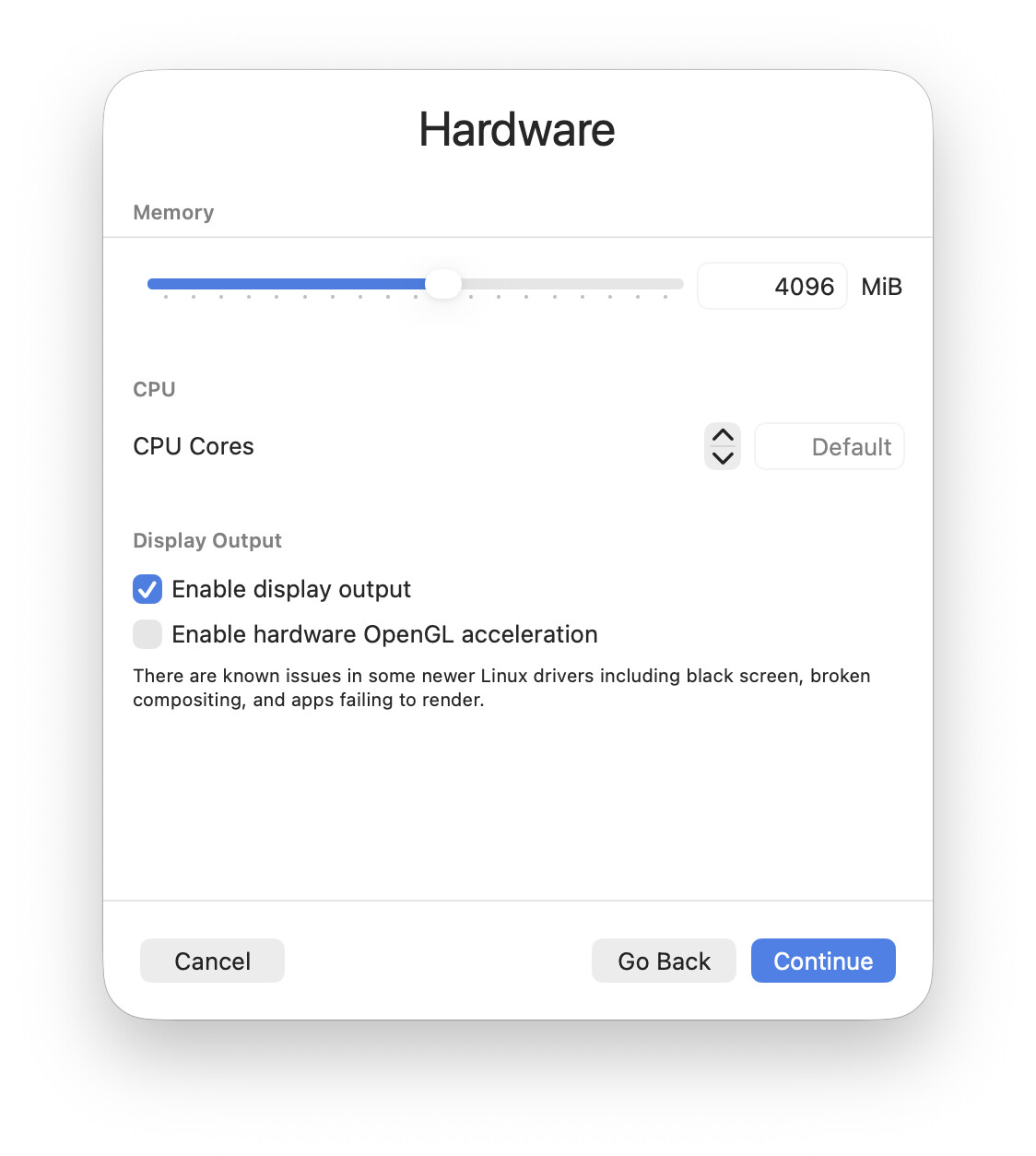
Default settings.
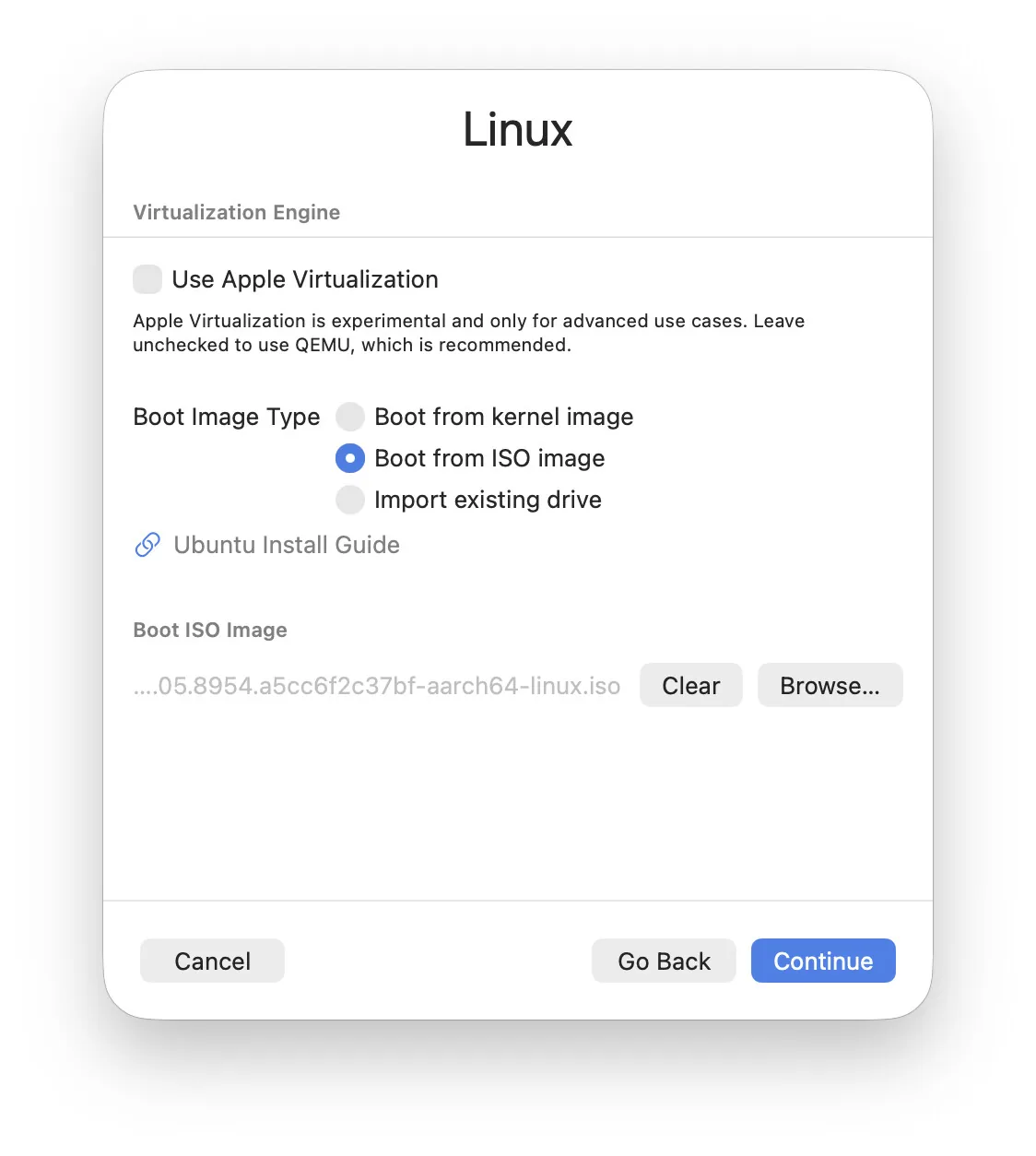
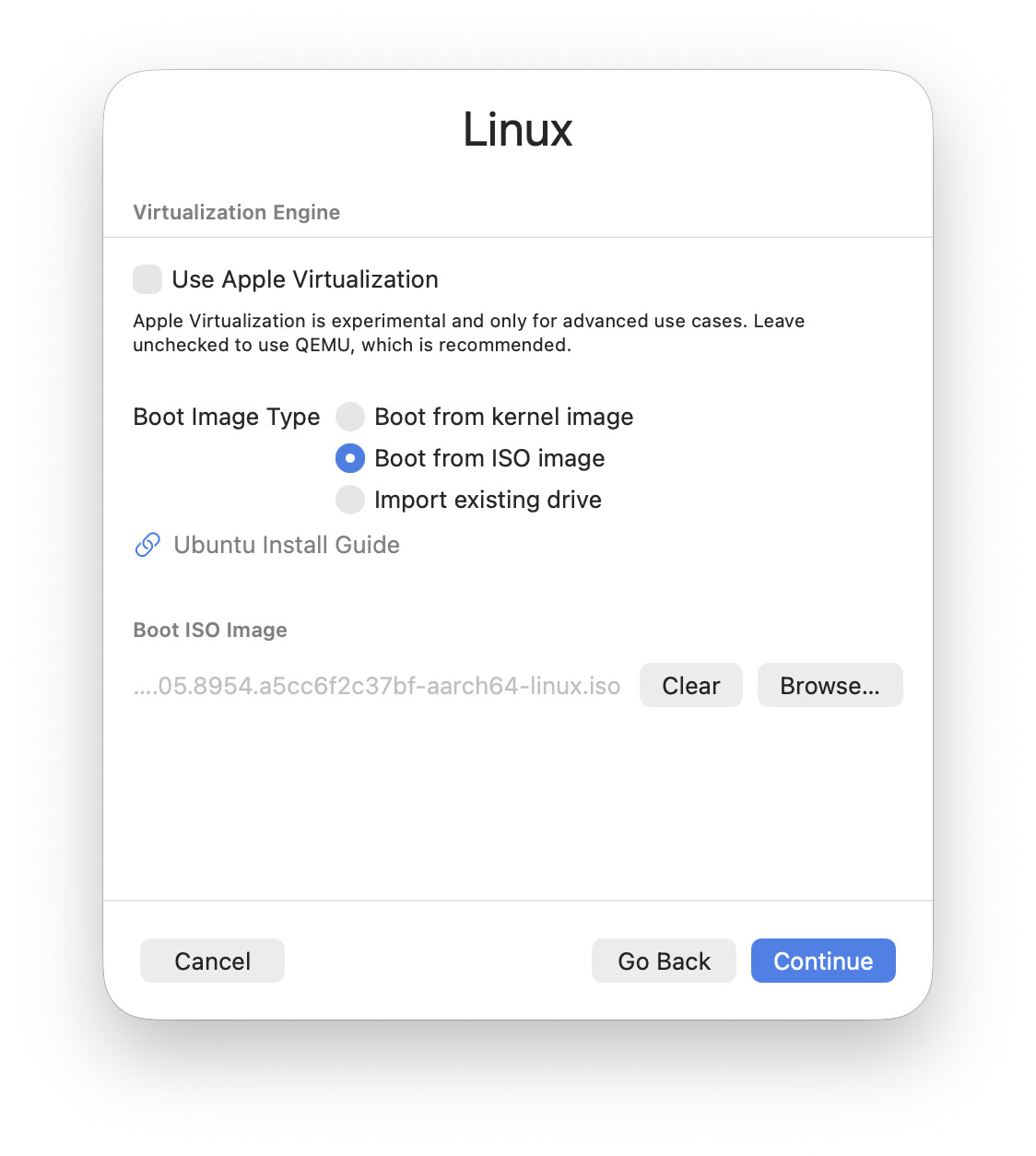
Pointed it at the ISO image and left the rest of the settings alone (I'll try QEMU for now, not Apple VZ. People say QEMU does better with graphics acceleration and glitches less on Linux guests):
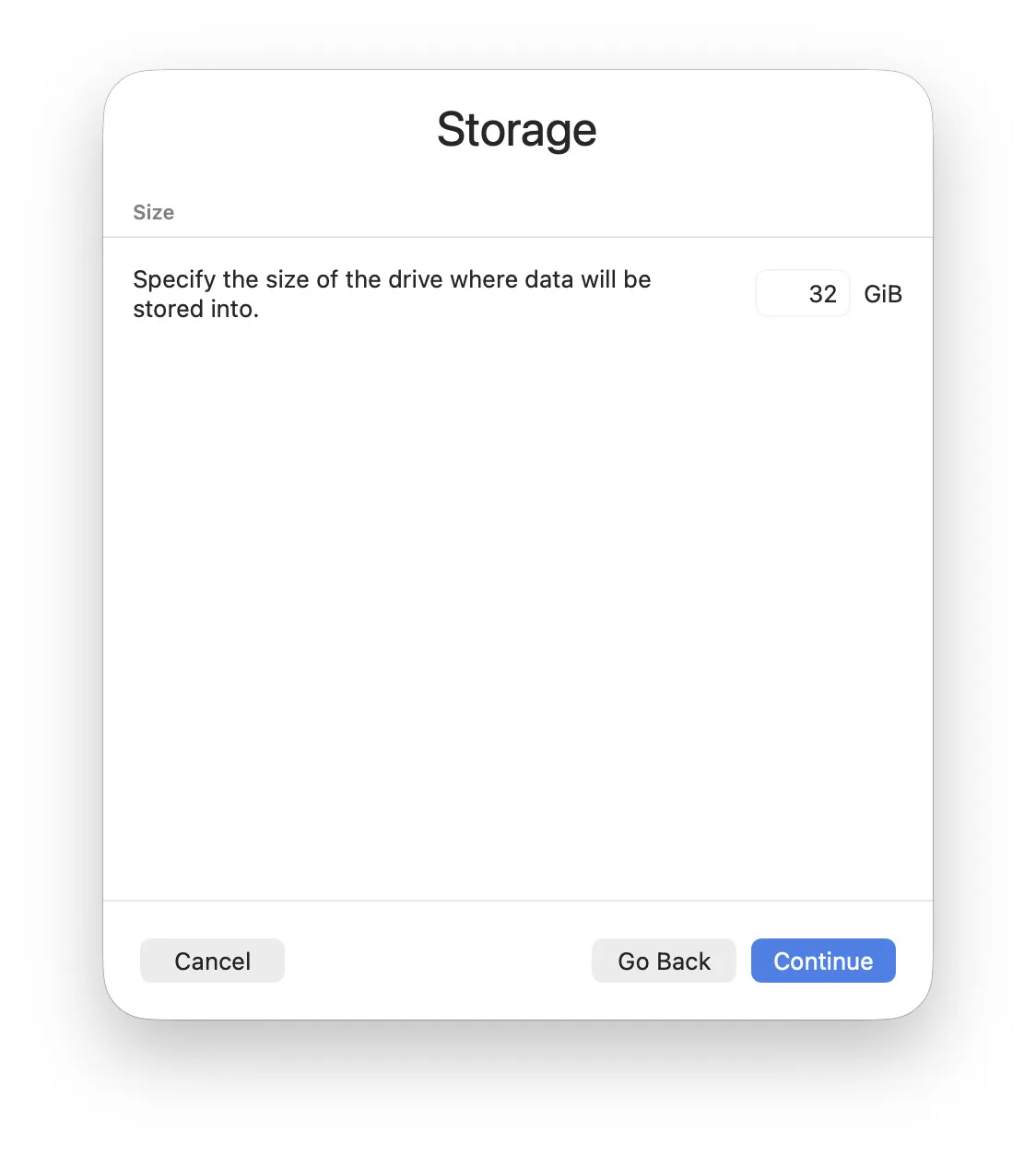
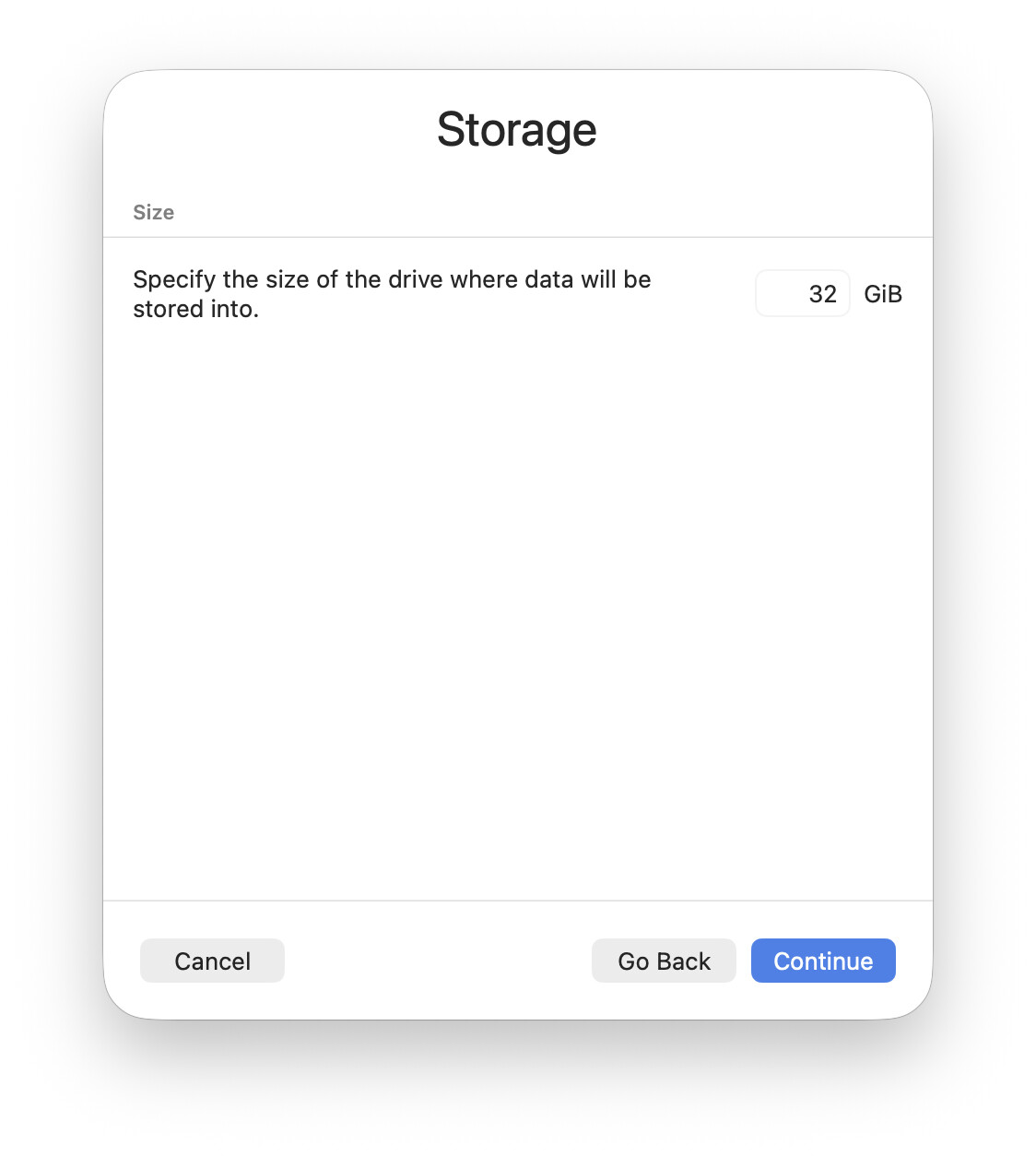
32 GB of disk is plenty for a test NixOS guest. For a real one (if the tests go well) I'll go with 64:
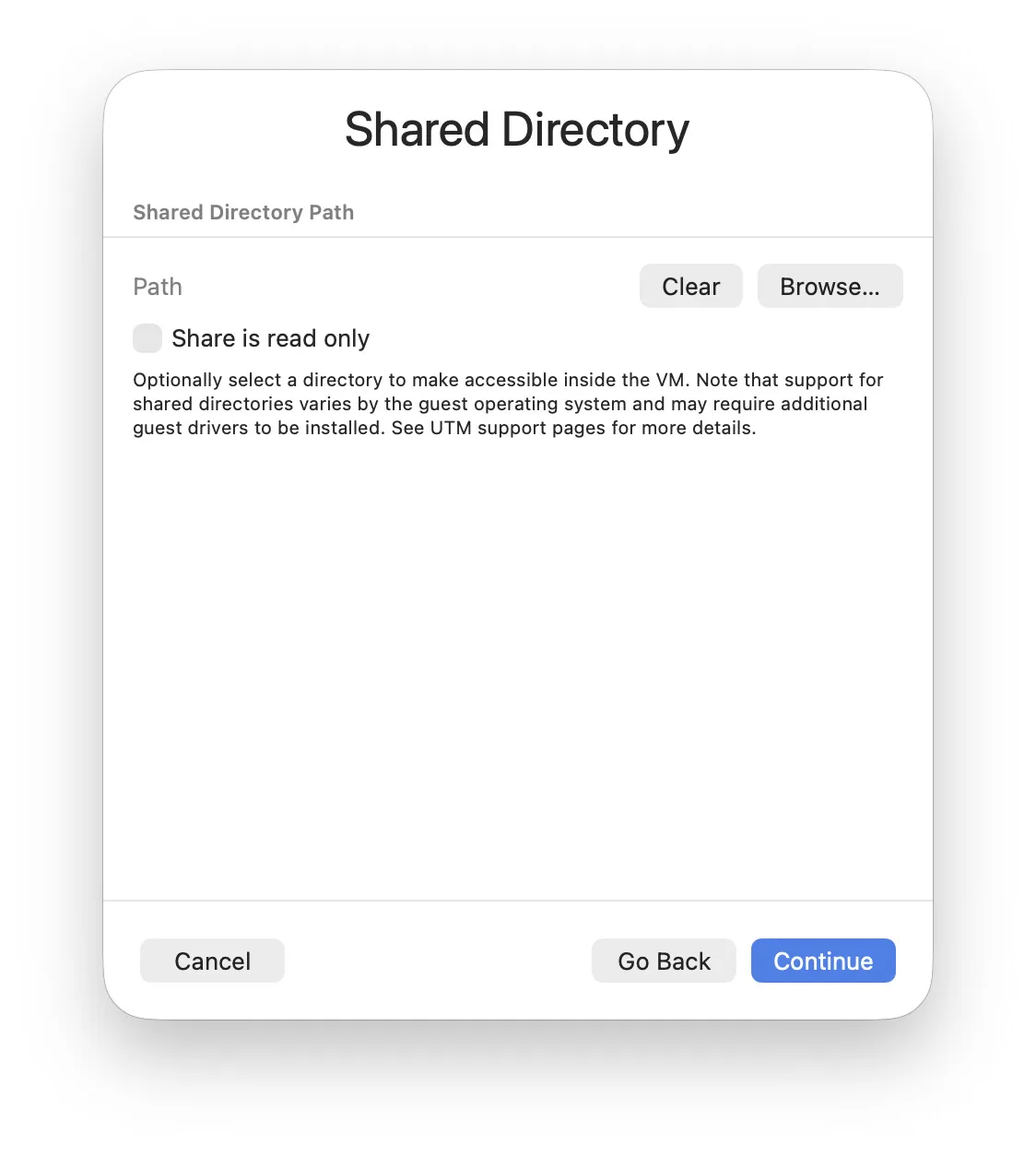
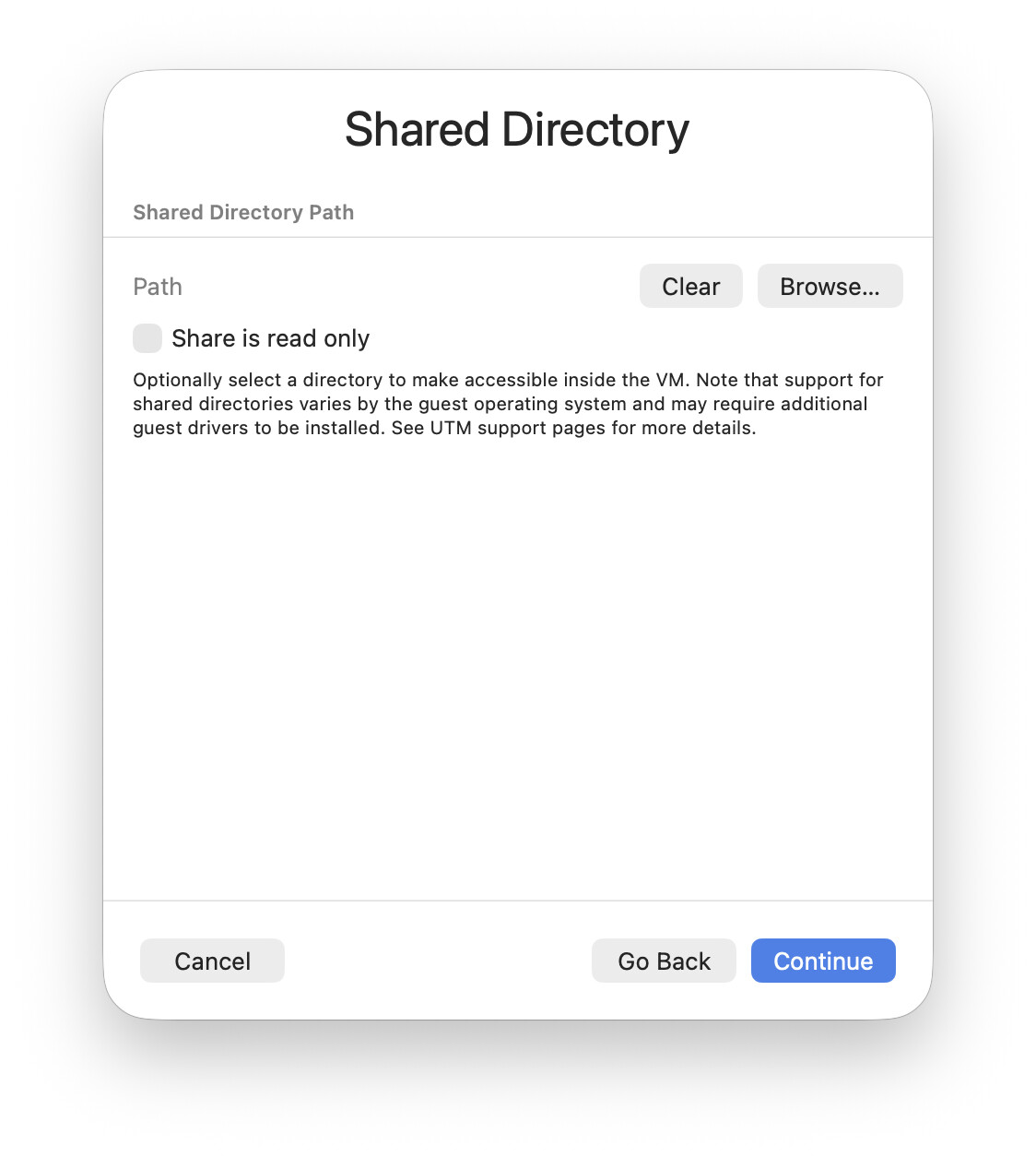
I don't need sharing on a test VM. If I have to move something over I'll just do it over ssh.
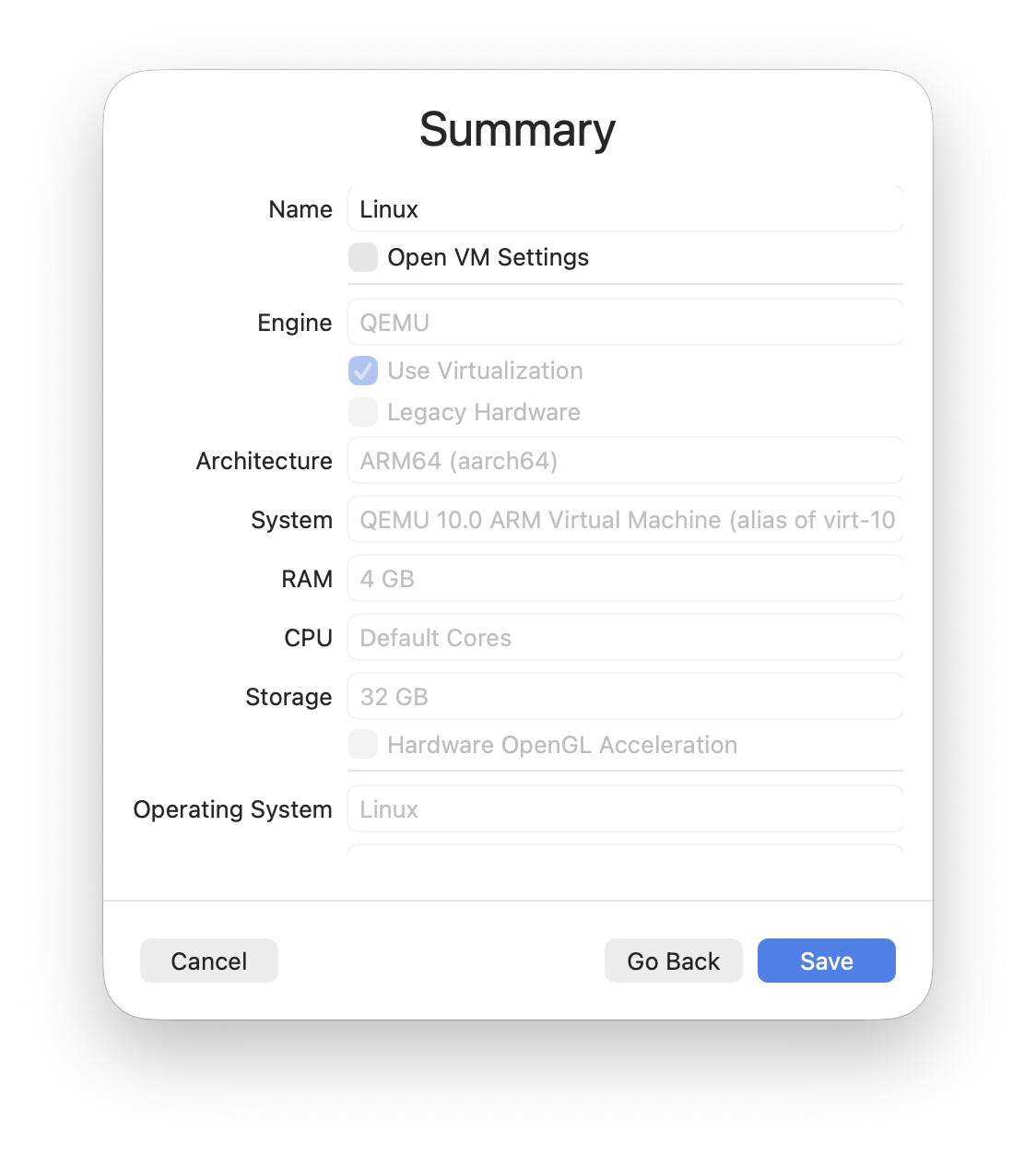
Review and confirm:
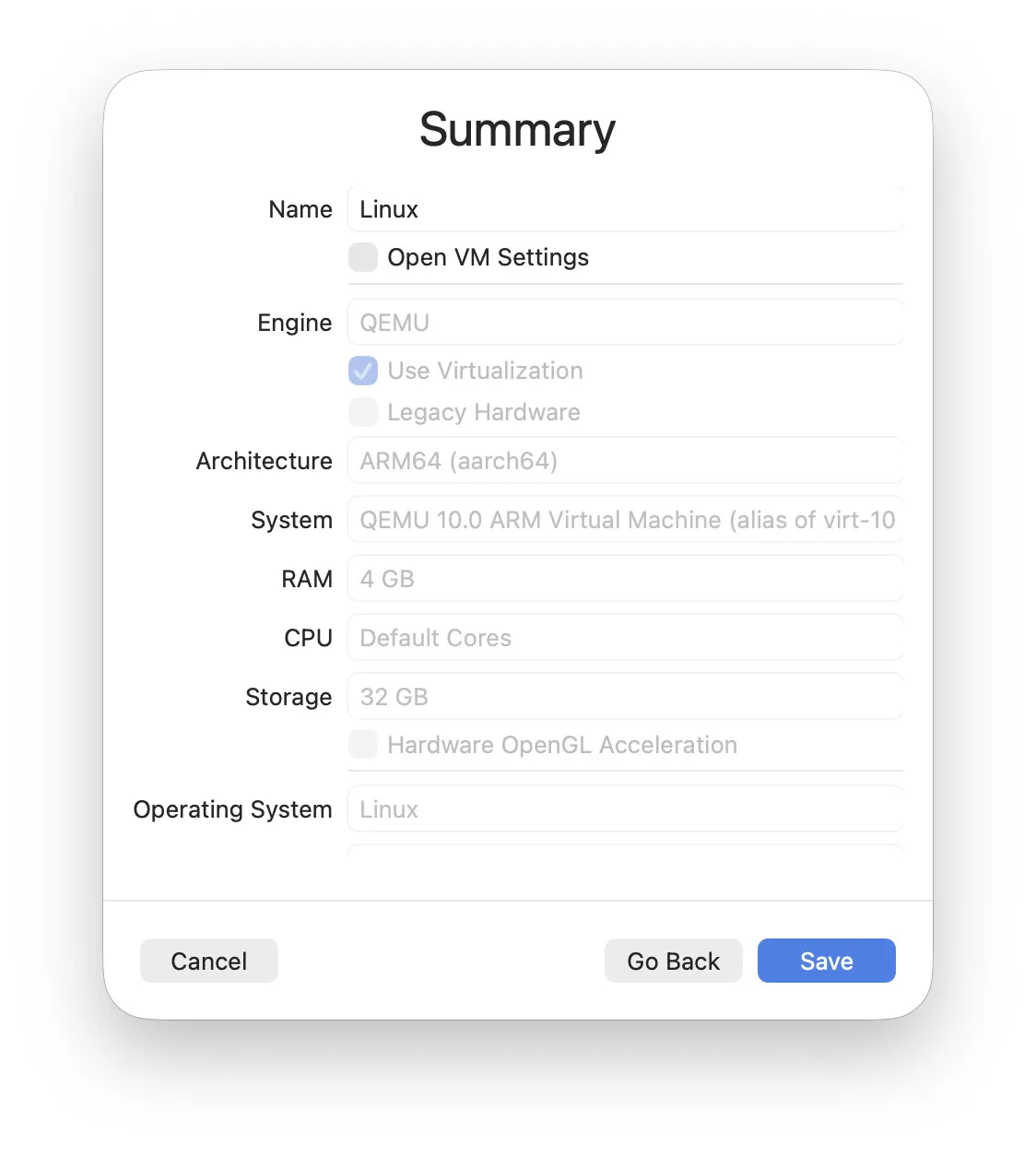
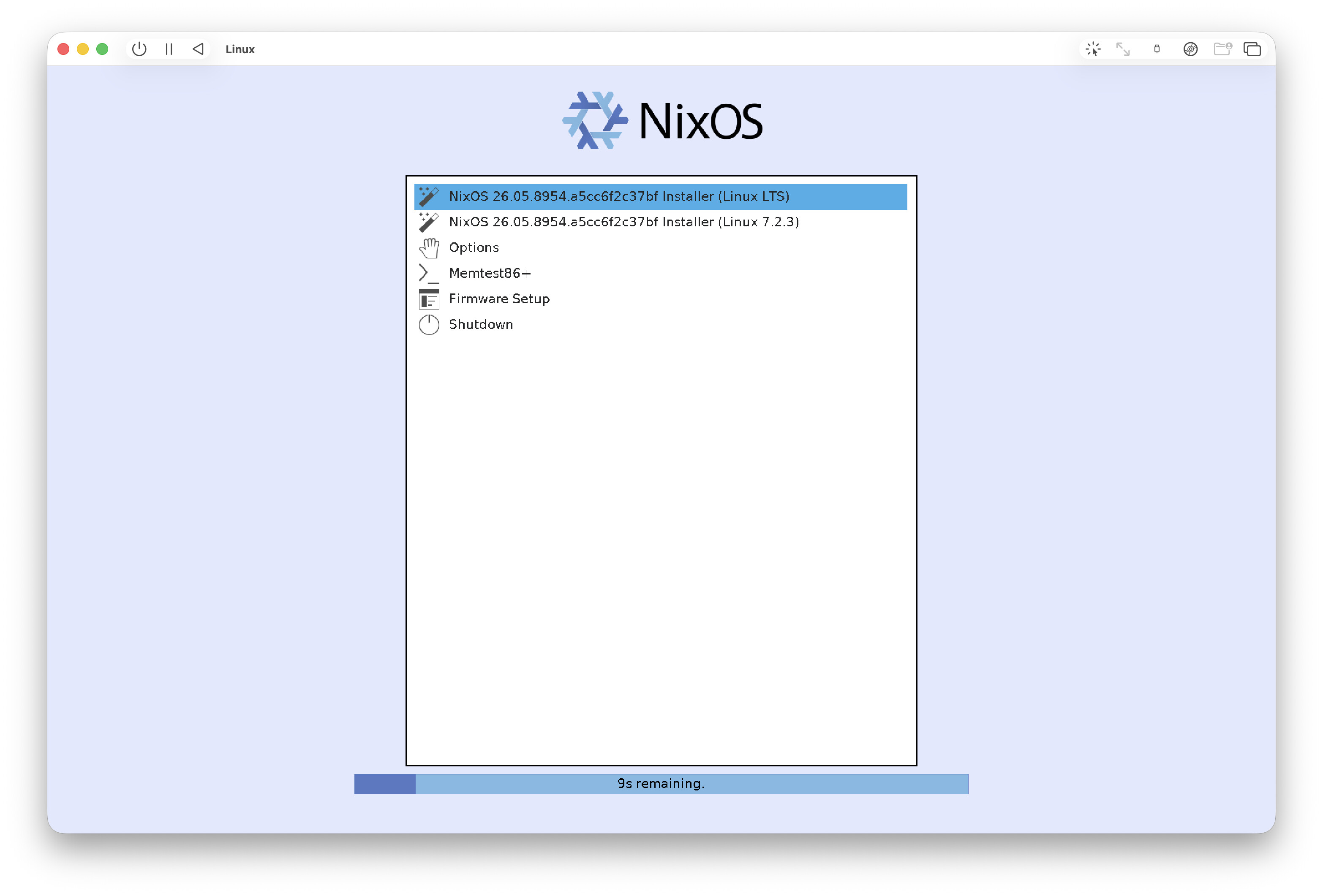
Start it:
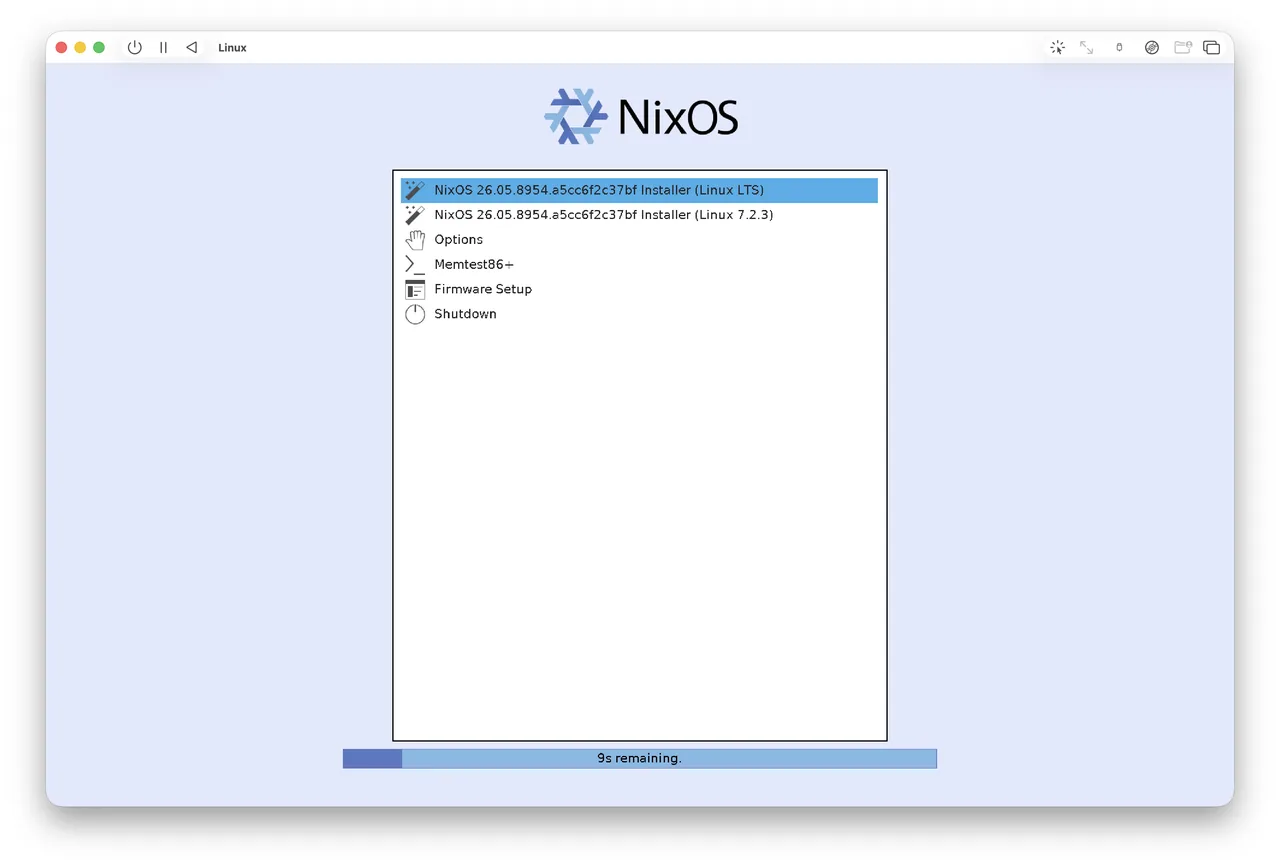
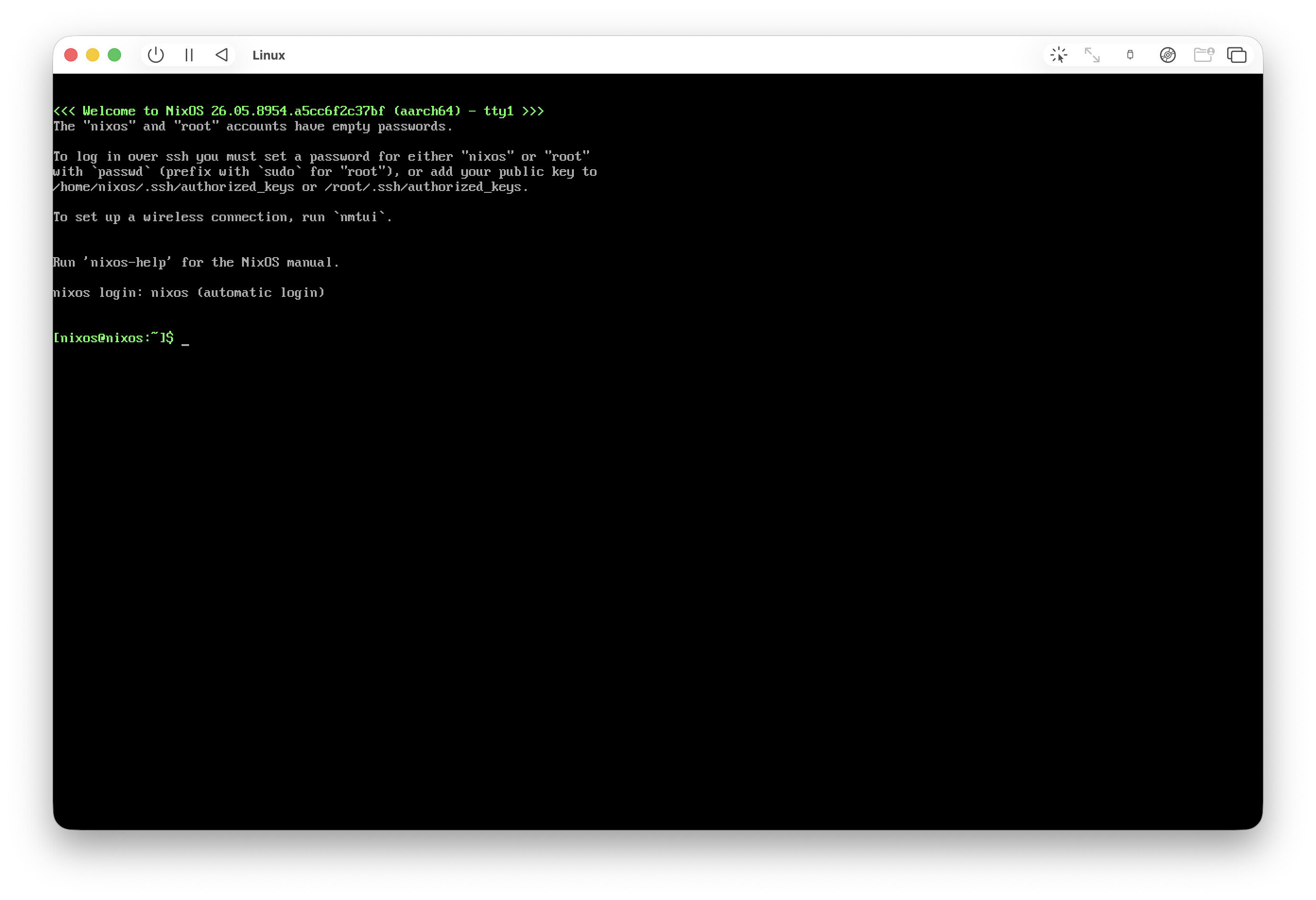
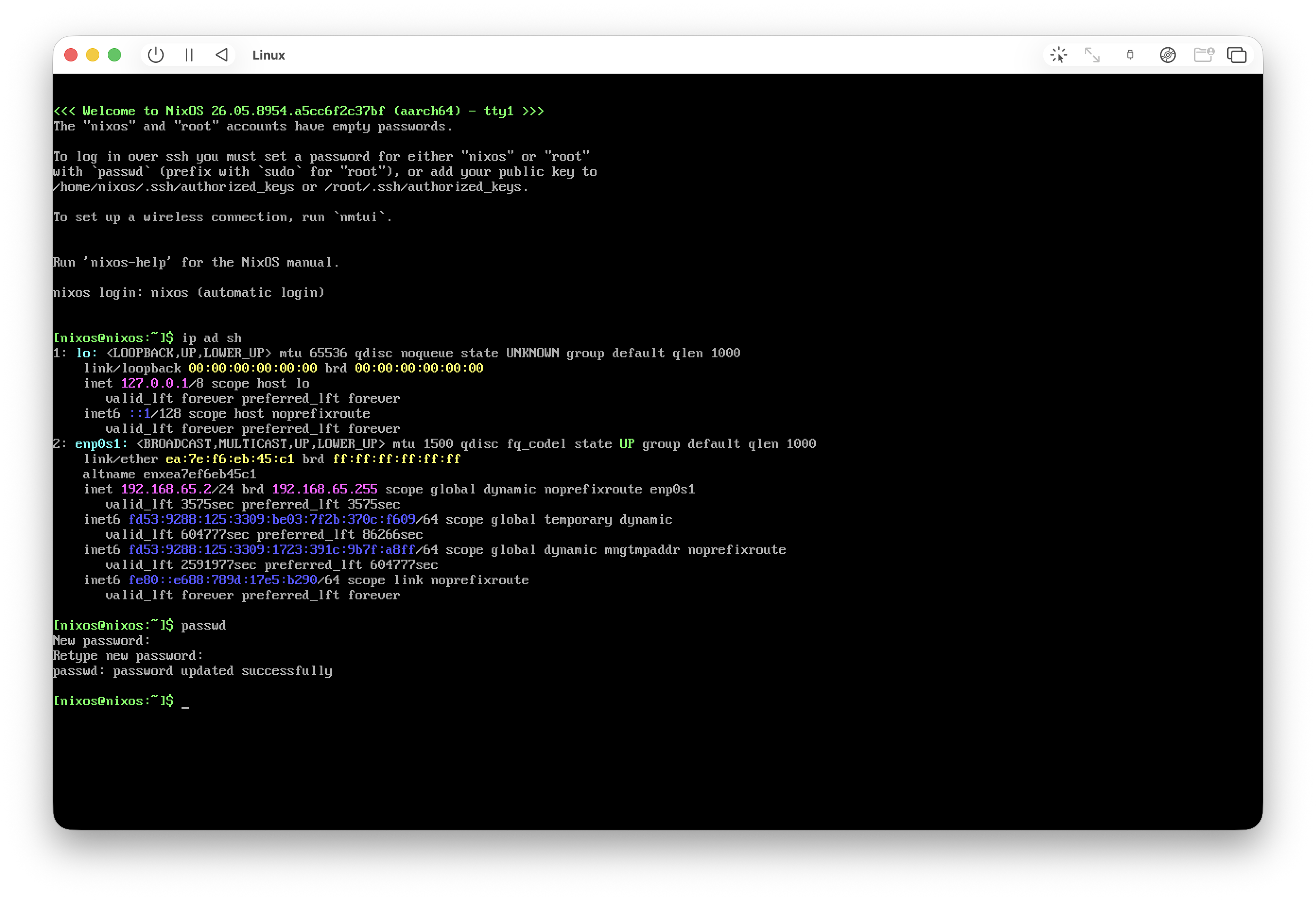
Pick the default option and you get a bare terminal:
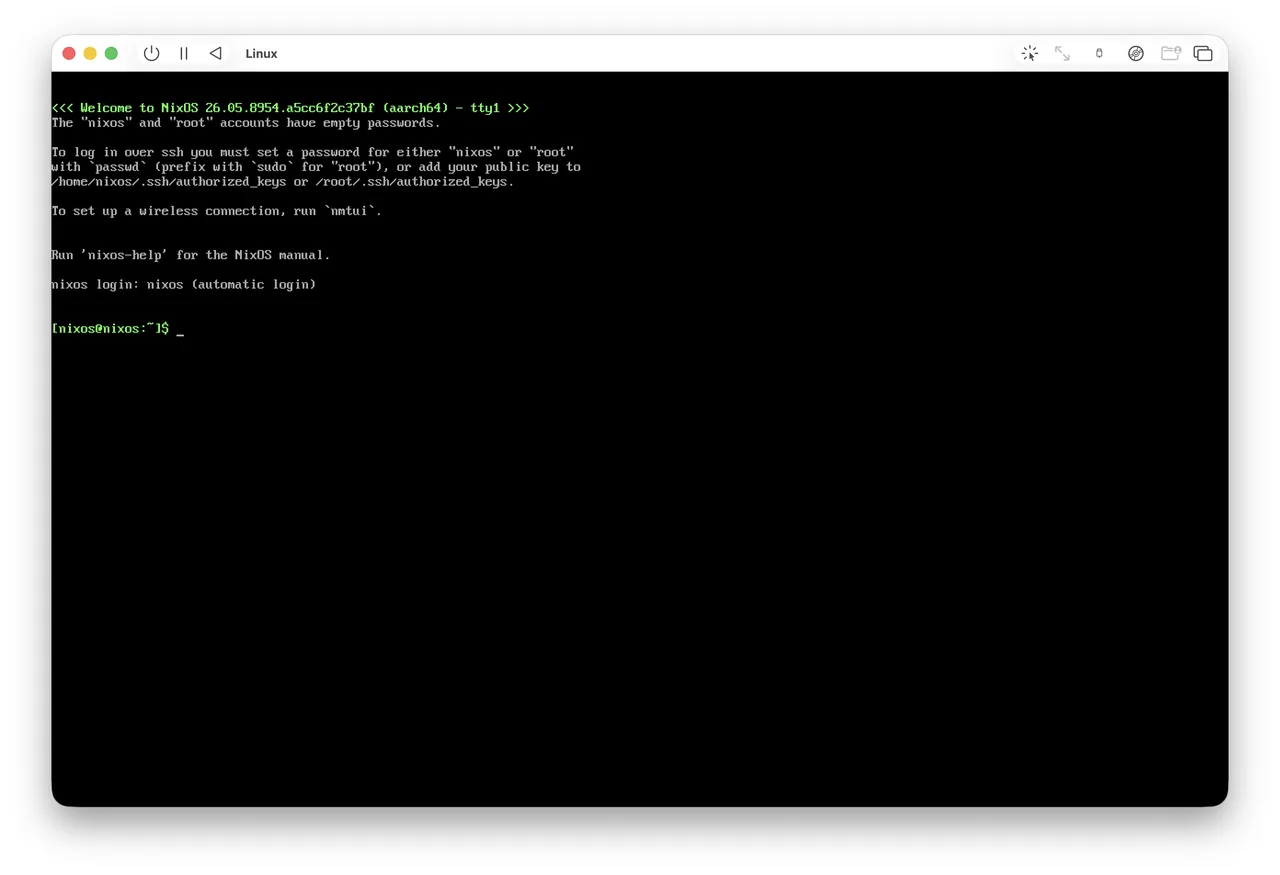
The most useful thing is to check the IP and ssh into the VM from the host:
ip ad sh
passwd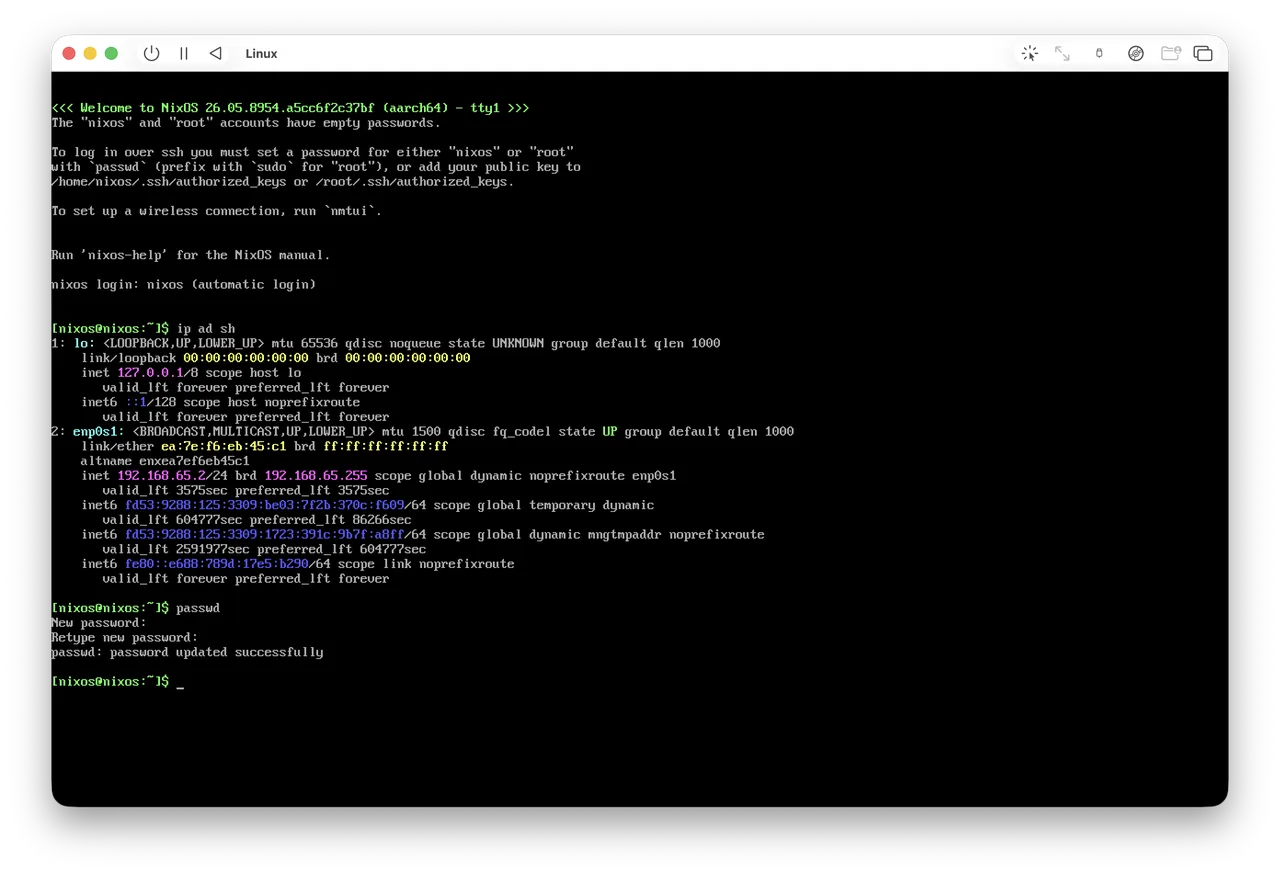
Ping from inside the VM won't work because of Apple's network restrictions, so don't let that scare you (at first I thought something had installed wrong).
Once you're in over ssh you can activate a ready-made nixos setup from a repo. I don't have one yet (only nix-darwin), so I'm doing it by hand:
Create the simplest possible disko config, nothing fancy:
cat > /tmp/disko.nix <<'EOF'
{
  disko.devices.disk.main = {
    type = "disk";
    device = "/dev/vda";
    content = {
      type = "gpt";
      partitions = {
        ESP = {
          type = "EF00";
          size = "512M";
          content = {
            type = "filesystem";
            format = "vfat";
            mountpoint = "/boot";
            mountOptions = [ "umask=0077" ];
          };
        };
        root = {
          size = "100%";
          content = {
            type = "filesystem";
            format = "ext4";
            mountpoint = "/";
          };
        };
      };
    };
  };
}
EOF
Partition the disk. This command downloads disko and formats the disks, but we're in a freshly created VM, so no fear. Confirm (yes):
sudo nix --experimental-features "nix-command flakes" \
  run github:nix-community/disko/latest -- \
  --mode destroy,format,mount /tmp/disko.nix
Generate the configs:
sudo nixos-generate-config --root /mntPrepare your own config (you'll want to tweak it to your needs):
STATE_VERSION="$(nixos-version | cut -d. -f1,2)"
sudo tee /mnt/etc/nixos/configuration.nix >/dev/null <<'EOF'
{ config, pkgs, ... }:
{
  imports = [ ./hardware-configuration.nix ];

  # UEFI bootloader
  boot.loader.systemd-boot.enable = true;
  boot.loader.efi.canTouchEfiVariables = true;

  networking.hostName = "nixos";
  networking.networkmanager.enable = true;

  time.timeZone = "Europe/Moscow";
  i18n.defaultLocale = "en_US.UTF-8";

  # Hyprland (Wayland compositor)
  programs.hyprland.enable = true;

  # Minimal login manager that launches Hyprland
  services.greetd = {
    enable = true;
    settings.default_session = {
      command = "${pkgs.greetd.tuigreet}/bin/tuigreet --time --cmd Hyprland";
      user = "greeter";
    };
  };

  # VM rendering fixes
  environment.sessionVariables = {
    WLR_NO_HARDWARE_CURSORS = "1";        # otherwise the cursor is invisible in a VM
    WLR_RENDERER_ALLOW_SOFTWARE = "1";    # allow software GL fallback
    # Uncomment ONLY if you still get a black screen (CPU rendering, slow):
    # LIBGL_ALWAYS_SOFTWARE = "1";
  };

  # SSH so you can keep logging in from your Mac
  services.openssh.enable = true;

  users.users.user = {
    isNormalUser = true;
    extraGroups = [ "wheel" "networkmanager" "video" ];
    initialPassword = "nixos";            # change after first login
  };

  # Apps the DEFAULT Hyprland keybinds expect:
  #   SUPER+Q -> kitty terminal, SUPER+R -> wofi launcher, SUPER+M -> exit
  environment.systemPackages = with pkgs; [
    kitty
    wofi
    firefox
    vim
    git
  ];

  fonts.packages = with pkgs; [ pkgs.jetbrains-mono pkgs.dejavu_fonts ];

  system.stateVersion = "@STATE@";
}
EOF
sudo sed -i "s/@STATE@/$STATE_VERSION/" /mnt/etc/nixos/configuration.nix
Check the version:
grep stateVersion /mnt/etc/nixos/configuration.nixInstall NixOS:
sudo nixos-installReboot:
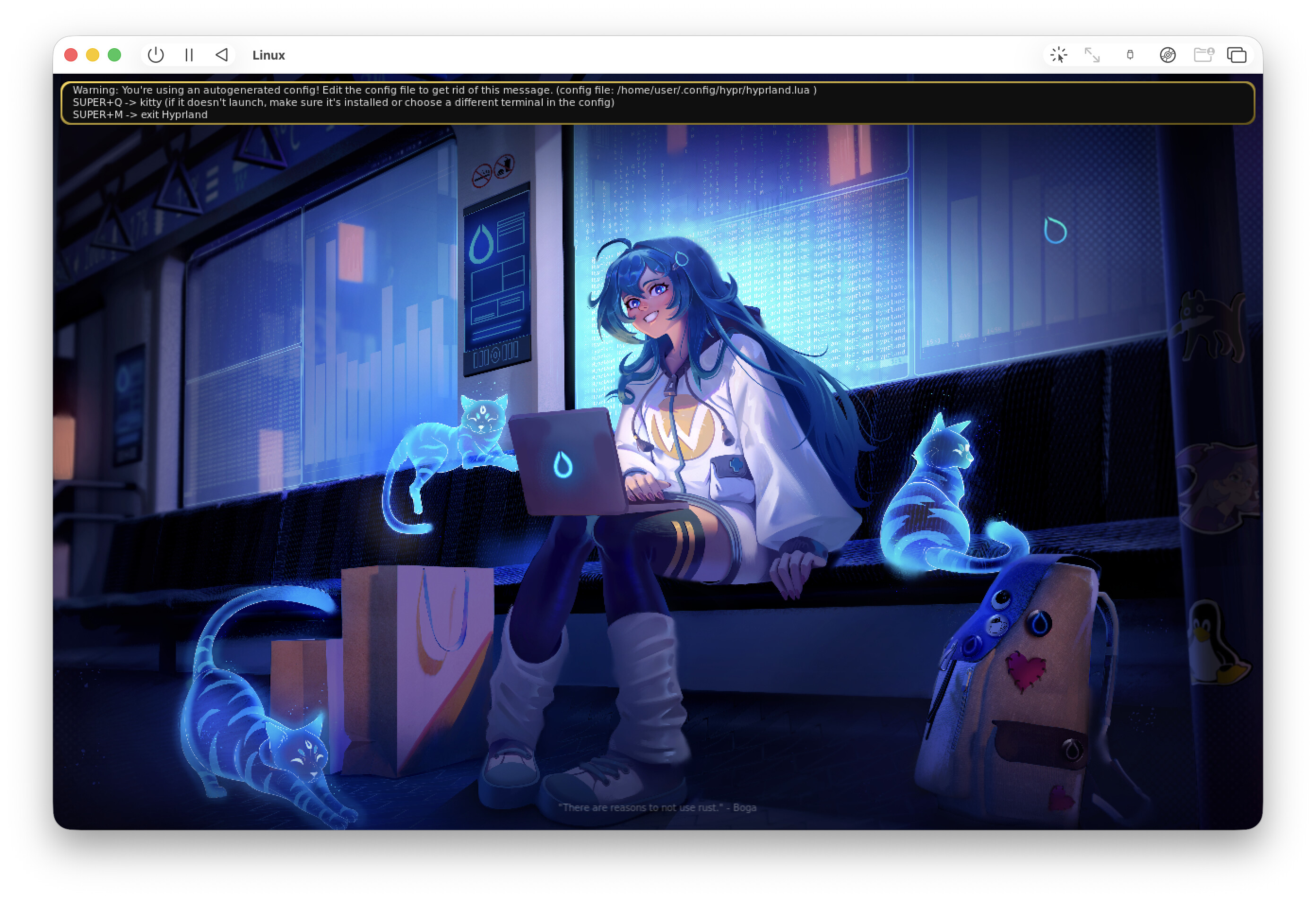
sudo rebootSomething booted up:
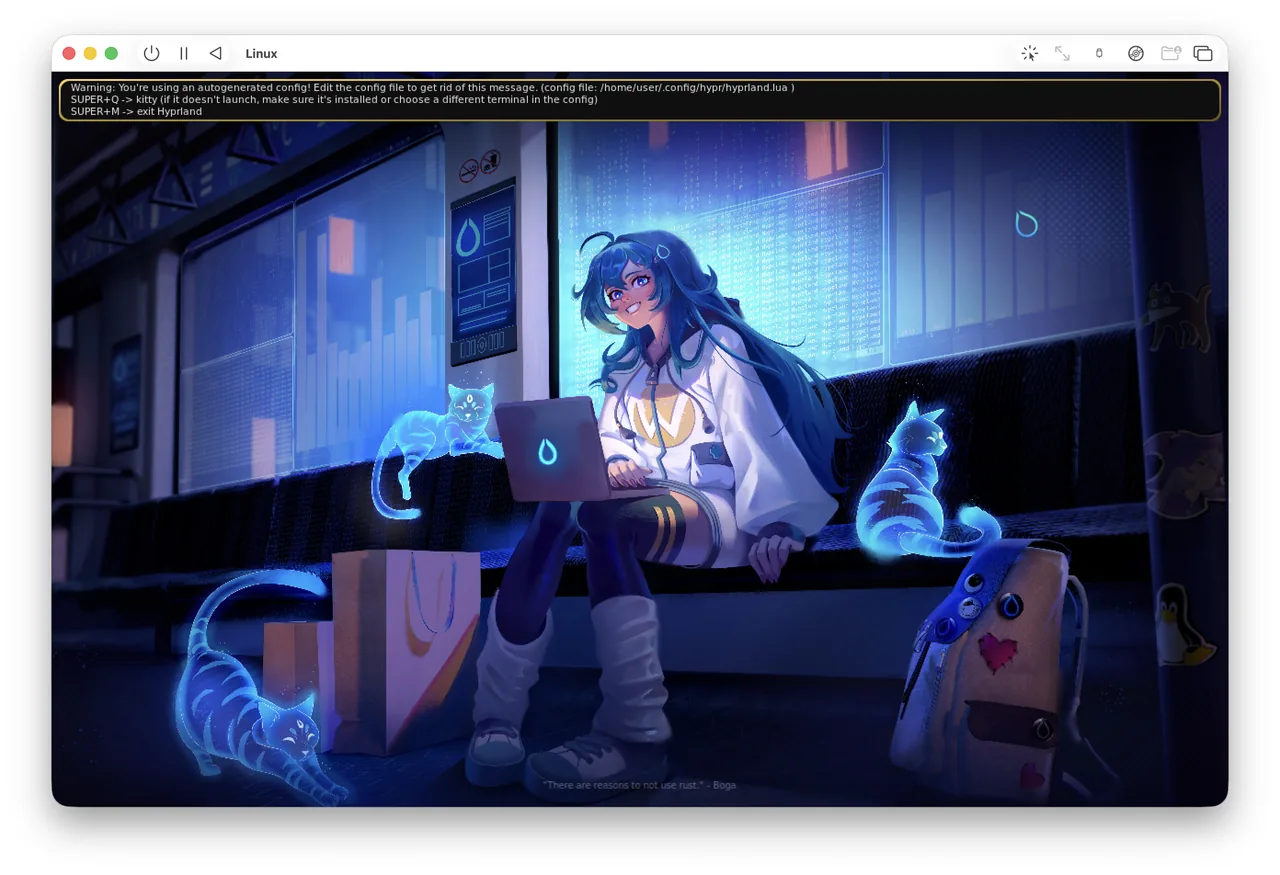
But honestly, the graphics look close to unusable compared to a macOS guest. Maybe there's still something to tweak, but for now probably not.
I'm leaning toward sticking with macOS guests (though maybe switching to UTM from VirtualBuddy).
P.S.: a graphical installer might have been easier to start with, but I wanted to feel out the whole process, plus be able to set up from ready-made repos down the line.
-
A tiling window manager that ships with Omarchy.
I want to try it. On the Mac I really miss this kind of approach. I've tried a bunch of them over the years (the ones that stuck with me were StumpWM, because of Haskell, and EXWM, because of Emacs).
This time I'm planning to build a NixOS machine for work, and if the speed, smoothness, and responsiveness of the interface hold up, I'll try to move over to it. Though I have a feeling that's exactly where it'll fall short.
Then again, I barely spend any time in a GUI these days. It's mostly the terminal, so maybe it's not that big a deal.
Either way, I like running work VMs on Linux a lot more than running them on macOS. They're smaller, more predictable, and just easier to deal with overall, thanks to having a real NixOS underneath.
I actually need very little from the graphics side. Calls, a few browser-only tools with no alternative like Hetzner (I couldn't find a way to buy servers without a GUI), and everything else goes through the terminal.
-
Here's how I make a Safari window 1280x720 (for some reason you have to set it a bit bigger, probably the Mac shadow or something like that).
osascript -e 'tell application "Safari" to set bounds of front window to {100, 100, 1380, 820}'That gets me screenshots at exactly 16:9.
For terminal screenshots I use WezTerm with the Tokyo Night theme. It has its own config (still tweaking it, but it'll end up in my nix-darwin config, which I'm leaning toward making public).
That way all the screenshots come out the same, lined up like a ruler, just how I like it.
-
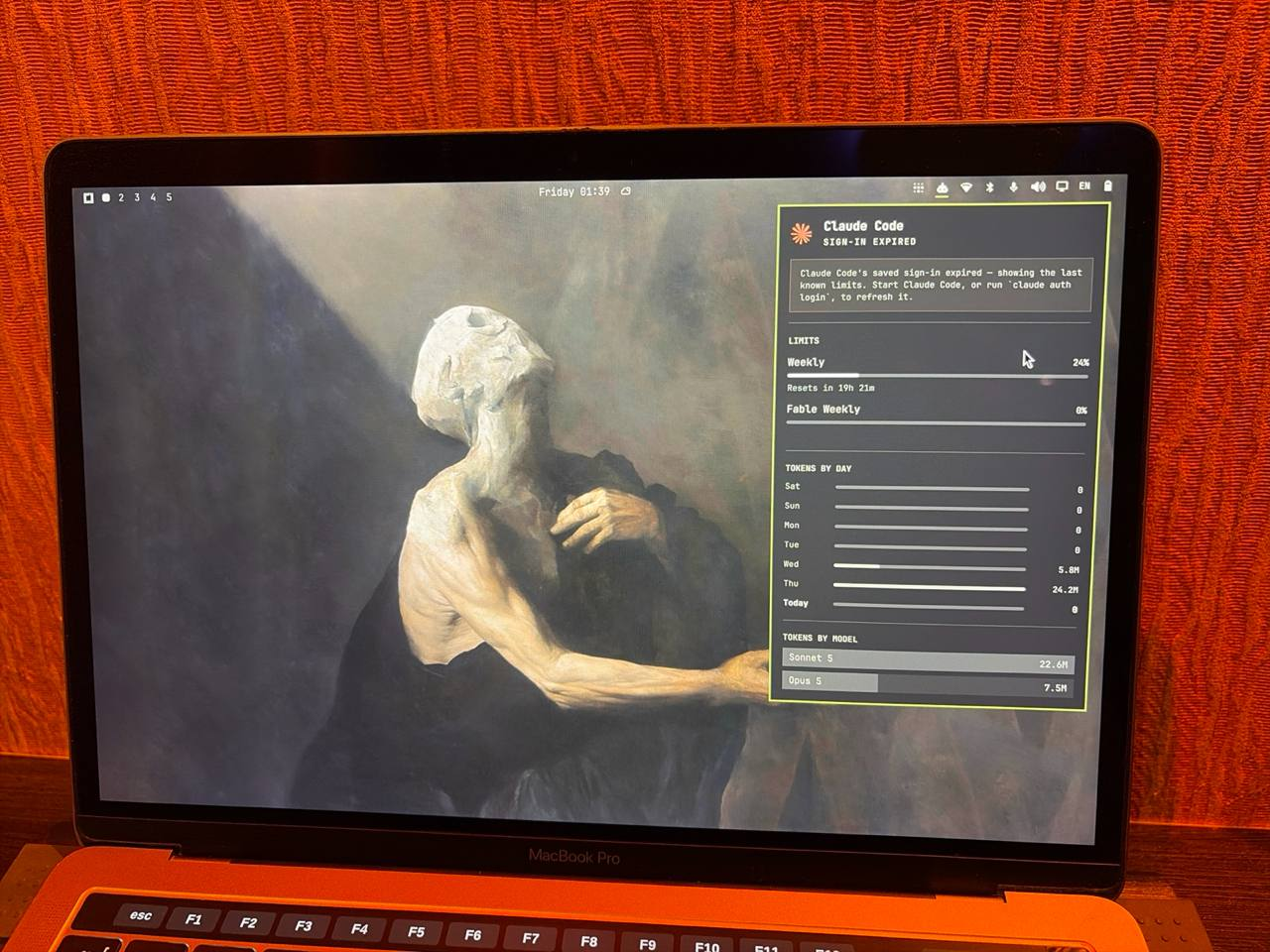
Interesting project from the guy behind Ruby on Rails. A good-looking Linux. It's built for agents and run entirely by agents, which spooks me right off, given how agents love to go read your secrets. Not clear how they deal with that.
People have been putting it on old Intel MacBook Pros, and from what they say, it runs faster than macOS.
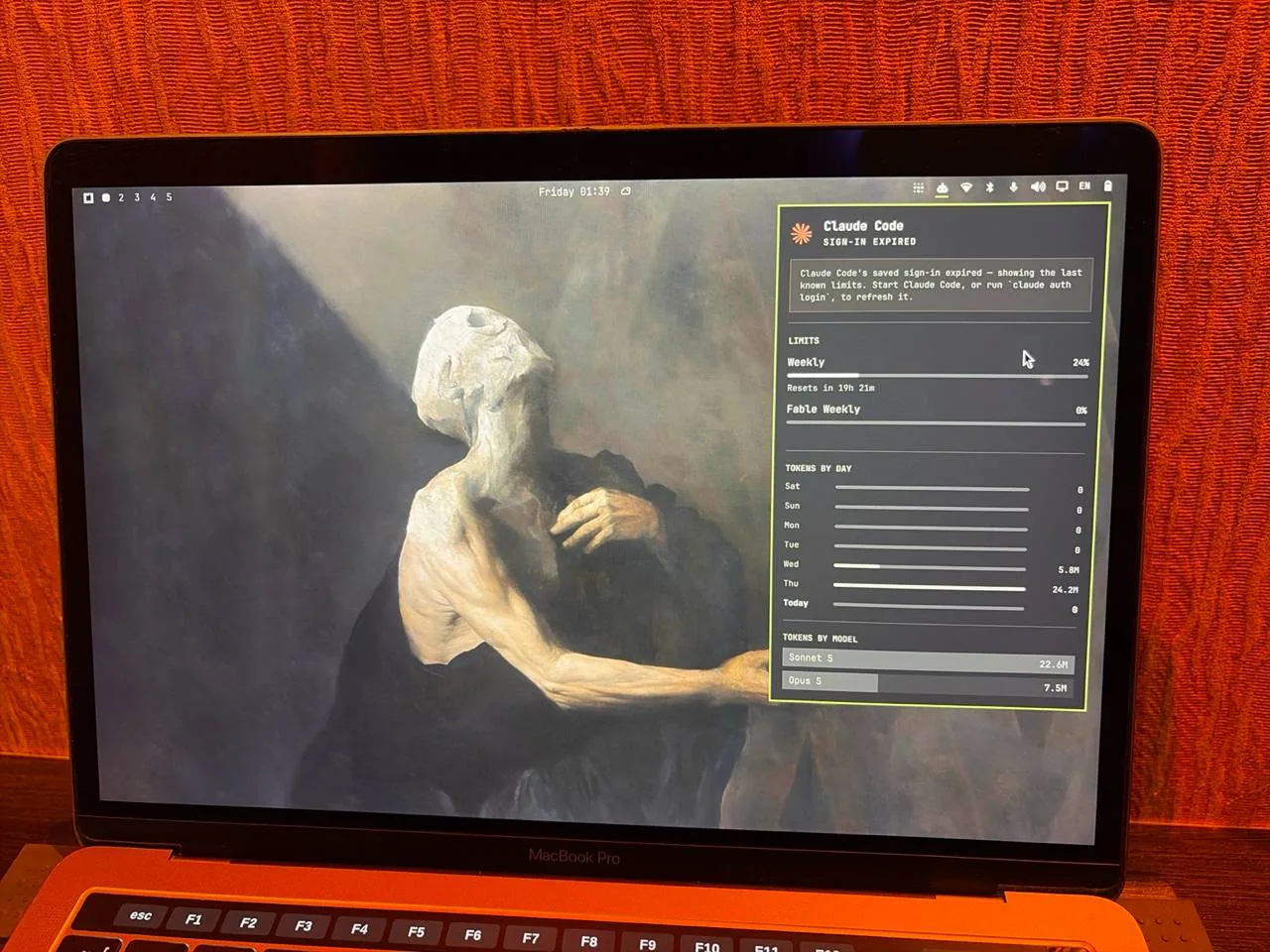
I haven't tried it myself yet. I've got an old MacBook too, but it's not near me.
What bugs me is that it's x86_64 only. I haven't had hardware like that around for a long time to even try it. I could emulate amd64 in QEMU, but that just sounds slow and pointless.
You can use asahi https://asahi-alarm.org, but it's experimental and only for old Macs.
There's a NixOS port: https://github.com/henrysipp/omarchy-nix (from an enthusiast). It's basically the same ideas and tools redone on NixOS, and it's got a shot at running on arm since it's just the same packages. Though some packages might not be there for arm.
Honestly, I'm thinking I'll try the set of software that comes with it rather than the distro itself. And you can install that software anywhere. I'll report back.
September 3, 2026
-
↗ https://github.com/numtide/llm-agents.nix
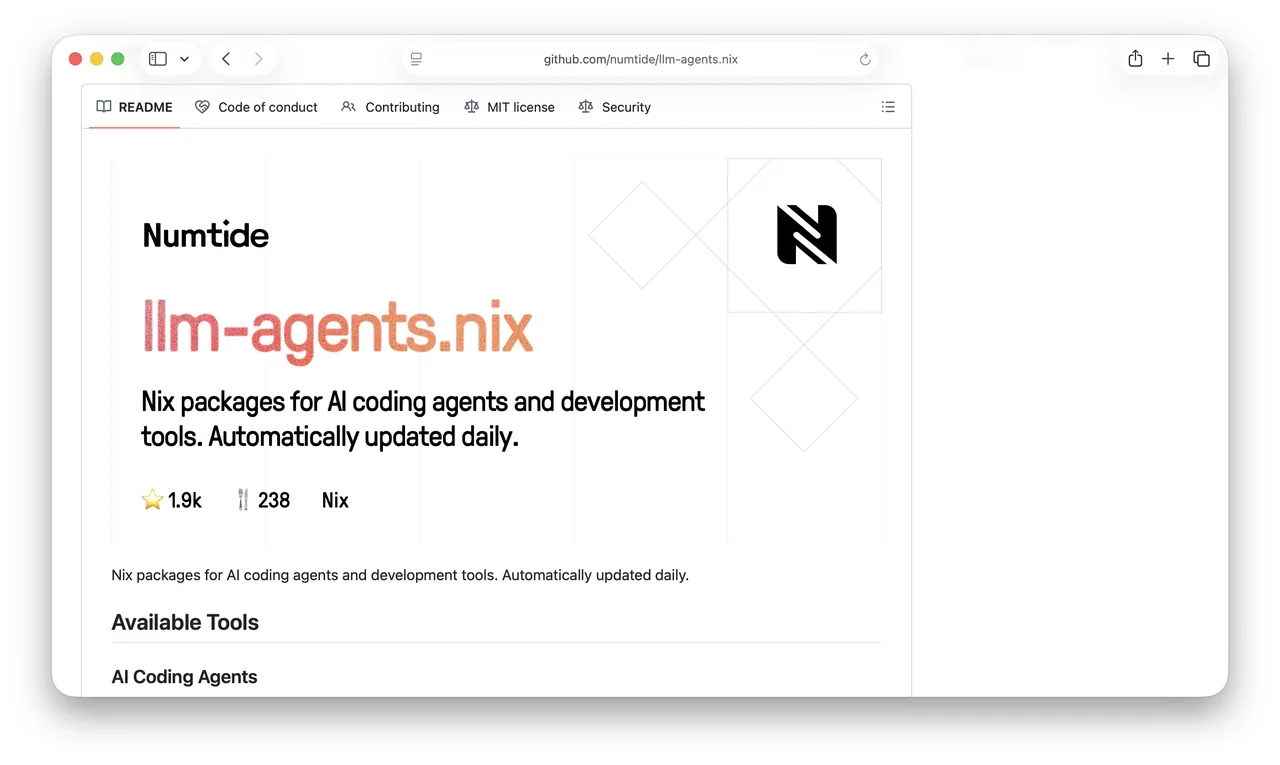
A huge, always-updated collection of LLM/AI tools.
Every tool ships with a Nix cache.
I use them as an omp cache, but I still drop by now and then to see what's new.
-
Once again I keep landing on the same thought: one way or another, the conversations with agents are the key artifact of this era.
From the logs you can pull out thinking patterns, mistakes, ideas. It's raw material for self-reflection. In the end, I believe the audit of the future is an audit of thinking, not of results (meaning a pull request should come with the log of the conversation with the agents).
It's important to start saving them as early as possible.
There are two ways to do it:
- Save the interactions with the LLM (LangFuse and the like)
- Save some kind of processed material based on the sessions
- Save the Claude Code sessions (or equivalents)
The first one: LLM logs are harder to collect. They don't have the agents' internal operations or the tool call results (or they do, but in a sanitized form). They'll also have duplication (since the harness sends the whole conversation every time), and you'll have to clean that up.
The second is the most obvious: ask the agent to save some summary, a digest of the sessions. It might work, it might not. The problem is that when you're collecting, you don't know how you'll use the data, so you can't guarantee you've collected everything you need. Maybe later you'll want some other kind of statistics.
So I lean toward collecting and saving all the Claude Code logs (or in my case omp, or whatever I use later). And not just the agents I talk to, but the ones my agents talk to.
The next question is how to store this data.
For a second I thought the communication platform I'm building on Discourse (or Buzz/Zulip) would be enough: https://andysmith.ai/2026/Aug/31/discourse-as-a-platform-for-an-ai-native-company/, https://andysmith.ai/2026/Sep/1/rethinking-the-vision-for-reflection-castle/
But I noticed almost right away that this is option 2. Only part of the work result makes it into the agent's comment, not all of it. So something gets filtered out, and that something might turn out to be really important later.
So I decided to just compress, encrypt, and drop the session files into R2 (since it's append only, I can just keep appending the files that changed since the last write).
This seems to echo the experience lake: https://andysmith.ai/2026/Aug/19/an-experience-lake-and-keeping-personal-data-safe/.
But it's not quite that either. The experience lake should hold only my experience, and the agents aren't only my experience (given that most of the agents are spawned by other agents, not by me).
So this layer needs to be separate, but it can (and should) be used to build the experience lake.
-
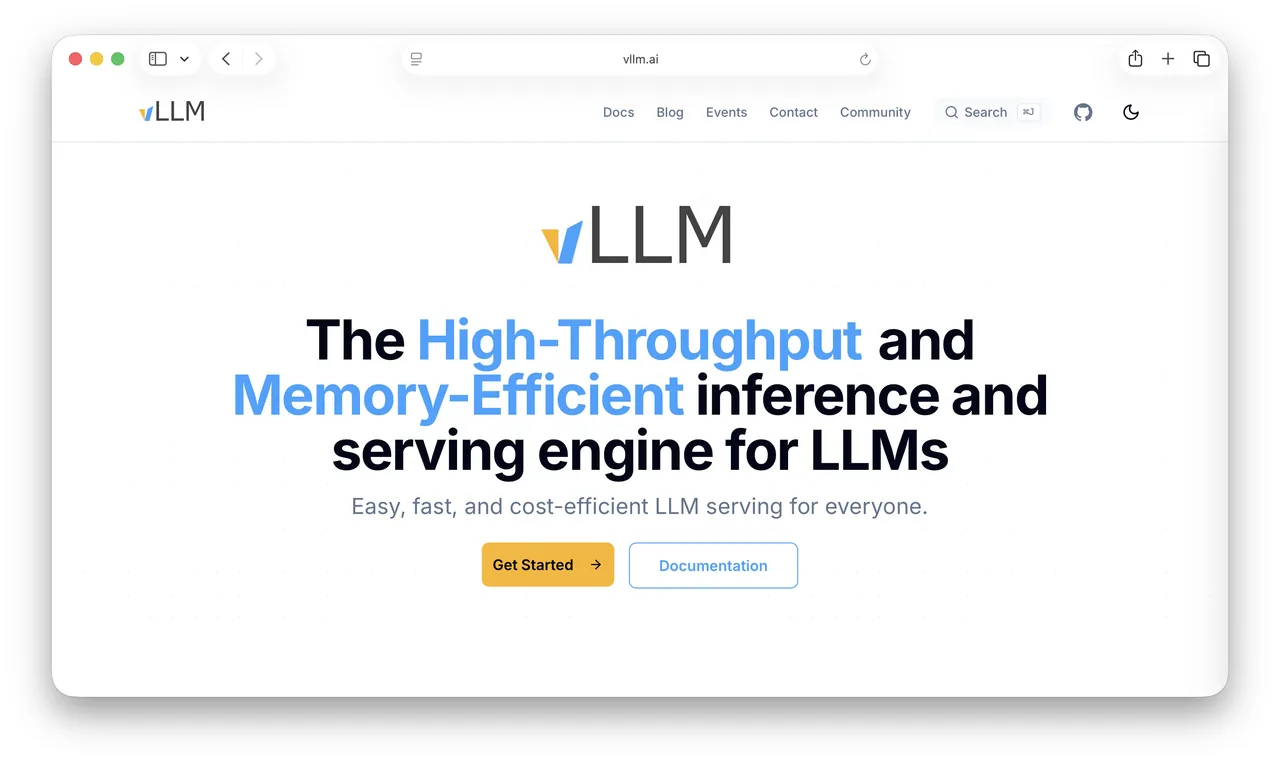
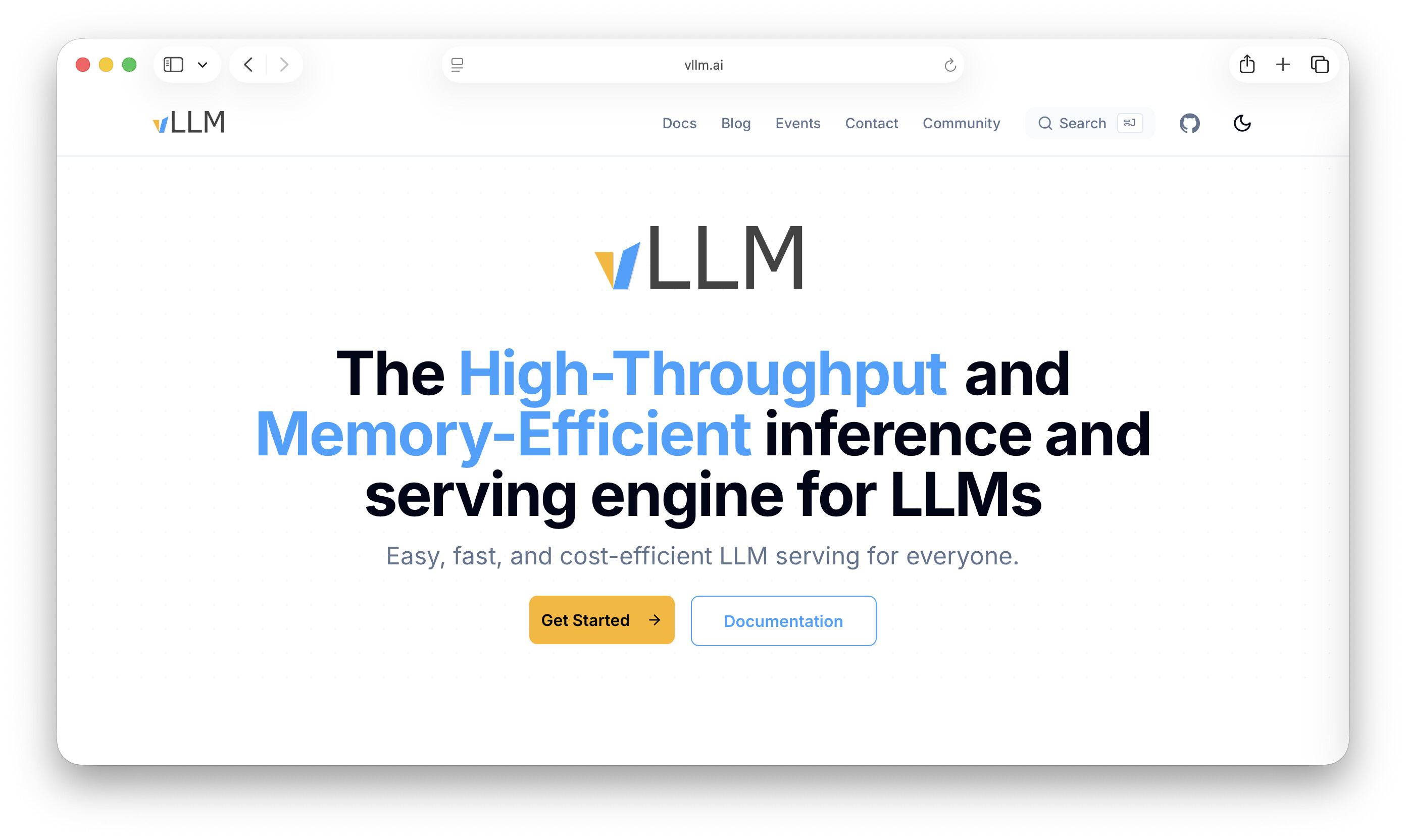
A toolkit for deploying LLM models to production.
It even does Apple MLX: https://github.com/vllm-project/vllm-metal
September 2, 2026
-
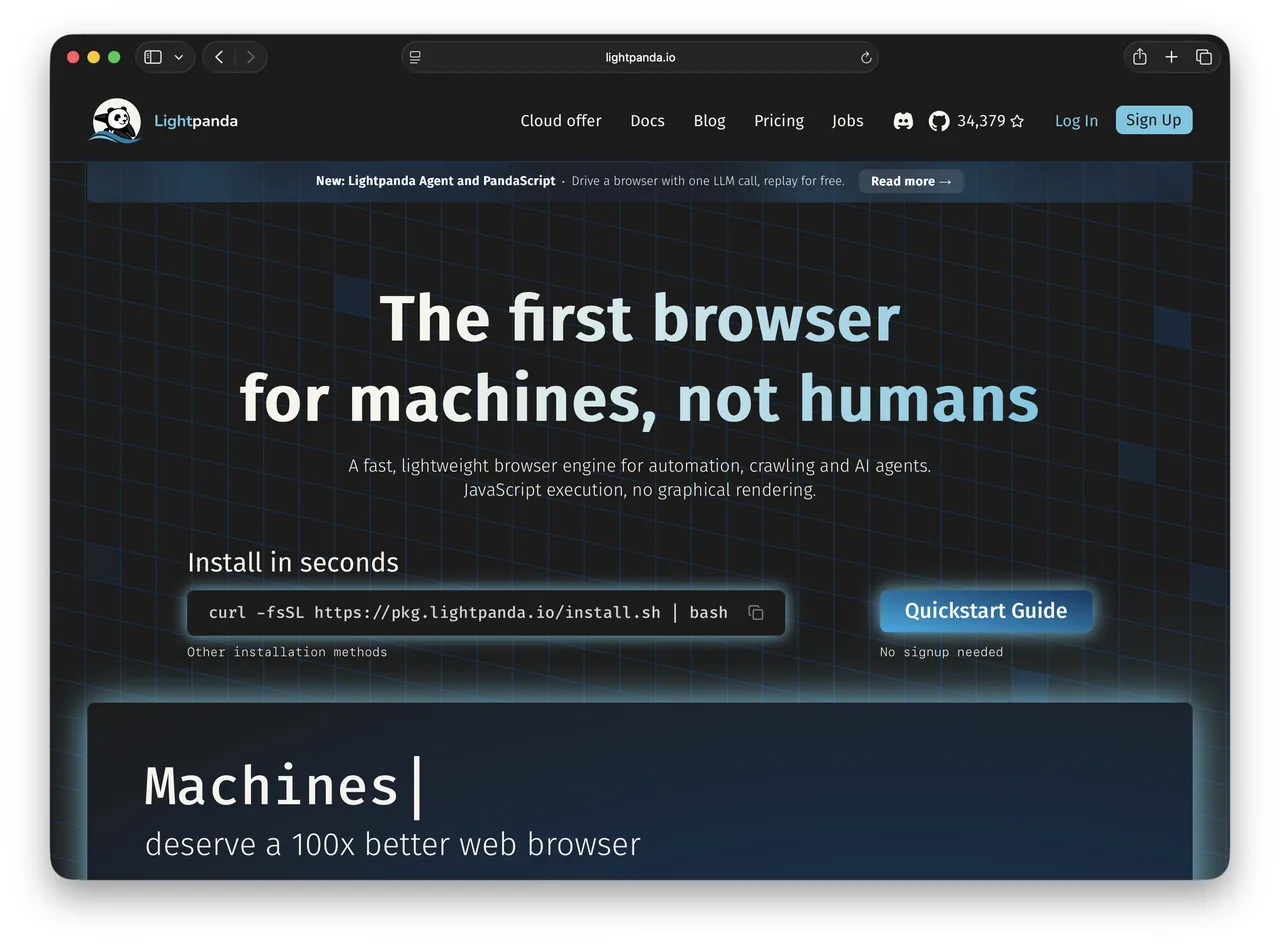
I needed to give an agent a way to run a browser.
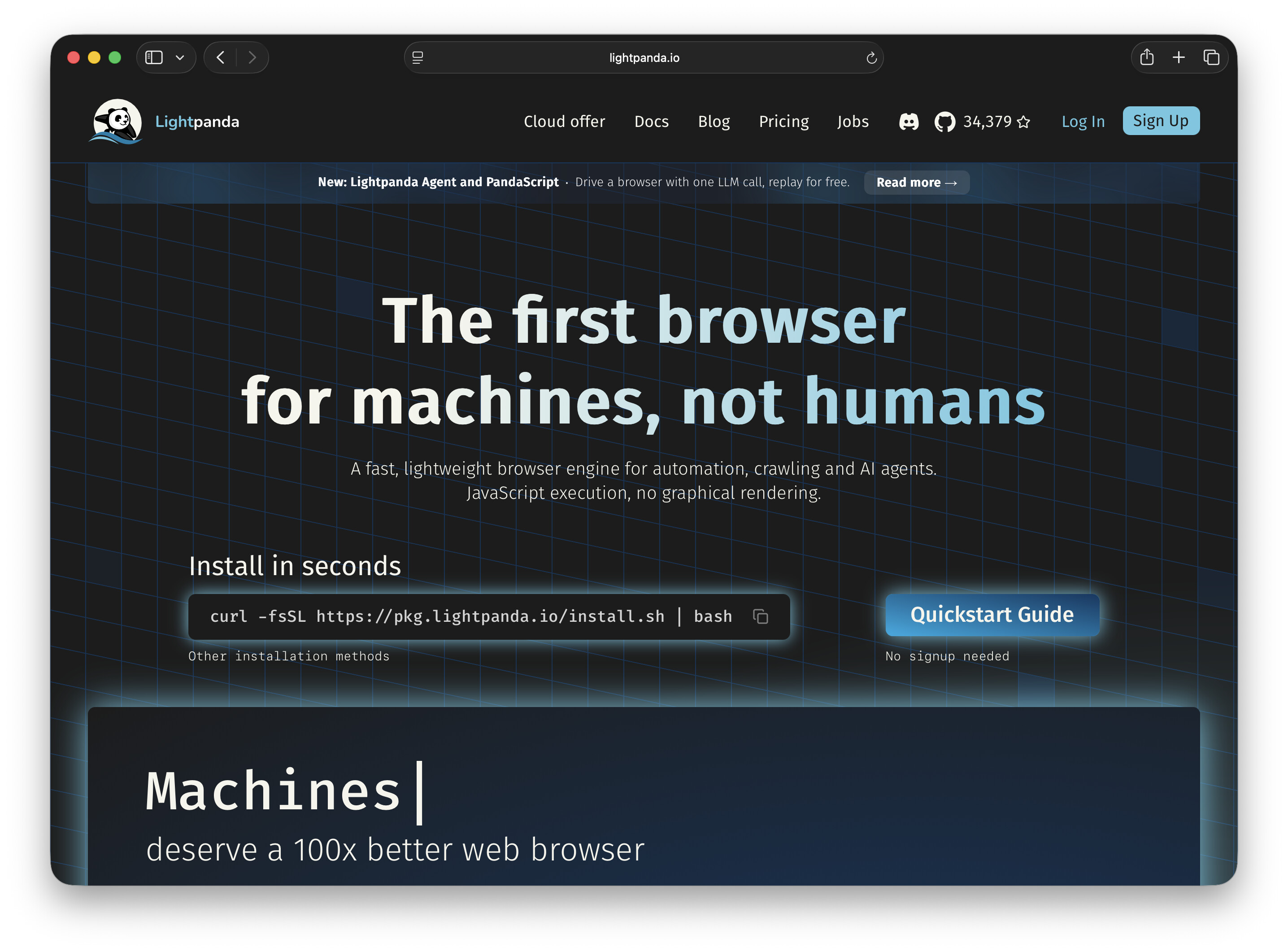
I'm trying out Lightpanda. The devs claim it's a lot faster than Chrome and uses a lot less memory. The final image is smaller too.
One problem: it can't take screenshots. I don't need that for what I'm doing, but I'll test it out in detail.
-
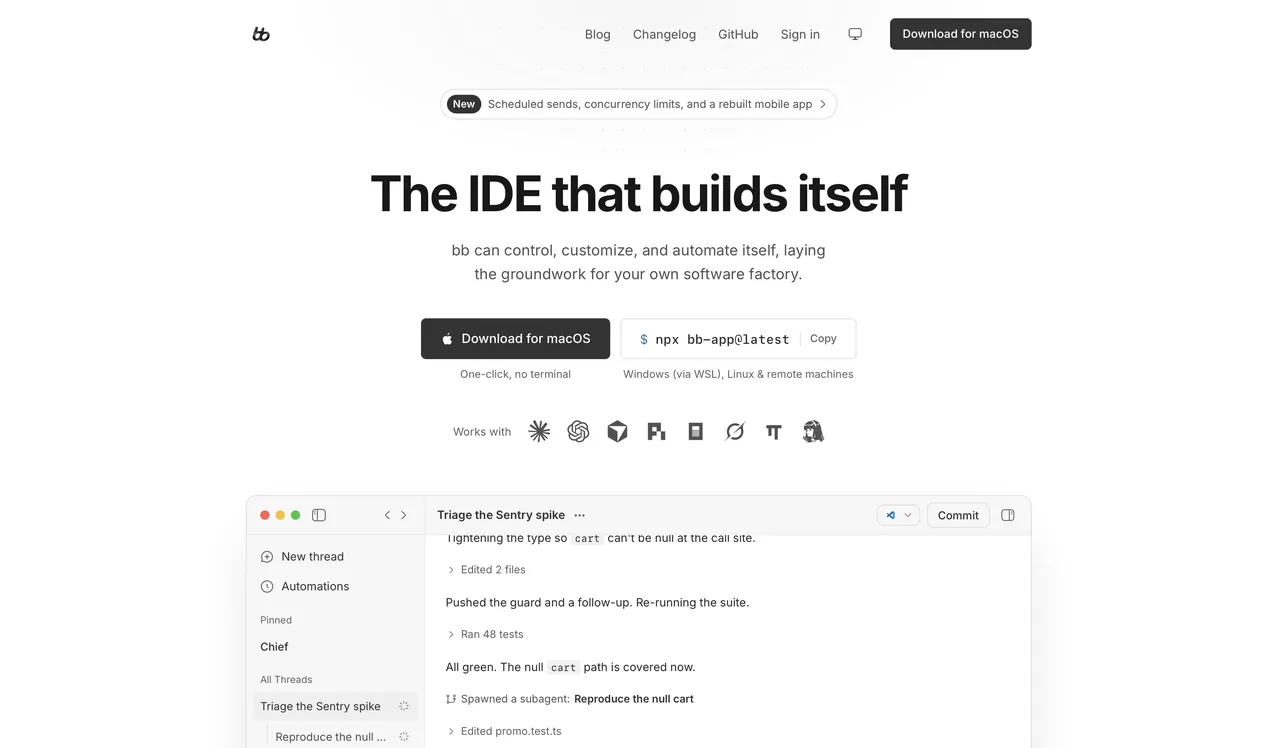
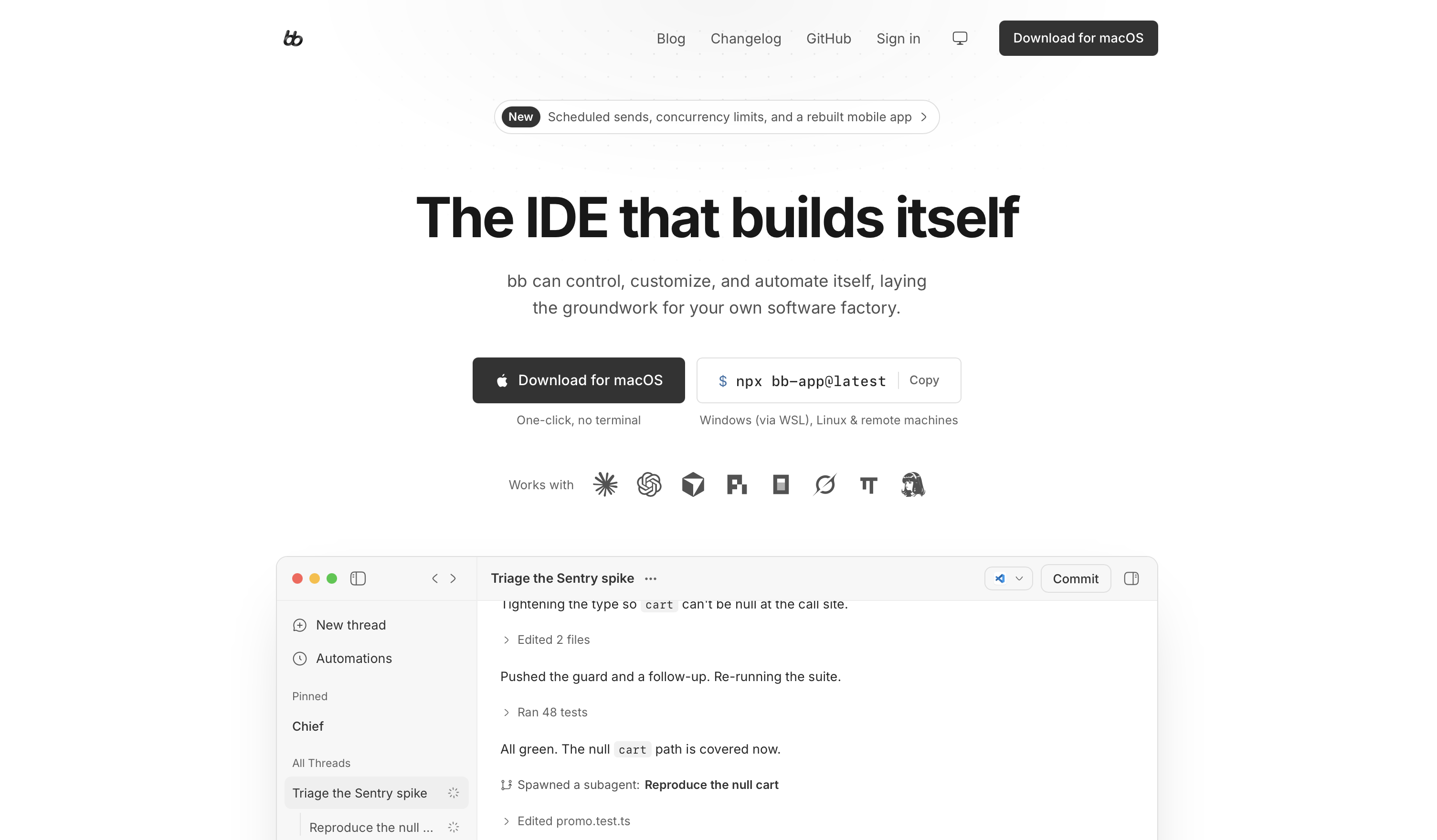
A harness that supposedly can modify itself.
Basically what I'm building in Zeno, but in NodeJS instead of Lisp.
It's fun to watch what comes out of projects like this (what use cases they cover) and then cover the same ones in Zeno, more elegantly.
-
↗ https://github.com/bitnami/sealed-secrets
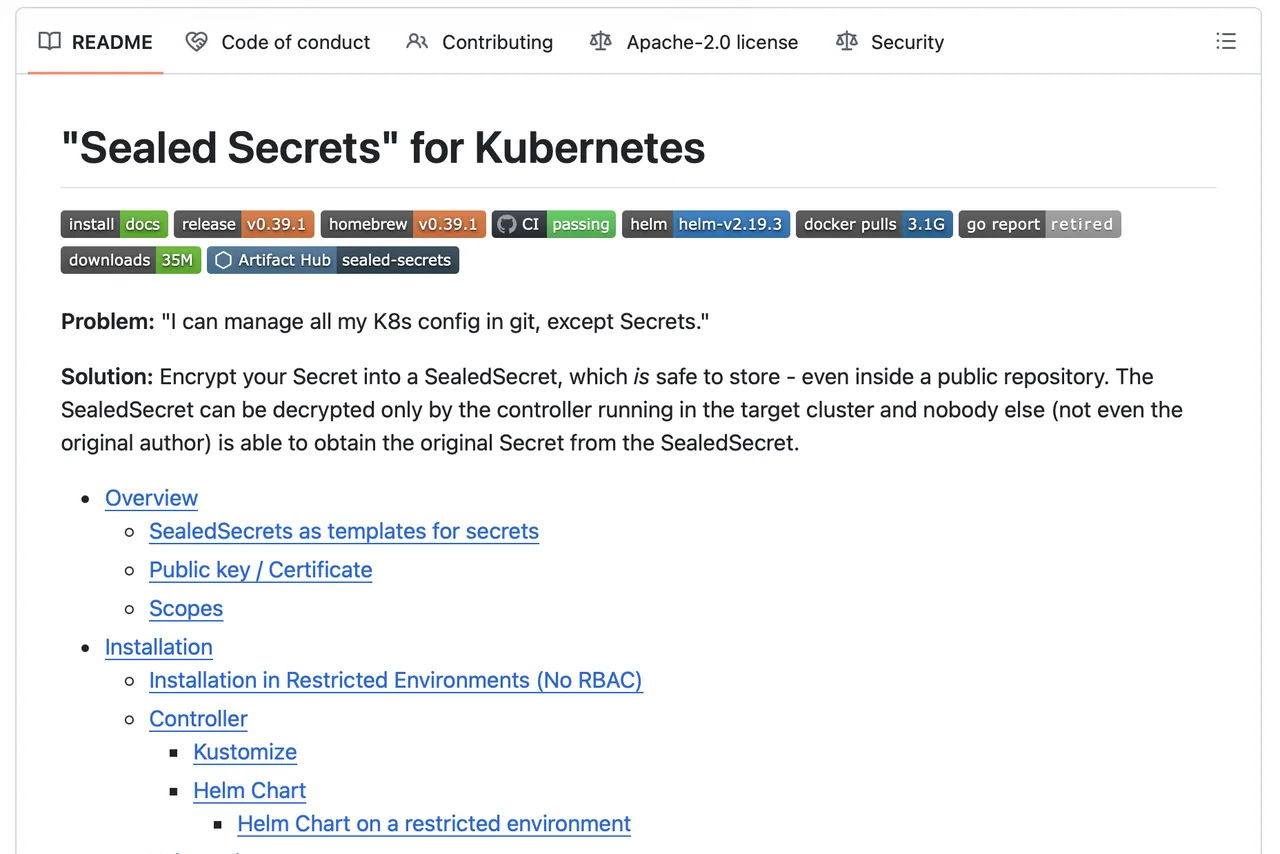
I use bitnami/sealed-secrets to deploy secrets to Kubernetes from sops.
That way I get one sops flow for both my NixOS secrets and my k8s secrets, all encrypted with age.
Lately though I've been looking at secretspec.dev instead. It supports sops as one of its backends too, so the migration shouldn't be hard.
-
I really don't like running third-party software and agents on my main work machine. I can't always keep close track of what they're doing, and that makes me not trust them.
So I keep the software on my work laptop to the bare minimum. Everything else runs in isolated environments.
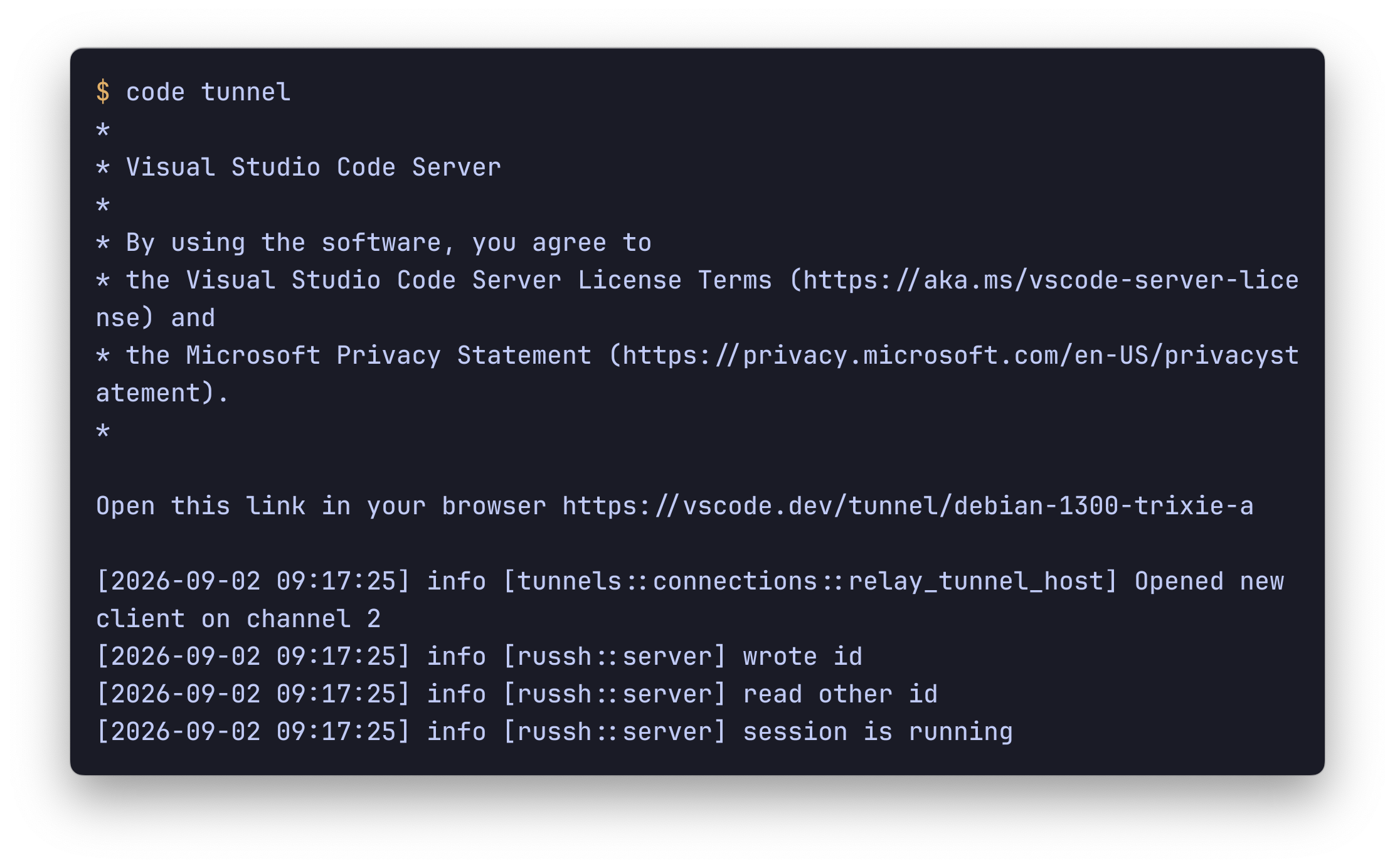
One thing I do is a remote devbox. It's an auction server from Hetzner running Debian (or NixOS). On it I run
code tunneland sign in through GitHub.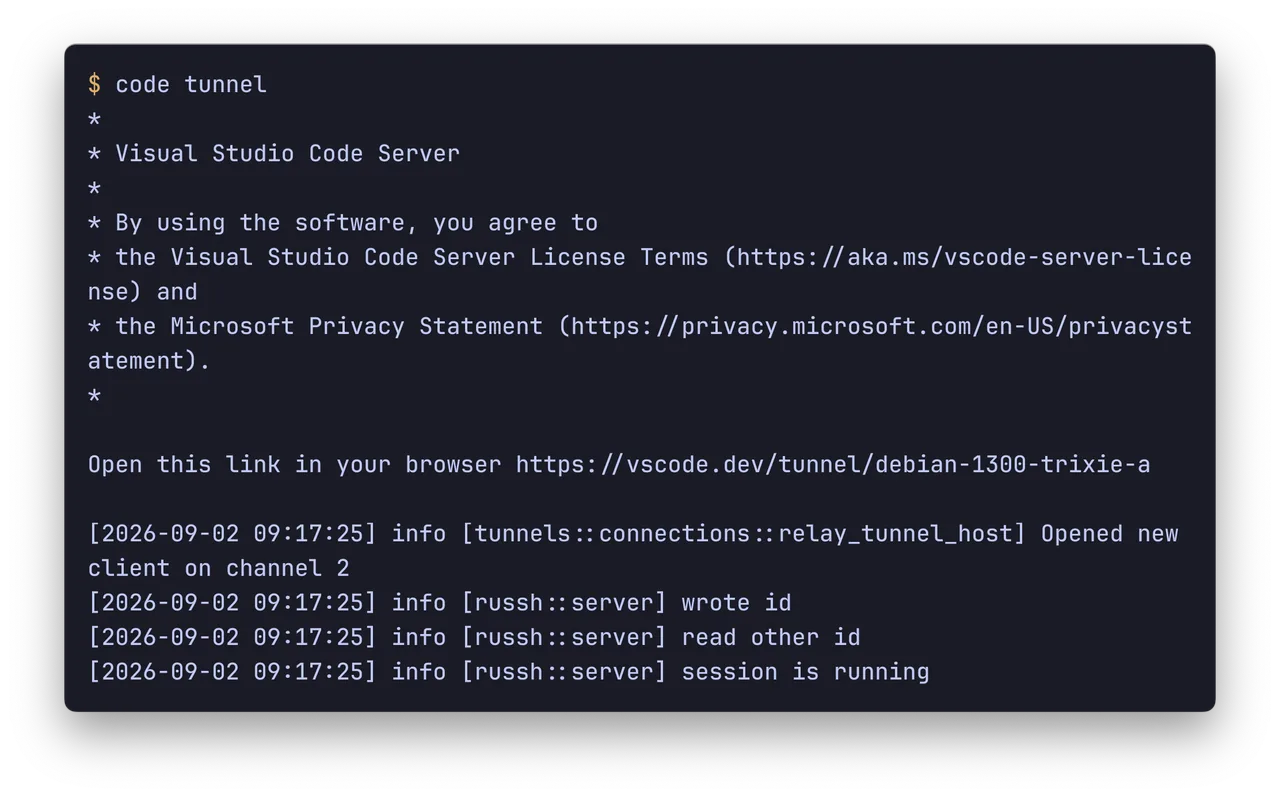
Then I open the devbox through vscode.dev in the browser, or through my local VSCode, and work with the code as if it were sitting right here.
I can connect from any device with a browser (haven't tried from a toaster, NetBSD won't build).
This setup works for me in every way except responsiveness. The Hetzner server is on the other side of the world, so the response time is really slow. For VSCode that's fine, because the lag only shows up when I connect and open files. But for console agents like Claude Code or omp it's incredibly annoying, because there's a delay on every keystroke (mesh and similar tools for speeding up ssh don't work in the VSCode terminal).
The second problem is that I can't work offline. But local models aren't powerful enough yet to handle 100% of tasks, so it's not really a problem. You need to be online to get anything done anyway.
September 1, 2026
-
An addition to the Castle architecture: https://andysmith.ai/2026/Sep/1/castle-architecture/
The agent layer is a repo that manages agents. But agents need access, and each one needs different access.
So how do you hand that access out?
When I add a new agent, at a minimum I need to:
- issue a token for the model
- register it in discourse/buzz/zulip, set its name and bio, and save the API key or token somewhere
- give it the right roles in discourse
- issue it a token for the repos (and at that point I need to know which ones)
- maybe give it some extra access (ssh, logs), if its role calls for it
I thought about describing all this declaratively, so that deploying an agent would create the secrets it needs automatically. Onboarding would just happen on first run.
But then I realized that's a mistake. Onboarding an agent is operator work, and it needs a manual check (especially when it means granting rights to irreversible actions).
So for now I'll keep creating new agents through a script in the agents repo, and I'll do it by hand.
Later on I might give some agent an hr role that can do this automatically for the simple, non-destructive ones.
-
I'm still rethinking Castle.
I'm working from the idea that this could grow into a product you can easily deploy yourself. Or that I could walk into a company, set it up for them, and keep maintaining it afterward.
A three-layer architecture is taking shape:
- Kubernetes infra. Usually this isn't part of Castle, because it's hard to standardize. One person has a slice of a server set aside for Castle, so we'll run everything in minikube/k3s. Another has a small k3s cluster. Someone else has GKE with a dozen nodes. In general we leave this up to the client and set it up separately. A working Kubernetes is a prerequisite for Castle (optional, see below).
- Citadel. This is where the agents keep their data. At a minimum it needs some communication layer and a place to store repos. It could be something self-hosted (say, Discourse/Buzz/Zulip + Forgejo), or it could be Github + Slack. This layer doesn't depend on the choices above. The self-hosted part could run in the cluster, or somewhere else, or you might not run anything of your own at all.
- The team of agents (I haven't come up with a word for this yet, I'll probably just leave it as agents). This is a set of agent descriptions (probably all in one repo, but maybe one per agent if that turns out to be handier). The idea is that every agent is described declaratively in one place, including its infra, secrets, access, and so on. It all deploys to the cluster (by default) or to microsandbox (msb).
I might put together a basic nixos config you can use for a minimal run, but it looks like each client will end up with its own set of choices, and so its own setup.
Right now I'm trying to deploy this for a real team (they happen to be short on hardware, so the agent cluster will have to share with other infra). As I go, the limits will become clear, along with what it has in common with what I built for myself yesterday. Based on that I'll figure out what to open-source and what to keep at the level of client-specific setups (and so keep closed).
-
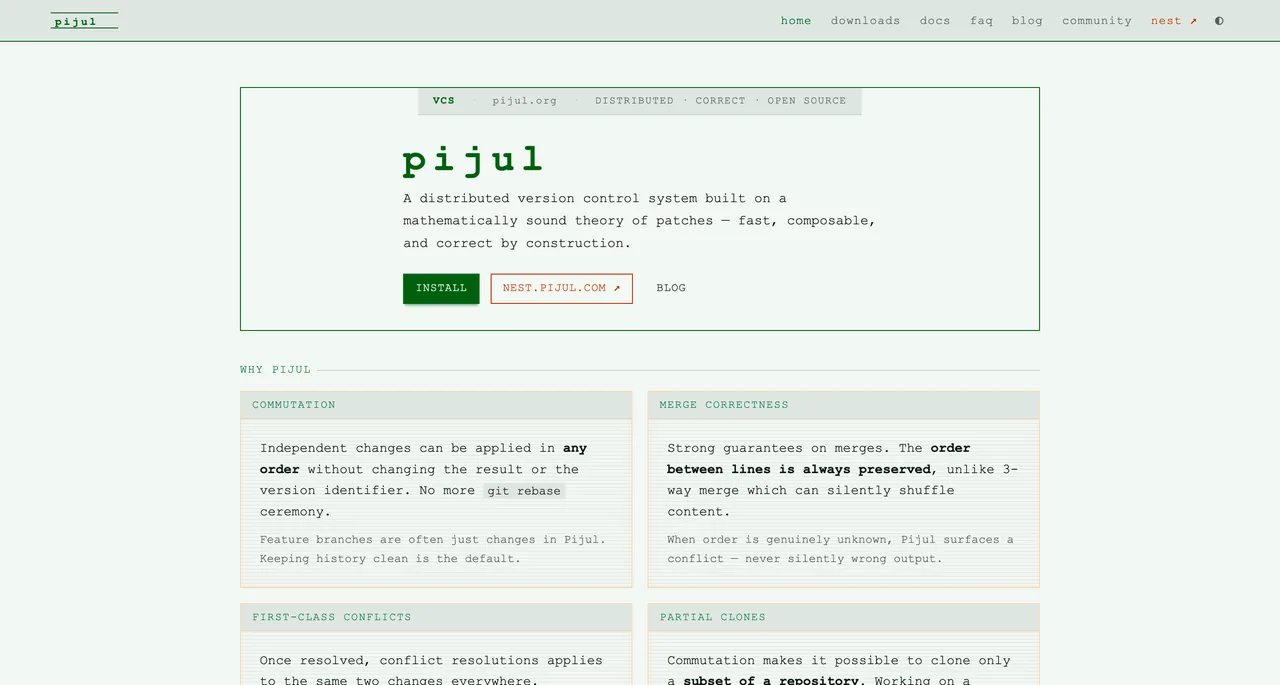
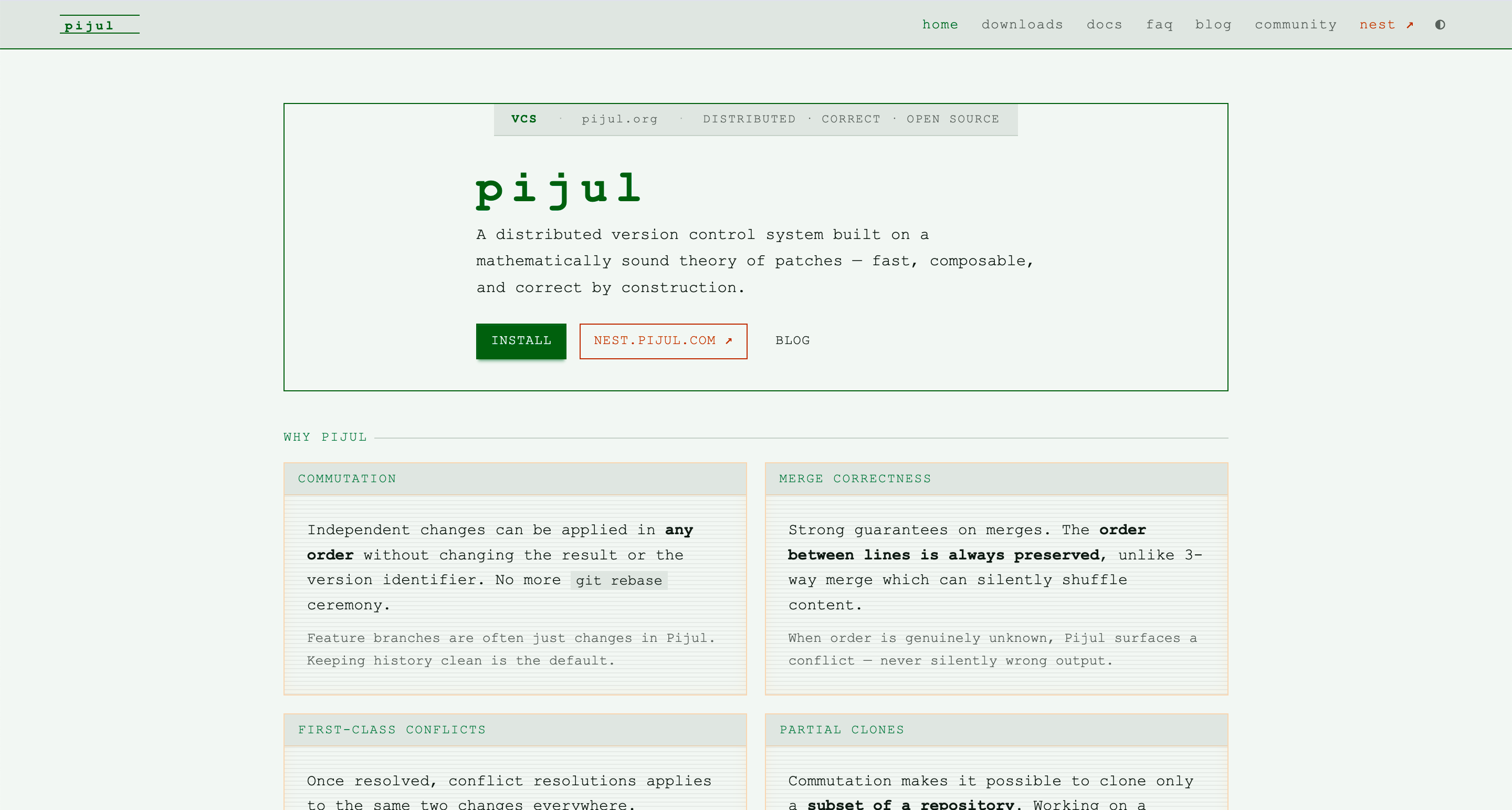
It's a version control system, an alternative to git.
I looked at it while hunting for somewhere to store the experience lake, but it didn't fit.
Still, the tool is interesting in its own right. As a production replacement for git it's a no-go. The adoption and the ecosystem are just too small.
My interest is purely academic, a fresh take on version control. It works with changes (patches) rather than states the way git does, so merging is a simpler operation than it is in git.
I'll have to try it out to see how exactly that plays out in everyday work.
-
I'm building Reflection Castle as "a home for agents and people (tower), plus infrastructure for communication and for storing code and docs (citadel)". All of it ran on NixOS or Nix-Darwin.
The plan is to ship an open-source solution you can drop into any team and have running fast, and to sell support on top of it for people who don't want to figure it out themselves.
Partway through, I changed my mind about running all the Citadel components as NixOS oci-containers. It's easier to use NixOS just for the K3S cluster and roll everything else out with Flux.
That keeps Citadel portable. You can run the whole thing on GKE with no changes, for example.
I'm also leaning toward rethinking Tower. I used to plan on the devbox pattern for people and agents, where everyone, human or agent, gets their own dev space on a remote server. I'm dropping that now. Isolation at the user level just isn't reliable. Users can see each other's open ports. So I want to pull the human devbox-tower out of Castle. Human users can set up their own workspace and make their own calls, they're adults. For agents I'll either use https://github.com/superradcompany/microsandbox or run them in the same cluster, depending on what hardware a given team has.
That turns Castle into an AI-native platform, Reflection's core product: a place where people and agents talk to each other as equals.
So it needs two layers. NixOS for the infrastructure (bare metal for now), plus k8s manifests to deploy into any Kubernetes. The job is to make both reusable and public. Starting now.
August 31, 2026
-
After trying out Buzz (https://andysmith.ai/2026/Aug/21/buzz-a-hive-mind-communication-platform/), I realized the idea is really cool, but the implementation is still a bit raw.
Buzz as a messenger just didn't click with me. Glitches pop up here and there.
Meanwhile I've had Discourse running for a long time. I write all my blog posts through it, and the whole time I've used it, I've only had good things to say about it.
So I decided to move the Buzz agent idea into Discourse. Here's what came out of it:
- https://github.com/discobrain/discourse-acp, a tool that polls Discourse and calls the agent over ACP, and posts the answer back to Discourse.
- https://github.com/discobrain/discourse-mcp -- an MCP for Discourse. I had the agents rewrite the default @discourse/mcp and tweaked it a bit (for example, it didn't have likes). You don't really have to use it, and I might drop it down the road.
- https://github.com/discobrain/discourse-acp-sandbox -- a template for running the agent on NixOS. You can go without it, but it's more convenient for me.
So far I'm only trying it on my own home tasks. My home infra has a team of exactly one, me, so I can't say anything about how it works in practice yet. But tomorrow I'll try setting it up for a team of a few people, and that's where all the upside should show.
From what I can see so far, it already wins over Buzz for me on at least two things:
- Post length. Discourse has a big input field, and that pushes you to write multi-line text. (Maybe it's just me, but ever since the ICQ days, chat interfaces make me panic when I hit Enter: somewhere you press Shift, somewhere Ctrl to move to the next line. I'm always afraid I'll send a half-finished message by mistake instead of starting a new paragraph. So my chat messages are one-liners. And of course that pattern carried over to the agents.)
- Being able to edit old messages. That lets you use the tool not just for discussion but for building up information, something like a wiki/docs/navigation layer on top of the posts.
P.S.: This isn't a copy of Discourse AI bot. Bots in Discourse run inside the Discourse process, which fits better for admin tasks, Q&A, and automating replies. My approach is about plugging in dev and ops agents that can go do things out in the world, with Discourse as the communication platform.
-
The idea: I write my agent's logic in Lisp, using primitives like (say "message") and (ask-y-n "question"). The interface for talking to the user, those same say and ask functions and maybe a few others, can be overridden by the user or shipped as plugins.
Some people like to work by voice, some through Telegram or WhatsApp or whatever else. Easy. Just override the functions you need.
You could standardize this set of functions and call it something like HAI (Human-Agents Interface), with reference implementations for different tools that you can reuse. Really, an LLM only needs a couple of interfaces to a human.
I'm curious to see where this goes as neural interfaces get better.
-
Instead of relying on chat context and separate frameworks for long-term memory, I'm testing a way of building software based on the reconciliation pattern from Kubernetes.
The idea is to read as little of the AI's output as possible while keeping the quality of the development process, and ideally improving it.
Here's how it works. Our team discusses a project in buzz. The agents don't write code right away. Instead they update the project's documentation as if the features we want were already built, and they give us links to the updates.
We read the docs and judge how well the agents understood our decisions, and give feedback when we need to.
So the first stage of reconciliation is that the docs are always kept in sync with the discussions. Changes go in at the same time as the discussions.
Keeping the docs and the code in sync is handled separately. Any change to the docs leads to a change in the code. Since the docs have already been reviewed, the code should match what's described in the chats too.
The idea is to not look at the code at all. To have the review and the fixes happen entirely through the docs, done by the agents. This assumes the docs are complete and unambiguous enough, but that's almost never true, so the process isn't perfect yet.
August 26, 2026
-
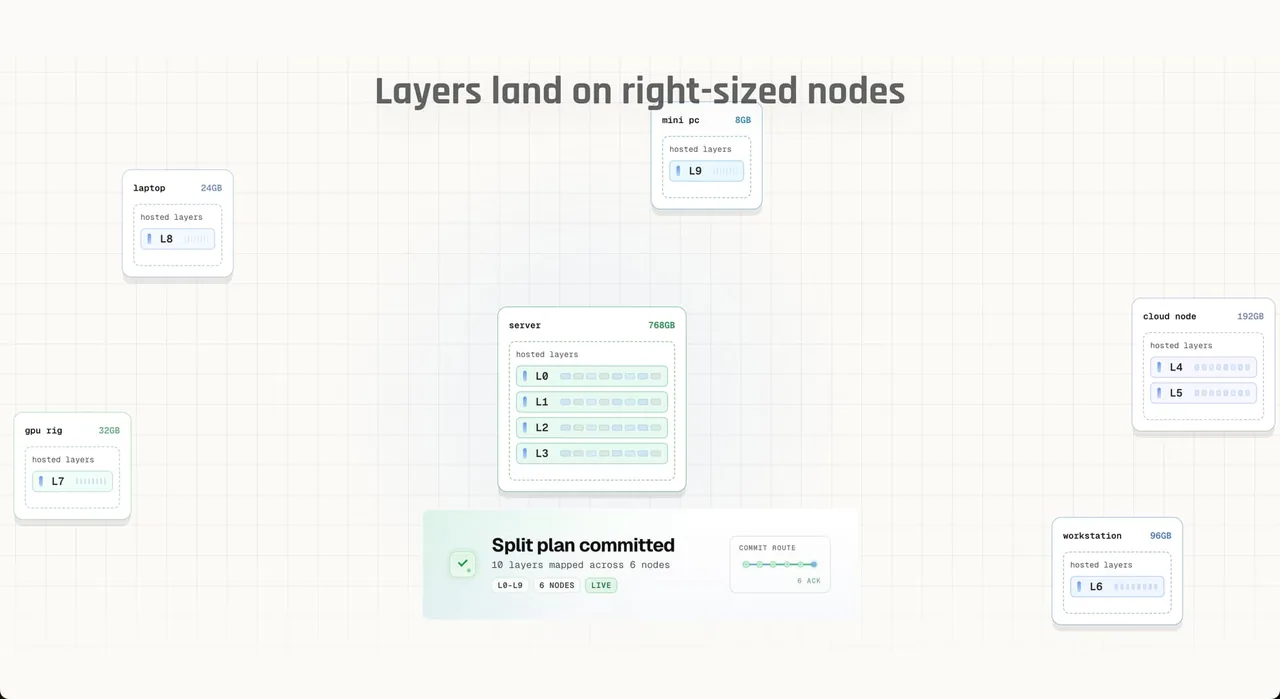
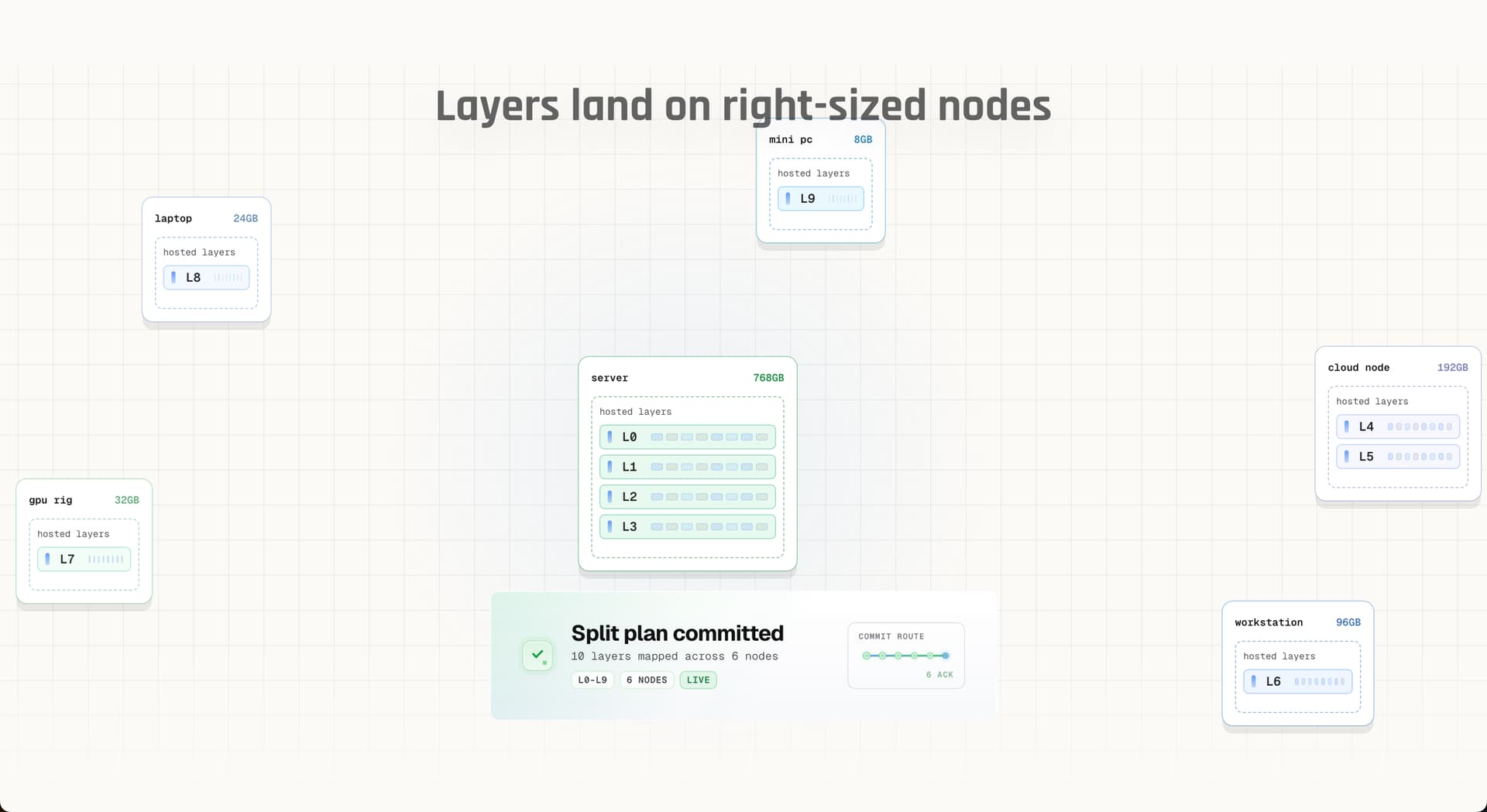
A tool that links several machines into one network and shards a big LLM's inference across multiple devices.
Buzz uses it to build Buzz Mesh.
Handy when you need to run a model that won't fit on a single device.
-
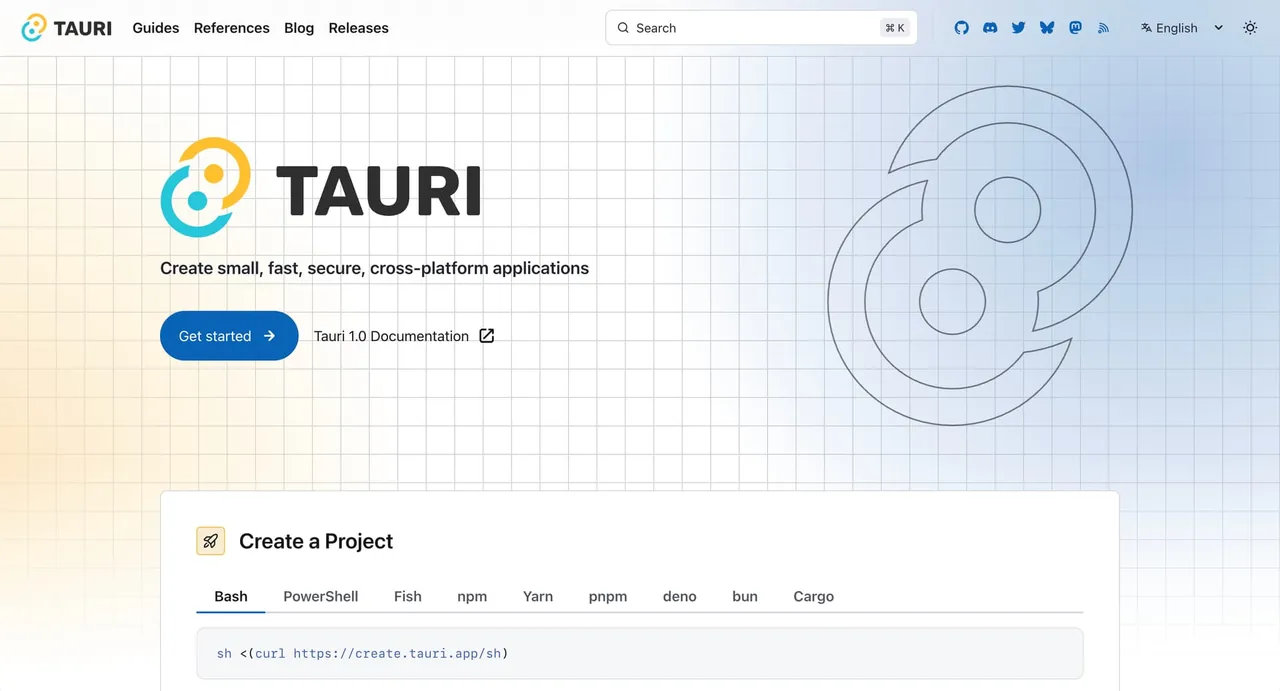
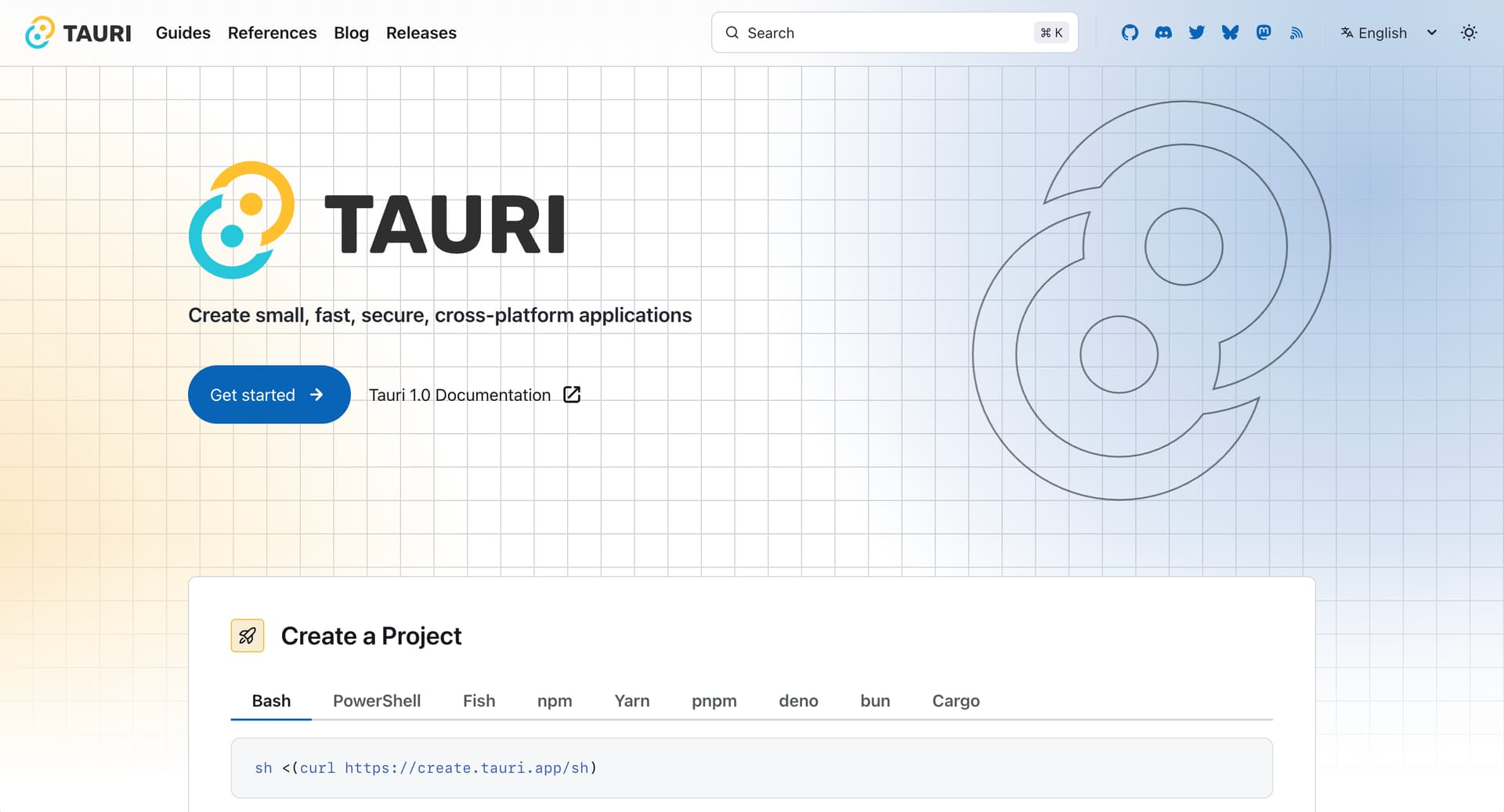
Tauri is a tool for turning web apps into desktop (and mobile) apps. It's an alternative to Electron.
The upside is size and speed. Tauri doesn't ship Chrome and a whole runtime with every app. It uses the system WebView instead.
One important difference: the backend (the local part of the app, not a remote one) is best written in Rust. You can wire in other languages, but it costs you performance. For most little apps you don't need a specialized backend anyway, so JS/TS is plenty.
I ran into Tauri while poking around Buzz, which uses it for its desktop (and mobile) app.
Looks like 1Password uses Tauri too (at least they're listed as a sponsor on the homepage).
It does feel genuinely faster. I didn't compare resource usage, since comparing different apps isn't really fair.
-
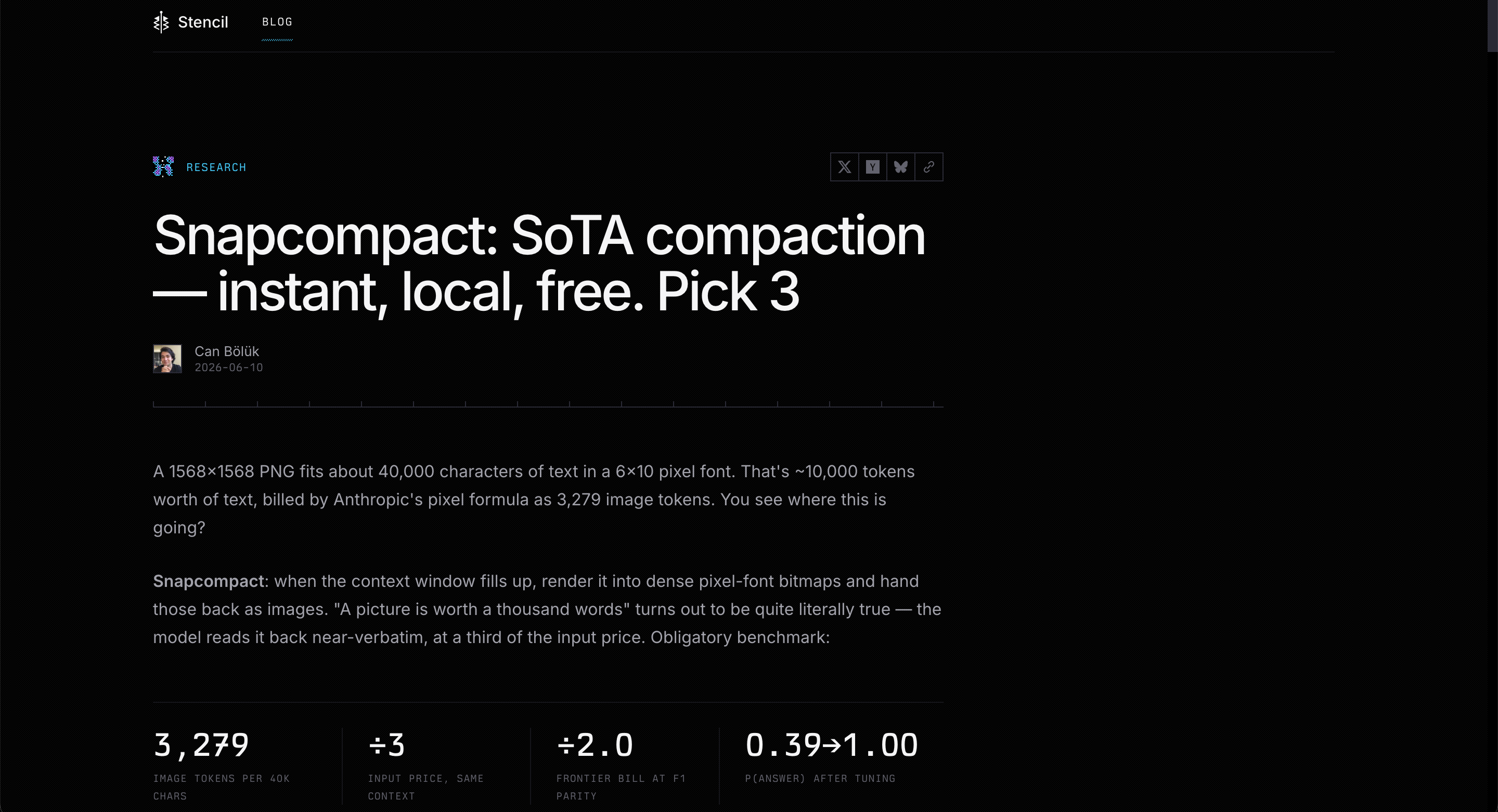
↗ https://stencil.so/blog/snapcompact
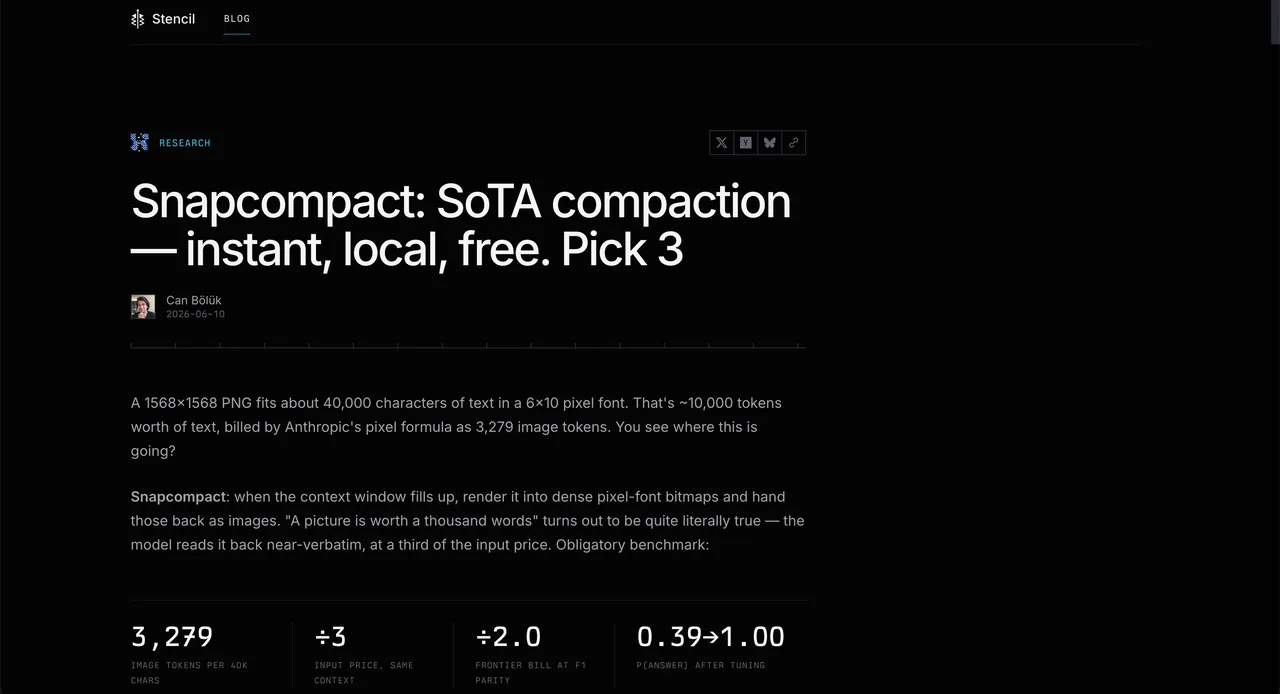
A clever way to get context into a model while spending fewer tokens on it.
The idea: instead of the text, you hand the model an image with that same text written on it in a tiny font.
Get the font settings right and you save a lot of tokens, with quality that holds up.
-
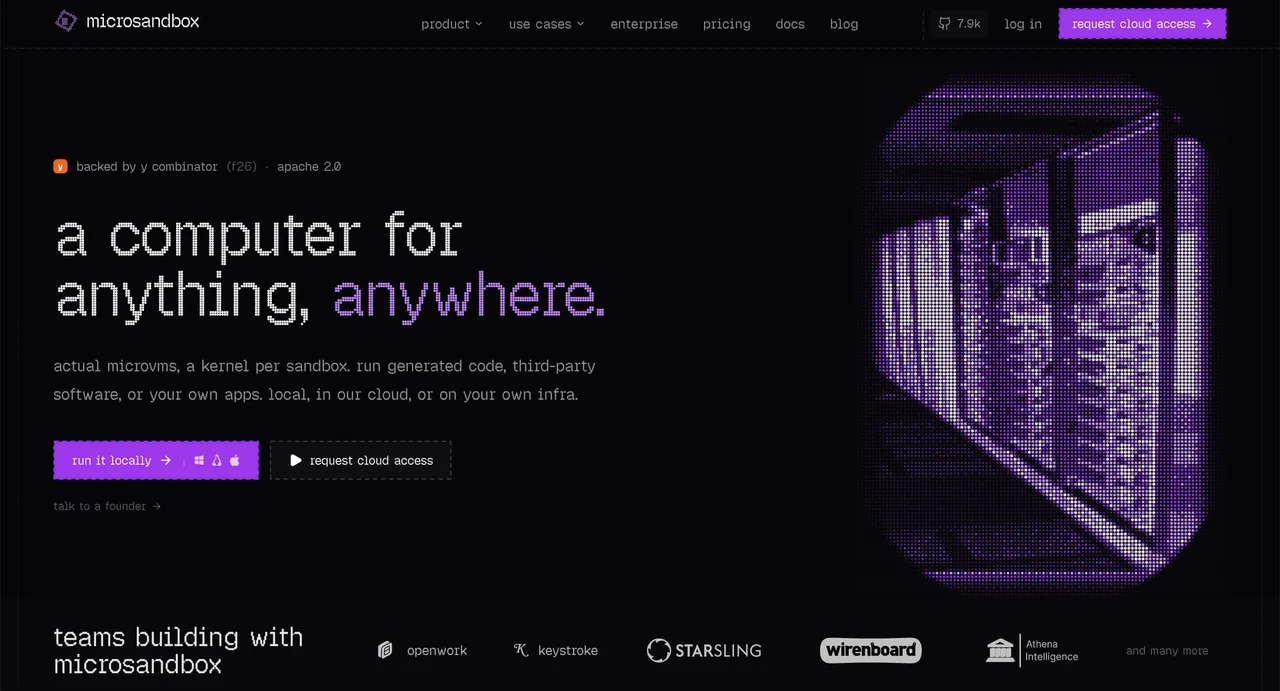
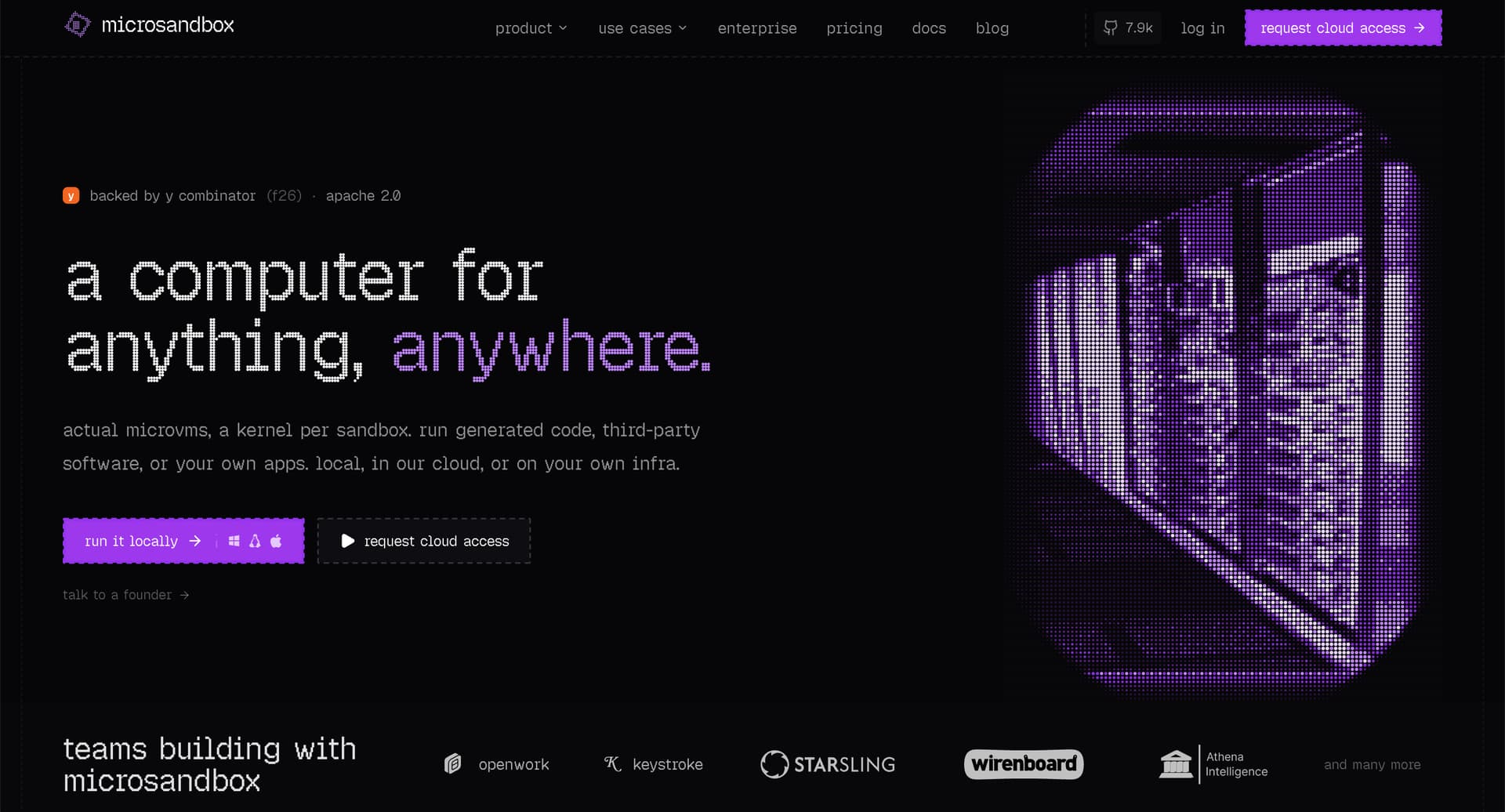
Microsandbox lets you run OCI images in a microVM. It works on Windows, Linux, and Apple Silicon, and you don't need Docker.
You can script the whole VM launch as code.
So for each agent, and even for each task on its own, you can build an image (with Nix or a Dockerfile), run the agent in it, do the task, and kill the machine.
As long as the task is straightforward, it all runs instantly. The moment you need to tweak something in the environment, you have to rebuild the image. That takes a bit longer, but you don't rebuild often, so it's no big deal.
-
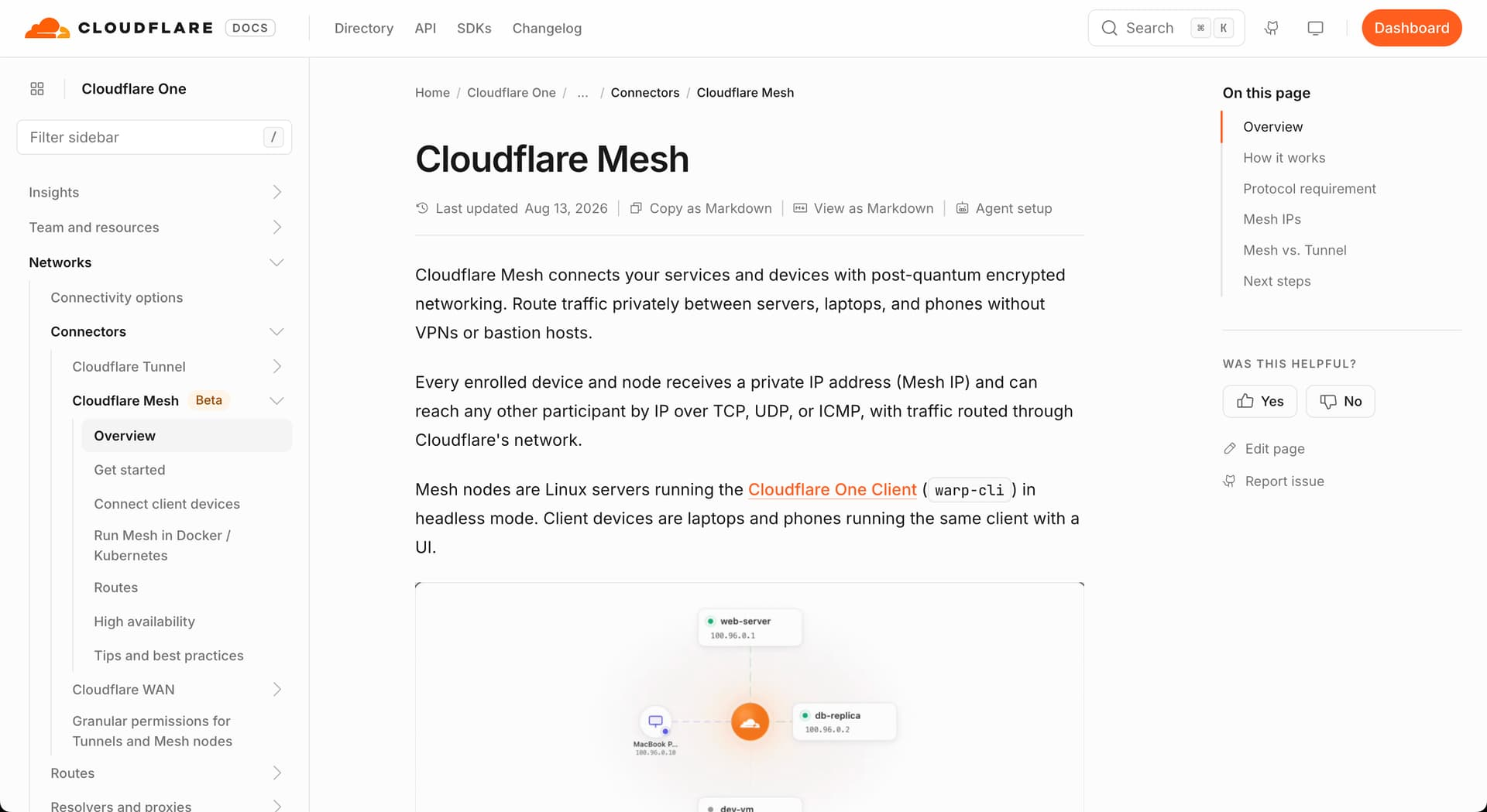
↗ https://developers.cloudflare.com/cloudflare-one/networks/connectors/cloudflare-mesh/
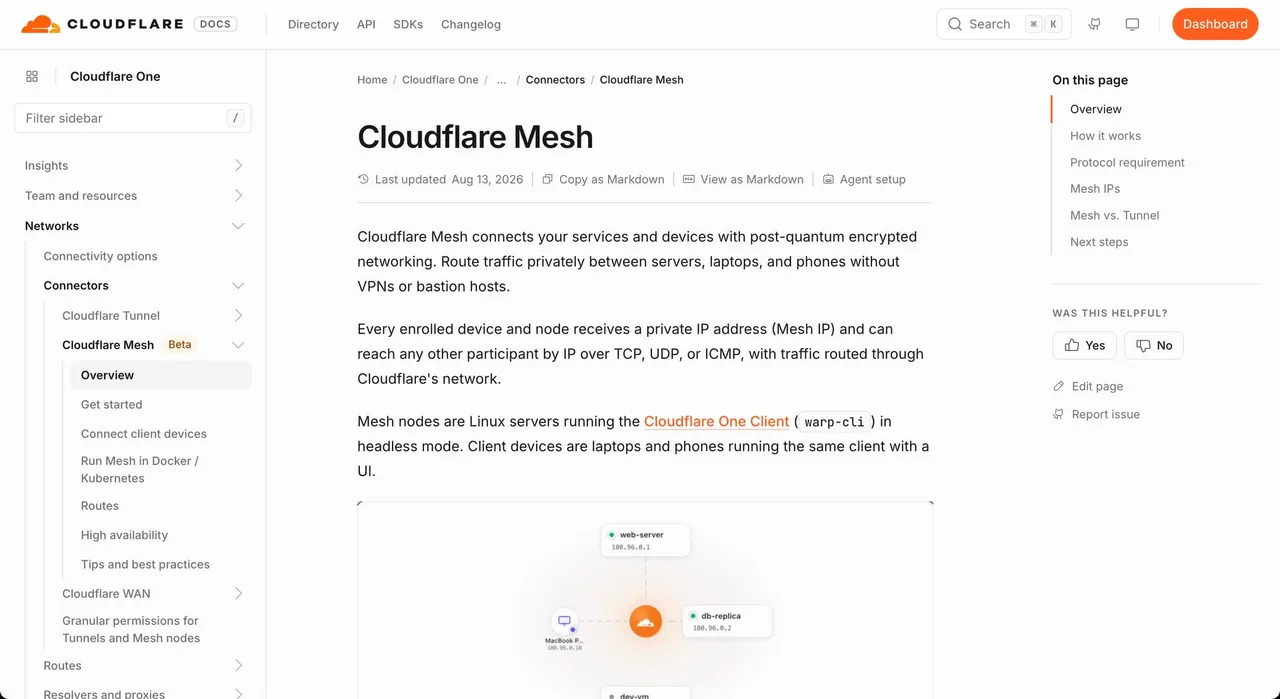
Cloudflare Mesh could be a decent replacement for Tailscale.
Cloudflare is already on almost every site anyway, so using it to protect your internal infrastructure makes sense.
But that raises the stakes too. If someone breaks into Cloudflare, they get access to everything, including your internal infrastructure.